Author: OutreachCompare Team

  • Reply.io Review 2026

    Reply.io Review 2026

    Best for multichannel outreach with an AI SDR: Reply.io

    Run email, LinkedIn, calls, SMS and WhatsApp from one sequence, find prospects in Reply’s built-in B2B database. And let Jason, the AI SDR, handle replies and book meetings. Plans start at $59 a month, with a 14-day free trial. This Reply.io review covers its pricing, its multichannel sequences, its AI SDR. It also shows how it compares with Klenty, Instantly and Saleshandy.

    Visit Reply.io → Jump to the comparison table

    If you run outbound sales, you have probably felt the same frustration every growing team feels. One tool sends the emails, another handles LinkedIn, a third holds your prospect list. And a fourth is supposed to warm up your inboxes. Before long, your sales reps spend more time switching tabs than talking to buyers. That is the problem Reply.io sets out to solve, and this Reply.io review looks at whether it actually does.

    Reply.io is a sales engagement platform that brings email, LinkedIn, calls, SMS and WhatsApp into a single sequence. It adds a built-in B2B database, email warm-up, deliverability tools and an AI SDR called Jason that can prospect, write and answer replies for you. In short, it aims to be the one place where your whole outbound motion lives, from finding a prospect to booking the meeting.

    Reply.io review: what this review covers

    That promise sounds good, and for many teams it is genuinely useful. Yet Reply.io is not the right pick for everyone. Its pricing is per user, so costs grow with headcount. And its most talked-about feature, Jason, starts at $500 a month. A solo founder sending a few hundred emails a week may get better value elsewhere, while a sales team of five that lives across email and LinkedIn may find Reply.io saves them real money and real time.

    So in this Reply.io review, we walk through the platform step by step. You will see what it does, who it suits, what each plan costs, which features matter most, and how it stacks up against Klenty, Instantly and Saleshandy. Everything about features and pricing comes from Reply.io’s official pricing page, checked on 15 November 2026, so you can trust the numbers you read here. And because we have not run a hands-on test of Reply.io ourselves, we say so plainly and give a best-for verdict instead of a made-up score.

    Quick Answer

    Quick answer: Reply.io is a strong choice for sales teams that want email, LinkedIn, calls, SMS and WhatsApp in one sequence, with a built-in B2B database and an AI SDR on top. Plans start at $59 a month for Email Volume and $99 per user a month for Multichannel, with a 14-day free trial. It is best for SDR teams and agencies that run multichannel outbound every day. However, it is less suited to solo senders who only need email, or to buyers on a tight budget who want the cheapest possible sending tool.

    Best for: multichannel SDR teams and agencies that want one platform for prospecting, sequencing and AI-assisted replies.
    Starting price: $59 a month (Email Volume, 1,000 active contacts), checked 15 November 2026.
    Free trial: 14 days, with access to the platform’s core features.

    Visit Reply.io →

    What’s in this Reply.io review

    What is Reply.io?

    Reply.io is an AI sales engagement platform that helps B2B teams find prospects and reach them across several channels. It has been around for more than ten years, and it now serves over 3,000 companies worldwide, according to its own pricing page. On G2, Reply.io holds a 4.6 out of 5 rating from more than 1,400 reviews, which puts it among the better-rated tools in its category.

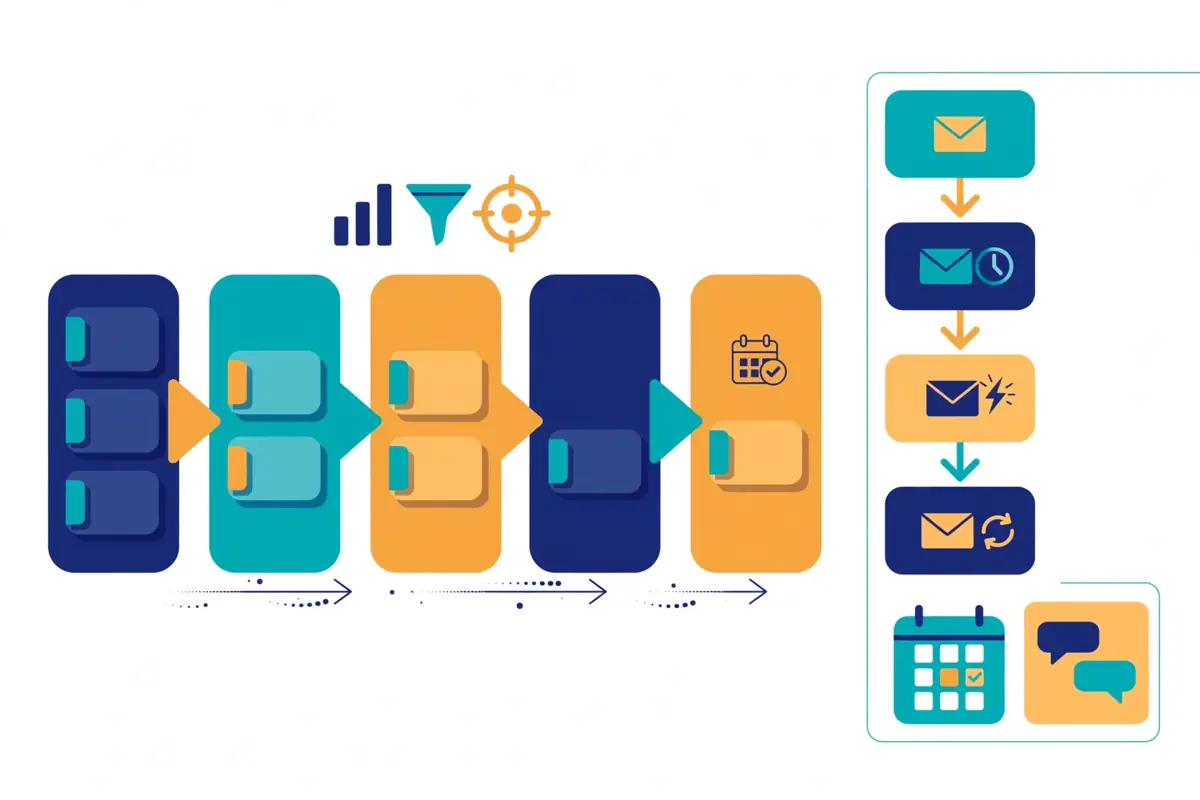
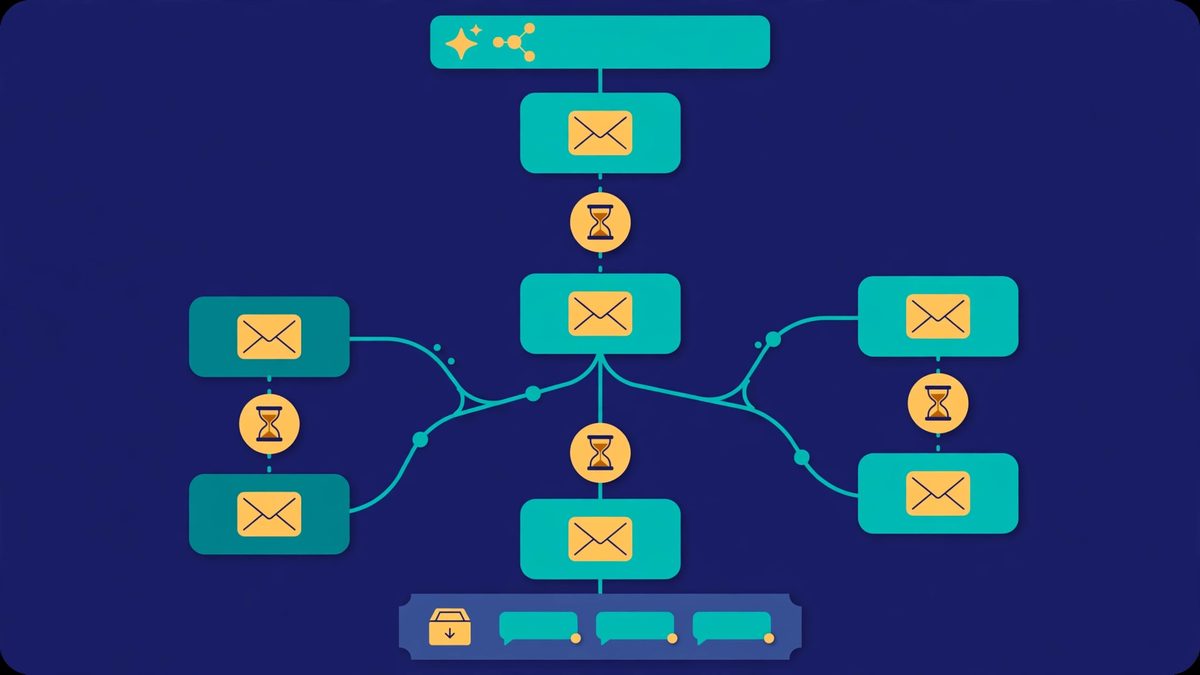
    At its heart, Reply.io is a sequence builder. You create a campaign, add steps for email, LinkedIn, calls, SMS or WhatsApp, set the delays between them. And let the platform run the sequence for each prospect. Replies land in a centralised inbox. So nobody on your team has to hunt through five mailboxes to find who answered. Meanwhile, built-in tracking shows opens, clicks and replies for every step, which means you can see which message actually moved a prospect forward.

    Reply.io review: what is inside the platform

    What sets Reply.io apart from simpler sending tools is how much it bundles in. First, there is Reply Data, a built-in B2B database with live data and enrichment. So you can find contacts that match your ideal customer profile without buying a separate data tool. Second, there is a Chrome extension and a LinkedIn email finder called Findy, which lets you pull verified emails while you browse LinkedIn or Sales Navigator. Third, there is Jason, the AI SDR, which can prospect, draft sequences, answer replies and book meetings on its own.

    On top of that, Reply.io handles the plumbing that keeps your emails out of spam. It offers unlimited mailboxes on its Email Volume plans, subject to a fair usage policy, plus inbox rotation, warm-up through Mailtoaster.ai, SPF, DKIM and DMARC checks, custom tracking domains and a Google Postmaster integration. For teams that send at volume, that infrastructure matters as much as any sequence feature, because a clever email that lands in spam helps nobody.

    Finally, Reply.io connects with the tools your team already uses. Native integrations cover HubSpot, Salesforce, Pipedrive, Copper and Close, while Zapier, Make and more than 100 other integrations, plus an API, webhooks and an n8n node, cover the rest. If you already run a CRM, Reply.io is designed to sit alongside it rather than replace it, syncing contacts, accounts, calls, tasks and statuses in both directions.

    Reply.io review: one platform for the whole outbound motion

    Think of Reply.io as the control room for your outbound. Meanwhile, a rep starts the day in one place: they find leads in Reply Data, drop them into a multichannel sequence. And watch replies arrive in one inbox. When a prospect answers, the AI can sort the reply, draft a response, or hand it to a human. When a meeting is booked, it syncs back to the CRM. In fact, that flow is the reason teams pick Reply.io over a patchwork of single-purpose tools. And it is also the reason the platform can feel big at first. There is a lot in here, and new users should expect a short learning curve before everything clicks.

    Video: “What is Reply.io?” by Reply on YouTube (watch the original on YouTube). This video is the property of its creator, embedded via YouTube for education. OutreachCompare is not affiliated with Reply.io and does not claim ownership of this video.

    Who Reply.io is best for — and who should skip it

    Reply.io is built for teams that treat outbound as a daily, multichannel habit. If your reps send email in the morning, work LinkedIn at lunch and make calls in the afternoon, Reply.io puts all of that in one sequence and one inbox. That is a real advantage, because it removes the busywork of copying prospects between tools and chasing replies across channels. For that reason, the platform shines brightest for small and mid-sized sales teams, agencies that run outreach for several clients. And founders who want an AI SDR to handle the first touch while they focus on closing.

    Agencies get a particular benefit. Reply.io offers an Agency plan with client workspaces and an agency dashboard. So an agency can keep each client’s campaigns, mailboxes and reporting separate without buying a second tool. Similarly, teams that already pay for a data provider, a LinkedIn automation tool and a dialler may find that Reply.io replaces three subscriptions with one, which can make the headline price look much fairer once you add up what you stop paying for.

    There is also a clear audience for Jason, the AI SDR. If your team has more prospects than reps, or if your reps spend hours writing first-touch emails and sorting replies, Jason can take on that load. It prospects, writes personalised sequences, answers common objections and books meetings, which frees your human reps for the conversations that actually need a person. That said, Jason starts at $500 a month, so it is a serious purchase, not a casual add-on. And it makes most sense once your outbound volume justifies it.

    Reply.io for teams that already run outbound

    If you already run outbound and you know your numbers, Reply.io gives you room to grow. Unlimited users on the Email Volume plan means adding a new rep does not add a new seat charge. And unlimited emails and contact storage mean you are not counting sends at the end of the month. In addition, the advanced reporting, team performance reports and A/B testing help a manager see which sequences work and which need a rewrite. For a team that wants to improve its outbound week by week, those feedback loops matter.

    Who should skip Reply.io?

    On the other hand, Reply.io is probably not the best first tool for a solo founder who only sends email. If you send a few hundred emails a week and never touch LinkedIn or calls, a simpler, cheaper email-only tool will do the same job for less money. For example, Instantly starts at $47 a month and is built around high-volume email, while Saleshandy starts at $34 a month billed annually and includes a large B2B database. Both are worth a look before you commit to a per-user multichannel platform.

    In addition, budget is the other reason to pause. Reply.io’s Multichannel plan is $99 per user a month, so a team of five pays about $495 a month before add-ons, and Jason costs extra on top of that. If your budget is tight, or if you are still testing whether cold email works for your business at all, start smaller. You can always move to Reply.io later, once your outbound is proven and your team is ready to run it across several channels. Our guide to the best cold email software in 2026 is a good place to compare the cheaper starting points side by side.

    Finally, Reply.io is a big platform, and big platforms take time to learn. If you want to send your first campaign within an hour of signing up, you may find the setup slower than a tool with fewer features. The 14-day free trial helps here, because you can test the sequence builder, the database and the inbox before you pay anything, and decide whether the depth is worth the learning curve.

    Reply.io review: pricing in 2026

    Reply.io sells its platform in three main ways: Sales Outreach plans for human teams, AI SDR plans for Jason, and Agency plans for client work. The prices below come from Reply.io’s official pricing page, checked on 15 November 2026. Where the page shows a starting price rather than a fixed monthly figure, we say so, because the exact price depends on how many active contacts you need. As always, features and pricing can change, so please check the provider’s site before you buy.

    Reply.io review: what each plan includes

    Email Volume starts at $59 a month, or $49 per user a month billed annually, for 1,000 active contacts. An active contact is a unique person who receives one first-step email and unlimited follow-ups in a month. The plan includes unlimited users, unlimited emails, unlimited contact storage, unlimited mailboxes under a fair usage policy, email sequences, warm-up, inbox rotation and 50 live data credits a month. LinkedIn automation and calls and SMS are not included here. They are add-ons at $69 per LinkedIn account a month and $29 per account a month for calls and SMS. Higher contact tiers cost more, rising with volume. So a team with 10,000 active contacts pays considerably more than a team with 1,000.

    Reply.io review: Multichannel, AI SDR and Agency plans

    Multichannel starts at $99 per user a month, or $89 per user a month billed annually. This is the plan most teams choose, and it is the one Reply.io marks as most popular. It bundles email with LinkedIn automation and calls and SMS included for each user, plus WhatsApp tasks, unlimited active contacts on the annual plan, five mailboxes per user on monthly billing, and Zapier steps. If your reps work LinkedIn and the phone every day, this plan is usually better value than Email Volume plus the two add-ons, because the add-ons alone would cost $98 a month per account.

    AI SDR (Jason) starts at $500 a month billed annually, or $800 a month billed monthly, for 1,000 active contacts and two LinkedIn accounts. Jason is Reply.io’s AI sales agent: it finds leads, writes personalised sequences, answers replies, handles objections and books meetings, with autopilot and copilot modes. Larger AI SDR tiers cover more contacts and more LinkedIn accounts, and the price rises with them. Jason is a separate plan, not an add-on to the Sales Outreach plans. So budget for it as its own line item.

    Agency starts at $166 a month, according to Reply.io’s pricing page. It adds client workspaces, an agency dashboard and unlimited clients, which is what an agency needs to run separate campaigns for each customer without mixing up their data. Reply.io also offers custom solutions for teams of more than 20 people, with enhanced API access, whitelabel options and tailored pricing, so larger buyers should talk to sales rather than guess at a figure.

    Reply.io review: add-ons and the free trial

    Add-ons are where Reply.io’s pricing needs a careful read. On the Email Volume plan, LinkedIn costs $69 a month per account and calls and SMS cost $29 a month per account. Extra email accounts cost $29 a month each on the Multichannel plan. And each one includes a free warm-up seat in Mailtoaster.ai. A new sending domain starts at $6 a year plus $5 per mailbox a month, while a pre-warmed domain starts at $25 a year plus $15 per mailbox a month and comes with three pre-warmed mailboxes and SPF, DKIM and DMARC already configured. Email validation starts at $20 a month, and AI and live data credit packs start at $39 a month. None of these are hidden. But they do add up, so work out your real monthly total before you compare Reply.io with a rival.

    The good news is that Reply.io offers a 14-day free trial, and it covers the platform’s core features. That gives you two full weeks to build a sequence, test the database, try the inbox and see whether the interface suits your team. For instance, if you are comparing tools, use the trial properly: send a real campaign to a real list, not a test to yourself, because only a real campaign shows you deliverability, reply handling and reporting as they actually behave.

    Reply.io review: pricing at a glance

    PlanPrice fromBest for
    Multichannel
    Most popular
    $99 / user / mo
    $89 / user / mo billed annually
    Email, LinkedIn, calls, SMS and WhatsApp in one plan; unlimited active contacts on annual billingVisit Site →
    Email Volume$59 / mo
    $49 / user / mo billed annually (1,000 active contacts)
    Email-only outbound with unlimited users, emails and mailboxes (fair use)Visit Site →
    AI SDR (Jason)$500 / mo
    $500 billed annually; $800 billed monthly (1,000 active contacts)
    Hands-off prospecting, writing, replies and meeting booking by an AI agentVisit Site →
    Agency$166 / moAgencies running outreach for several clients, with separate workspacesVisit Site →

    Last checked: 15 November 2026 on reply.io/pricing. Prices are starting prices and rise with active contacts and seats. Features and pricing can change, so please check the provider’s site before you buy. We do not guess at features, prices or trials.

    Reply.io review: key features, verified on Reply.io’s official site

    Reply.io packs a lot into one login. So it helps to look at its features in groups rather than as one long list. Below, we cover the six areas that matter most in day-to-day use. And every claim comes from Reply.io’s own site, checked on 15 November 2026. If a feature is only available on a higher plan or as an add-on, we say so, because that detail changes the real cost of the tool.

    Reply.io review: Reply Data and the B2B database

    Reply Data is the platform’s built-in B2B database. And it is one of the biggest reasons teams pick Reply.io over a pure sending tool. You can search for contacts and accounts that match your ideal customer profile, filter by role, industry, company size and technology, and enrich the records you already have with live data. Buyer intent signals help you spot companies that are already showing interest. And CSV export lets you move lists in and out when you need to.

    In practice, this means your reps do not have to buy a separate data subscription to get started. They can build a list, verify the emails and drop the contacts straight into a sequence, all without leaving Reply.io. In addition, each plan includes 50 live data credits a month, with paid credit packs available when you need more. For teams that currently pay for a standalone database, that consolidation alone can cover a large part of Reply.io’s price.
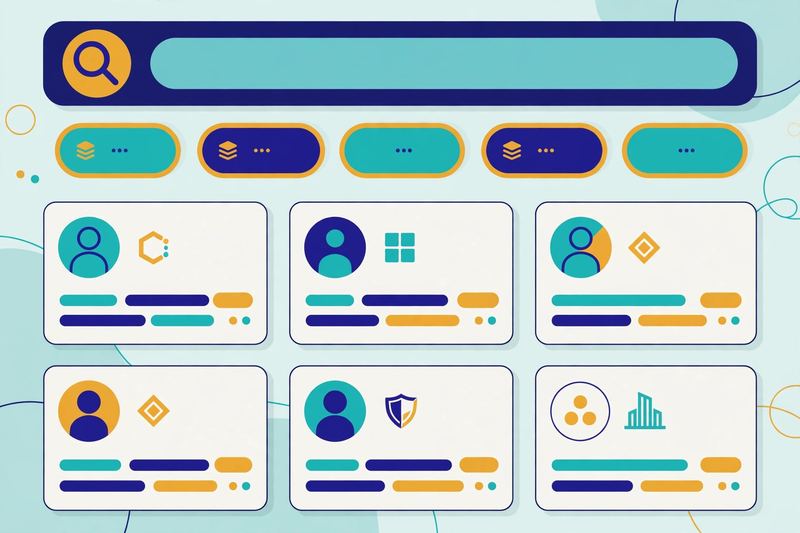
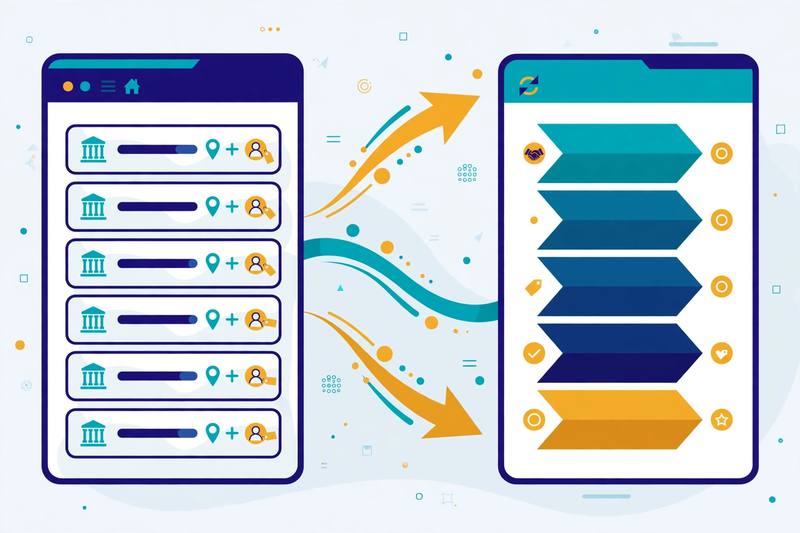
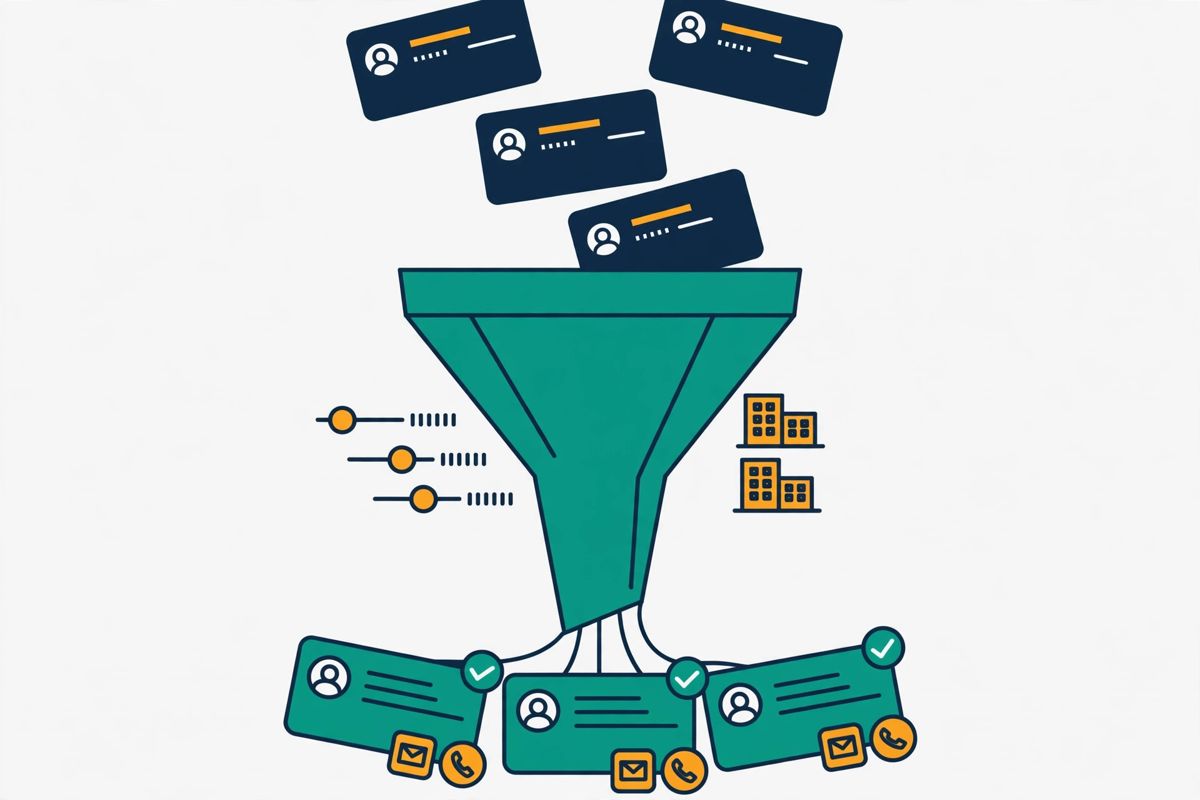
    Reply.io review: a B2B lead database search with filters and contact cards, showing how Reply Data finds prospects that match an ideal customer profile
    Reply Data lets you search a built-in B2B database, filter by role, industry and technology, and enrich contacts with live data — so list building happens inside Reply.io instead of in a separate tool.

    Reply.io review: multichannel sequences

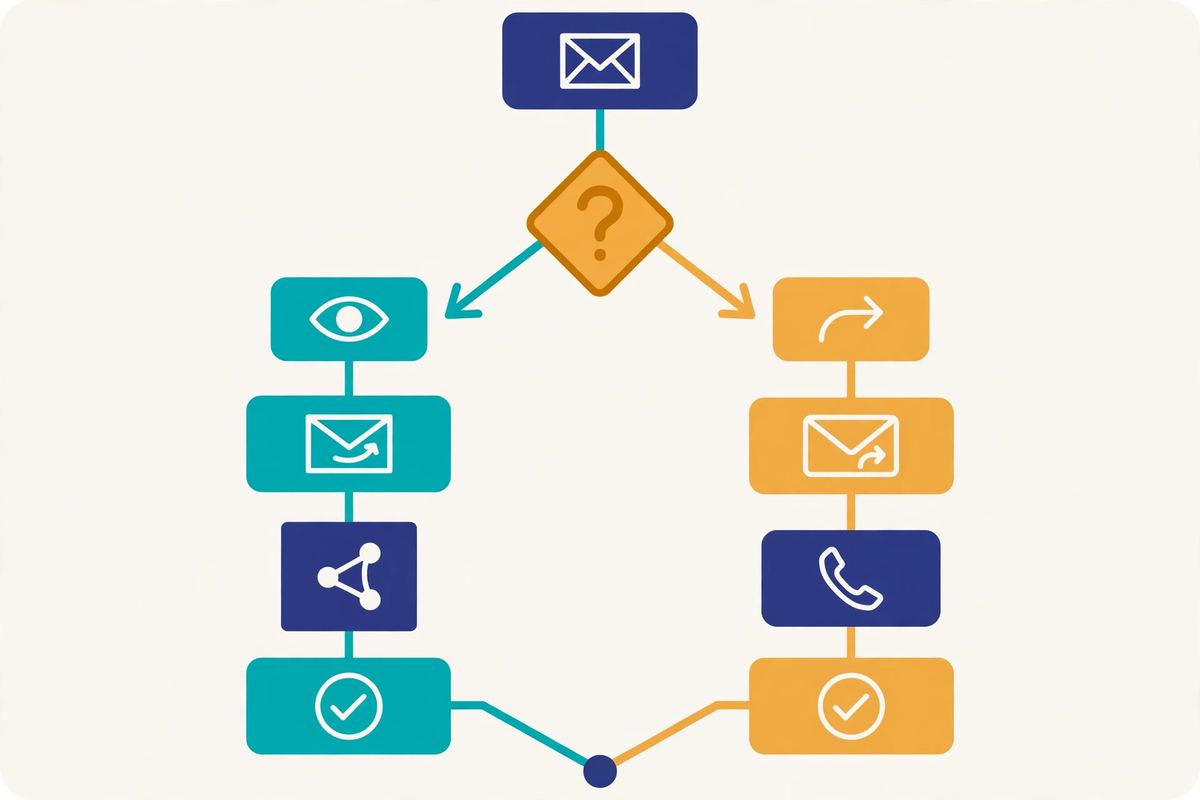
    Multichannel sequences are the core of Reply.io, and they are where the platform feels most complete. Inside the sequence builder, you can mix email steps, LinkedIn actions such as profile visits, connection requests and messages, calls through the built-in dialler, SMS and WhatsApp tasks, and manual tasks for anything that needs a human touch. You can also add conditional steps, so the next action depends on what the prospect did. And workflow automations with triggers that move contacts between sequences automatically.

    For example, you can build a sequence from scratch, start from a template, or ask the AI sequence builder to suggest a structure based on a goal such as booking demos with early-stage SaaS founders. Meanwhile, A/B testing lets you compare subject lines and email copy. And template and sequence statistics show which version earned more replies. That combination of flexibility and measurement is exactly what a team needs when it wants to improve its outbound rather than just send more of it.

    Reply.io review: Jason, the AI SDR

    Jason is Reply.io’s AI SDR, and it is the feature the company talks about most. Jason prospects for leads, writes personalised sequences, answers replies, handles objections and books meetings, running in autopilot or copilot mode depending on how much control you want to keep. It also generates AI icebreakers, personalised first-step emails and an AI-generated ideal customer profile. And it categorises replies so your reps can focus on the conversations that are ready to move forward.

    There is also Agentic Chat, a sales-trained AI chat that can talk to website visitors and turn them into booked meetings, and an AI email assistant that helps your reps write better messages faster. These tools are genuinely useful, yet they come with a caveat: AI writing still needs a human eye. The best results come when a rep reviews Jason’s drafts, checks the personalisation and keeps the tone close to how your team actually talks. Used that way, Jason saves hours a week. Used blindly, it can send messages that feel generic, which is the opposite of what good outbound should do.

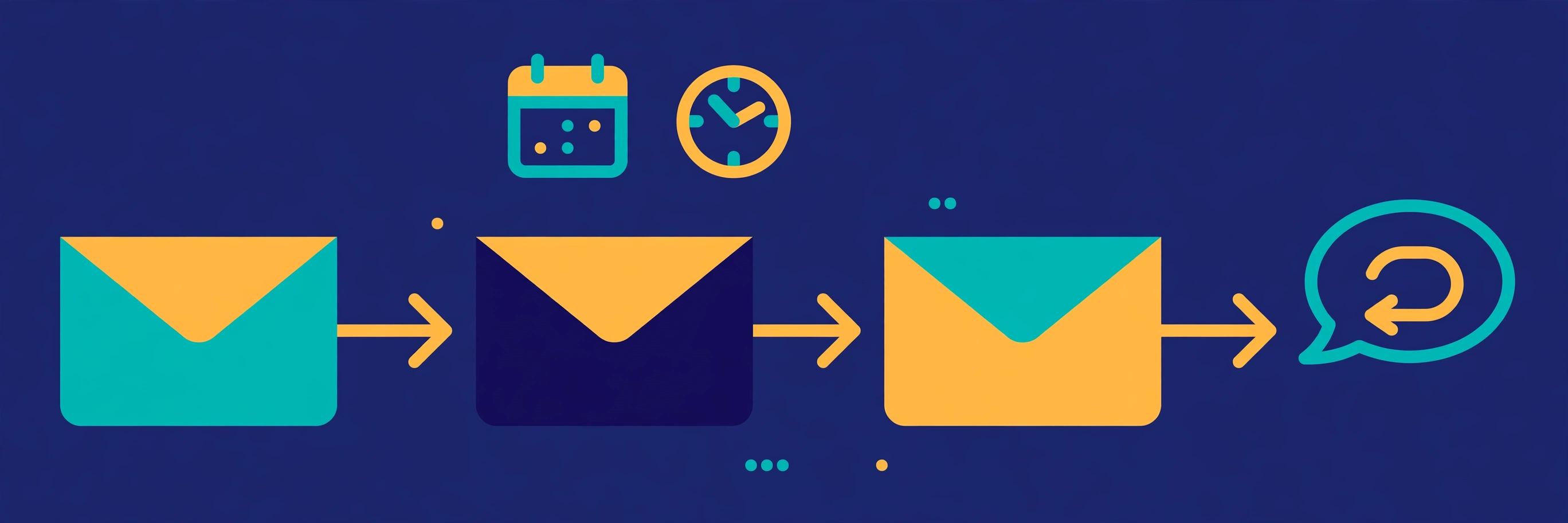
    Reply.io review: an AI sales assistant drafting personalised outreach emails while a chat bubble shows a booked meeting, illustrating Jason, Reply.io's AI SDR
    Jason, Reply.io’s AI SDR, prospects, writes personalised sequences, answers replies and books meetings — with autopilot or copilot modes so your team keeps as much control as it wants.

    Reply.io review: deliverability, warm-up and inbox rotation

    Deliverability is where many outreach tools quietly fail, and Reply.io gives it serious attention. The platform includes email warm-up, inbox rotation across your mailboxes, SPF, DKIM, DMARC and MX checks, custom tracking domains, a Google Postmaster integration and an email health check. On the Email Volume plan, mailboxes are unlimited under a fair usage policy, which ties the number of mailboxes to your active contacts and sending activity, so the platform stays within deliverability best practice rather than letting you burn a domain.

    Reply.io also sells sending infrastructure directly. For example, you can buy a new domain from $6 a year plus $5 per mailbox a month, with SPF, DKIM and DMARC configured for you, or a pre-warmed domain from $25 a year plus $15 per mailbox a month, which arrives with three pre-warmed mailboxes and a faster start. For a team setting up cold email properly for the first time, having the domain, the mailboxes and the warm-up in one place removes several fiddly steps, and our guide to setting up a sending domain explains why each of those steps matters.

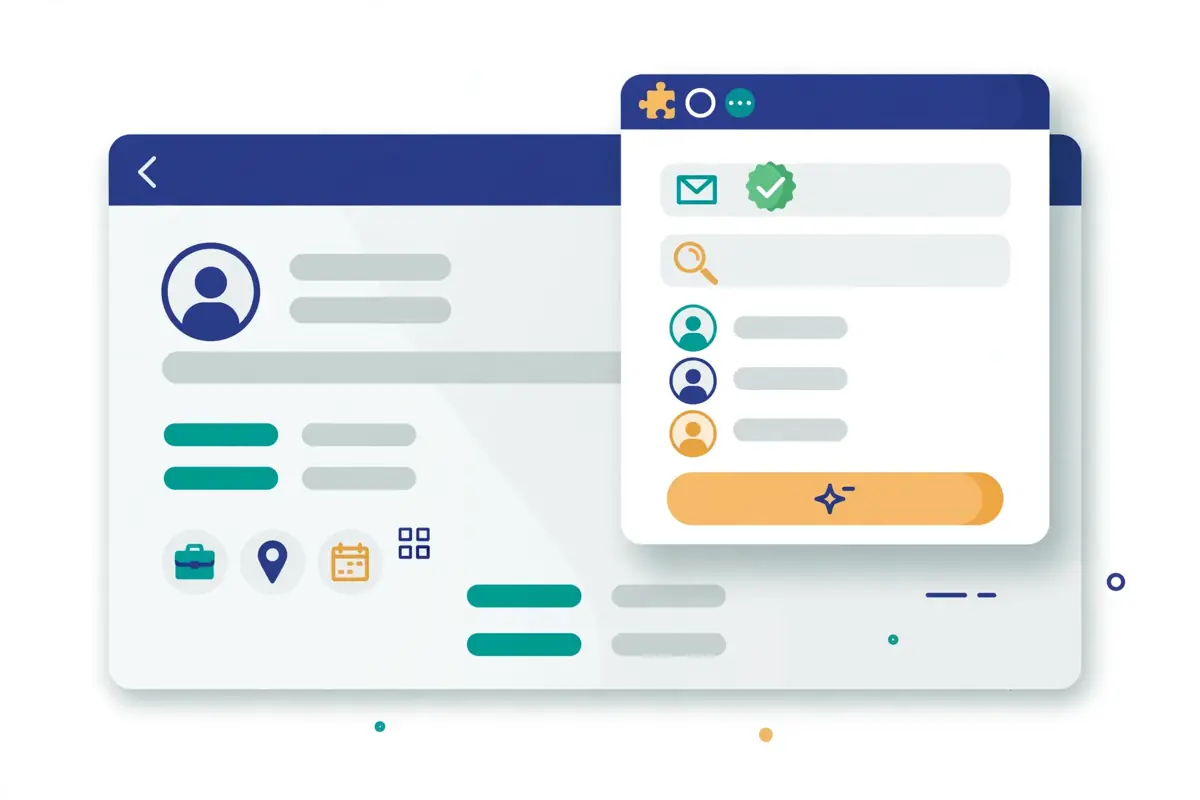
    Reply.io review: several mailboxes rotating email sending with a shield and checkmark above them, illustrating inbox rotation and email warm-up for deliverability
    Inbox rotation, warm-up and domain checks keep Reply.io campaigns out of spam: mailboxes rotate sending, domains are verified, and warm-up builds sender reputation before volume rises.

    Reply.io review: centralised inbox and reporting

    Meanwhile, every reply to your sequences lands in one centralised inbox, where your team can read, sort and answer without switching accounts. AI reply categorisation sorts responses into groups such as interested, not interested or out of office, which saves a surprising amount of time when a campaign brings in hundreds of replies. Reply, click and open tracking, email and sequence reporting, and team performance reports then show you what happened next, while advanced reporting on higher plans digs deeper into which reps, sequences and channels drive meetings.

    Reply.io review: CRM sync and integrations

    In addition, Reply.io integrates natively with HubSpot, Salesforce, Pipedrive, Copper and Close, syncing contacts, accounts, calls, tasks, statuses and activities in both directions. Beyond the native CRMs, Zapier, Make and more than 100 other integrations cover most everyday needs. And the API, webhooks, high-volume API access and n8n node cover the rest. There is also a Gmail and Chrome extension, so reps can work with Reply.io from inside their inbox and their browser, plus a meeting scheduler that books calls straight into the calendar. For teams that live in a CRM, that two-way sync is what keeps Reply.io from becoming yet another silo.

    Reply.io review: Reply.io vs Klenty vs Instantly vs Saleshandy

    No tool is best in isolation, so this Reply.io review compares it with its three closest rivals. Klenty is the phone-first sales engagement platform, with a parallel dialler and AI call coaching. Instantly is the high-volume cold email specialist, priced by volume rather than by seat. Saleshandy is the budget-friendly all-rounder with a very large B2B database. Each one suits a different kind of team, and the table below shows where Reply.io wins and where a rival is the smarter pick.

    Reply.io review: the comparison table

    ToolBest forPrice fromChannels
    1
    Reply.io
    Multichannel + AI SDR

    The only tool here with a full AI SDR, a built-in database and all five channels in one sequence.

    Email, LinkedIn, calls, SMS, WhatsApp$59 / mo
    Multichannel $99 / user / mo; AI SDR from $500 / mo
    14-day free trialVisit Site →Prices checked 15 Nov 2026
    2
    Klenty
    Phone-first SDR teams

    Parallel dialler, AI call coaching and strong CRM sync for teams that live on the phone.

    Email, LinkedIn, calls, SMS$50 / user / mo
    billed annually; Growth $70; Plus $99
    14-day free trial, full accessVisit Site →Prices checked 15 Nov 2026
    3
    Instantly
    High-volume cold email

    Cheapest way to send big email volume, with unlimited warm-up and a huge sending network.

    Email, plus AI sales agent add-ons$47 / mo
    Growth plan; priced by volume, not seats
    No trial shown on the pricing pageVisit Site →Prices checked 15 Nov 2026
    4
    Saleshandy
    Budget all-rounder

    Lowest starting price here and a database of 852M+ contacts, with email and LinkedIn in one place.

    Email, LinkedIn$34 / mo
    billed annually; Pro $76; Scale $149
    7-day free trial, no cardVisit Site →Prices checked 15 Nov 2026

    Last checked: 15 November 2026 on reply.io/pricing, klenty.com/pricing, instantly.ai/pricing and saleshandy.com/pricing. Features and pricing can change, so please check the provider’s site before you buy. We do not guess at features, prices or trials.

    Reply.io review: the short version

    Reply.io wins on breadth: no rival here covers all five channels, a built-in database and an AI SDR in one login. Klenty wins if your team lives on the phone, because its parallel dialler and call coaching go deeper than Reply.io’s dialler. Instantly wins on pure email volume and price, because $47 a month buys unlimited warm-up and volume-based pricing that stays flat as your team grows. Saleshandy wins on budget and database size, because it starts at $34 a month billed annually and includes 852M+ contacts. Therefore, the right choice depends on what your team actually does each day, not on which tool has the longest feature list.

    Reply.io vs rivals: the feature matrix

    FeatureReply.ioKlentyInstantlySaleshandy
    Multichannel sequences (email + LinkedIn + calls + SMS)✓✓—✓
    WhatsApp steps in sequences✓———
    AI SDR agent✓ Jason, from $500 / mo—✓ AI sales agent add-ons—
    Built-in B2B database✓—✓ lead finder✓ 852M+ contacts
    Parallel / power dialler✓ built-in dialler✓ parallel dialler, $45 / user / mo add-on——
    AI call coaching—✓——
    Email warm-up included✓✓✓ unlimited✓
    Unlimited mailboxes✓ fair use, Email Volume—✓✓
    Centralised reply inbox✓✓✓ unified inbox✓ unified inbox
    Native CRM integrations✓ HubSpot, Salesforce, Pipedrive✓ HubSpot, Salesforce, Pipedrive✓✓
    Free trial✓ 14 days✓ 14 days— none shown✓ 7 days
    Starting price$59 / mo$50 / user / mo$47 / mo$34 / mo annual

    Last checked: 15 November 2026. ✓ means the feature is stated on the provider’s official site; — means it is not confirmed there. Features and pricing can change, so please check the provider’s site before you buy. We do not guess at features, prices or trials.

    Reply.io review: pros and cons

    Every honest review needs both sides, and Reply.io is no exception. It does a great deal well, and it has real trade-offs that buyers should know before they sign up. Below is the balanced picture, based on what Reply.io publishes about its own platform and on how its pricing compares with the rivals above.

    Reply.io review: what we like

    • True multichannel in one place. Email, LinkedIn, calls, SMS and WhatsApp run in a single sequence, so reps stop juggling tools and replies land in one inbox.
    • Jason, the AI SDR, is genuinely useful. It prospects, writes, answers and books meetings, which can save a busy team hours every week when it is reviewed by a human.
    • Built-in B2B data. Reply Data, live enrichment and the Findy LinkedIn extension mean list building starts inside Reply.io instead of in a separate subscription.
    • Strong deliverability tooling. Warm-up, inbox rotation, unlimited mailboxes under fair use, custom tracking domains and domain purchase cover the infrastructure properly.
    • Unlimited users and emails on Email Volume. Growing teams are not charged per seat on the entry plan, and sends are not capped by the month.
    • Good integrations. Native HubSpot, Salesforce, Pipedrive, Copper and Close sync, plus Zapier, Make, an API, webhooks and an n8n node.
    • 14-day free trial. Two weeks is enough to run a real campaign and judge the platform on evidence, not on a demo.

    Reply.io review: where it falls short

    • Per-user pricing adds up fast. Multichannel at $99 per user a month means five seats cost about $495 a month before add-ons, which is far more than Instantly or Saleshandy for a similar team.
    • Jason is expensive. The AI SDR starts at $500 a month billed annually, so the headline feature is a serious purchase, not a casual upgrade.
    • Add-ons stack up. LinkedIn at $69 and calls and SMS at $29 per account on Email Volume, plus data credits, validation and extra mailboxes, can lift the real monthly bill well above the headline price.
    • Big platform, real learning curve. New users should expect to spend time learning the sequence builder, the database and the inbox before everything feels natural.
    • No WhatsApp or AI SDR on the cheaper plans. The full multichannel and AI experience needs the higher plans, so the entry price does not buy the whole product.
    • Fair usage limits on unlimited mailboxes. Unlimited mailboxes on Email Volume are tied to active contacts and sending activity, so very high-volume senders should read the fair usage policy first.

    How to get started with Reply.io

    Starting with Reply.io is straightforward, and the 14-day free trial is the right way to do it. Sign up, connect your mailbox, and build one small sequence before you touch anything else. A good first sequence has three or four steps: a personalised first email, a LinkedIn connection request, a short follow-up email a few days later, and a call task if the prospect has not replied. That structure tests every channel Reply.io offers without overwhelming your team. And it gives you real reply data within a week.

    Set up sending and deliverability properly before you start

    Before you send a single email, set up your sending properly. Connect your mailbox, check that SPF, DKIM and DMARC are configured, set up a custom tracking domain, and let warm-up run before you raise your volume. If you are buying a new domain for outreach, Reply.io can sell you one and configure the records for you, which saves a fiddly afternoon. This step feels slow, yet it is the difference between emails that reach the inbox and emails that quietly land in spam. Our guide to setting up a sending domain walks through SPF, DKIM, DMARC and warm-up in plain language, and it is worth reading before your first send.

    Start small, then scale

    Once your sending is ready, start with a small, well-chosen list rather than a huge one. Use Reply Data to find 100 prospects who genuinely match your ideal customer profile, verify their emails, and write them a sequence that speaks to their actual problem. Watch the replies for a week, note which subject lines and messages earned answers, and only then scale the volume. As a result, that patient start is how good outbound works, and it is also how you learn whether Reply.io suits your team before you commit to a paid plan. If you are new to cold email altogether, our beginner’s guide to cold email covers list building, writing and follow-ups from the beginning.

    Video: “Reply.io Overview” by Reply on YouTube (watch the original on YouTube). This video is the property of its creator, embedded via YouTube for education. OutreachCompare is not affiliated with Reply.io and does not claim ownership of this video.

    Reply.io review: our verdict

    Our verdict: Reply.io is the strongest choice for teams that want multichannel outbound and an AI SDR in one platform

    Reply.io earns its place as a leading sales engagement platform because it does what it promises: it puts email, LinkedIn, calls, SMS and WhatsApp in one sequence, adds a built-in database and deliverability tooling, and tops it off with Jason, an AI SDR that can carry the first half of your outbound for you. For an SDR team or an agency that runs multichannel campaigns every day, that combination saves time, replaces several subscriptions and gives managers the reporting they need to keep improving. The 14-day free trial makes it easy to prove that value with a real campaign before you pay.

    That said, Reply.io is not the cheapest way to send cold email, and it does not pretend to be. Per-user pricing, add-on costs and Jason’s $500-a-month starting price mean the real bill can surprise buyers who only looked at the headline figure. If you only send email, or if your budget is tight, Instantly or Saleshandy will serve you well for less. If your team lives on the phone, Klenty is the deeper calling tool. But if your team works every channel, wants an AI SDR and is ready to pay for a platform that covers the whole outbound motion, Reply.io is a confident pick.

    Best for: multichannel SDR teams and agencies that want prospecting, sequencing, deliverability and an AI SDR in one login.
    Starting price: $59 a month (Email Volume), $99 per user a month (Multichannel), checked 15 November 2026.
    Note: We have not run a hands-on test of Reply.io, so this verdict is based on Reply.io’s published features and pricing, not on a scored trial. No numeric score is given.

    Visit Reply.io →

    Reply.io review FAQ

    How much does Reply.io cost?

    Reply.io’s Email Volume plan starts at $59 a month, or $49 per user a month billed annually, for 1,000 active contacts. The Multichannel plan starts at $99 per user a month, or $89 billed annually, and the AI SDR plan, Jason, starts at $500 a month billed annually. The Agency plan starts at $166 a month. Add-ons such as LinkedIn at $69 a month per account and calls and SMS at $29 a month per account cost extra on the Email Volume plan. Prices were checked on 15 November 2026 and can change, so please check Reply.io’s pricing page before you buy.

    Is Reply.io free?

    No, Reply.io does not offer a free plan, but it does offer a 14-day free trial that covers the platform’s core features. That gives you two weeks to build a sequence, test the database and run a real campaign before you pay anything. If you need a free starting point, our roundup of the best cold email software includes tools with free plans and cheaper entry prices.

    What is Reply.io best for?

    Reply.io is best for SDR teams and agencies that run multichannel outbound every day. It suits teams that want email, LinkedIn, calls, SMS and WhatsApp in one sequence, with a built-in B2B database, deliverability tools and an AI SDR to handle prospecting and replies. It is less suited to solo senders who only need email, or to buyers who want the cheapest possible sending tool.

    Reply.io vs Klenty: which is better?

    It depends on how your team sells. Reply.io is better if you want all five channels, a built-in database and an AI SDR in one platform. Klenty is better if your team lives on the phone, because its parallel dialler and AI call coaching go deeper than Reply.io’s calling features. Klenty starts at $50 per user a month billed annually, while Reply.io’s Multichannel plan starts at $99 per user a month. Our full Klenty review covers its dialler and pricing in detail.

    Does Reply.io have an AI SDR?

    Yes. Jason is Reply.io’s AI SDR. And it prospects for leads, writes personalised sequences, answers replies, handles objections and books meetings, in autopilot or copilot mode. Jason starts at $500 a month billed annually for 1,000 active contacts, or $800 a month billed monthly. It is sold as a separate plan, not as an add-on to the Sales Outreach plans. So budget for it as its own line item.

    Can I cancel Reply.io at any time?

    Reply.io sells monthly and annual billing, and the exact cancellation terms depend on the plan and billing period you choose. Annual plans cost less per month, but they commit you for the year, so read the terms on Reply.io’s pricing page and in your agreement before you sign up. If you are unsure, start with monthly billing or the 14-day free trial, and only move to annual billing once you know the platform suits your team.

    Keep reading

    If this Reply.io review helped you, these guides and reviews take the next step:

    Best for multichannel + AI SDR: Reply.ioFrom $59/mo · 14-day free trial Visit Site →
  • Klenty Review 2026

    Klenty Review 2026

    Best for phone-first SDR teams: Klenty

    Run multichannel cadences, dial five prospects at once, and coach every call from one platform. Prices start at $50 a month billed annually, with a 14-day free trial. This Klenty review covers its pricing, its parallel dialer, its AI call coaching, and how it compares with Reply.io, Instantly and Saleshandy.

    Visit Klenty → Jump to the comparison table

    If your sales team lives on the phone, this Klenty review is for you. Klenty is a sales engagement platform built for SDR teams that make calls all day. It puts the dialler, the cadence and the coaching in one place. Most cold email tools treat calling as an afterthought, if they offer it at all. Klenty does the opposite. It starts with the call. Then it builds email, LinkedIn, SMS and WhatsApp steps around it, so your reps spend their day talking to prospects instead of clicking between tools.

    Above all, cold email and cold calling work best when the workflow is simple. A clear list, a sensible sequence and a healthy sending domain will beat a complicated stack every time. Add a rep who actually picks up the phone, and the result is even better. Klenty is built around that idea. In practice, it combines multichannel cadences with a parallel dialler, number rotation and AI call coaching. As a result, a small SDR team can run a structured outbound motion without buying an enterprise platform. This Klenty review walks through what it does well, where it falls short, what it costs in 2026, and who should choose it over its closest rivals.

    Klenty review: new to cold email? Start here

    First of all, if you are new to cold email, you are in the right place. Cold email is normal, widely used business practice. Every good sender started exactly where you are now: with a list to build and a first message to send. Klenty keeps the outreach part straightforward. You build a cadence and add your prospects. Then the platform walks your reps through each step, whether that step is an email, a call or a LinkedIn task. There is no need to buy three tools before you book your first meeting. In this Klenty review, we will show you exactly how it works, what it costs, and when a different tool would serve you better.

    Quick Answer

    Klenty is a sales engagement platform for phone-first SDR teams. This Klenty review finds it is best for small and mid-sized sales teams that make a lot of outbound calls and want email, calling and coaching in one account. You get multichannel cadences across email, calls, LinkedIn, SMS and WhatsApp. You also get a parallel and power dialler, connect-rate infrastructure with local number rotation, AI call coaching and two-way CRM sync. Pricing starts at $50 a month billed annually for the email-only Starter plan. Growth costs $70 a user a month, Plus costs $99, and every plan starts with a 14-day free trial. If you only send email, or you need unlimited mailboxes for high-volume cold email, Instantly or Saleshandy will fit you better. But if your reps live on the phone and you want every call coached and every follow-up automated, Klenty is a genuinely strong choice.

    What’s in this Klenty review

    What is Klenty?

    Klenty is a sales engagement platform that helps SDR teams generate pipeline and close more deals. It does that with multichannel sequencing, a built-in sales dialler, prospect data, AI call coaching and deep CRM integrations. That one sentence is the heart of this Klenty review. The platform is used by more than 5,000 sales teams, and it holds a 4.6 out of 5 rating on G2 from more than 300 reviews. Its pitch is simple: top-performing SDRs have three times more conversations than everyone else, and Klenty is built to give every rep that edge.

    What makes Klenty different is where it starts. Many outreach platforms start with email and bolt a dialler on later. Klenty starts with the phone. Its homepage describes it as the sales engagement platform built for phone-first SDR teams, and the product follows that idea all the way through. The parallel dialler lets a rep call up to five prospects at once. The connect-rate infrastructure manages local numbers, rotation and reputation, so more of those dials actually connect. Then AI takes over the busywork: it skips voicemails and phone trees, takes notes, and schedules the next step after every call. For a team that measures its day in conversations rather than emails sent, that focus matters a lot.

    Klenty review: one platform for calls, email and coaching

    Around the dialler, Klenty builds the rest of the outbound loop. Multichannel cadences unite email, calls, LinkedIn, SMS and WhatsApp in a single workflow. As a result, a prospect hears from you on the channel they actually use. AI call coaching scores every cold call against your talk track. During live calls, it pops up battlecards with objection-handling tips. Each SDR also gets a personal coaching dashboard. Account-based selling tools help mature teams work target accounts as a team, with account stages, prioritisation and coverage tracking. And because everything syncs back to your CRM automatically, managers get clean reporting without chasing reps to log their activity.

    In short, Klenty is a sales engagement platform that treats the phone call as the main event and everything else as support. It will not replace a dedicated high-volume email sender, and it does not pretend to. What it does is take the most time-consuming part of outbound and make it faster. Dialling, logging and following up, call after call, become more structured and easier to coach. If your outbound starts with “who do we call today?”, Klenty is built for you.

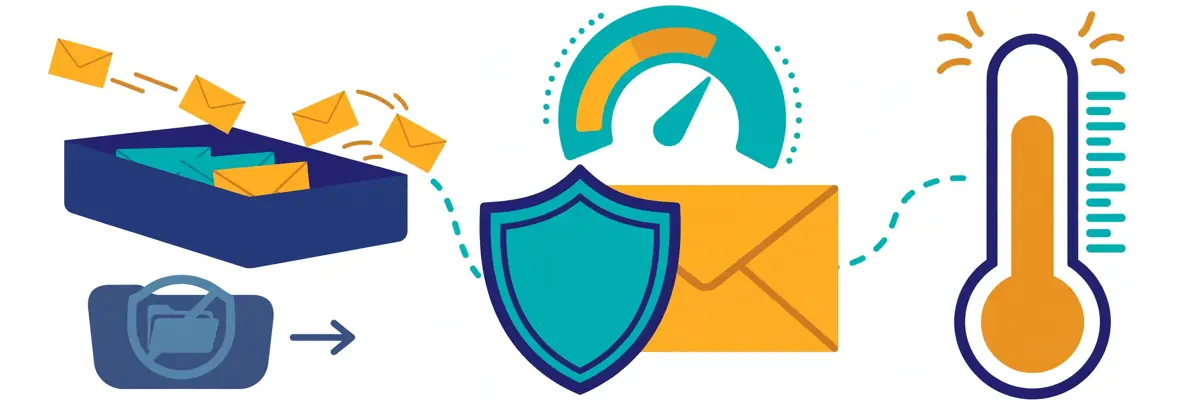
    Klenty multichannel cadence illustration: email, phone, LinkedIn and text message steps connected along a timeline
    Klenty’s multichannel cadences bring email, calls, LinkedIn, SMS and WhatsApp into one workflow, so a prospect hears from you on the channel they actually use.

    Who Klenty is best for — and who should skip it

    Klenty is best for SDR teams that make a lot of outbound calls. It suits teams that want their dialler, their sequences and their coaching in one account. If you run a team of five to fifty reps, each making dozens of calls a day, Klenty will save real hours every week. Its parallel dialler and connect-rate infrastructure do the heavy lifting. If your managers coach by listening to calls, the AI scorecards and live battlecards give them something concrete to coach on. And if your reps juggle email, LinkedIn and SMS alongside calling, the multichannel cadences keep all of it in one queue instead of five tabs.

    Klenty for teams that already run outbound

    Klenty is also a strong choice for teams that have outgrown a simple mail-merge sender and cannot justify an enterprise platform. The usual story is familiar: your reps started with a basic email tool, then added a dialler, then a spreadsheet for call notes, then a separate coaching tool. Klenty replaces that pile with one login. Its two-way CRM sync covers Salesforce, HubSpot, Pipedrive, Zoho CRM and Microsoft Dynamics. Activity, notes and deal stages flow back to the CRM without manual entry. That is exactly what a growing team needs when the founder stops being the person who remembers every deal. For a team like that, Klenty’s published per-user pricing is a welcome change too, because you can build a budget before you ever talk to sales.

    Who should skip Klenty?

    Now, who should skip Klenty? If you only send cold email and never pick up the phone, Klenty is more tool than you need, and a dedicated sender will cost you less. Instantly starts at $47 a month for unlimited mailboxes and warmup, and Saleshandy starts at $34 a month on annual billing with a 852 million-plus contact database. Both are cheaper starting points for email-only outreach. Similarly, if you are a solo founder sending a few hundred emails a month, Klenty’s per-user pricing and calling features will feel heavy. A simpler tool such as Woodpecker or Hunter will fit that job better.

    On the other side, if you need enterprise governance, deal inspection and forecasting in the same platform, Klenty is not that tool. Outreach and Salesloft are built for that world, with the price tag to match. And if your prospecting starts with finding email addresses rather than calling people, a finder-first platform such as Apollo, with its 240 million-plus contact database, will serve you better. The honest summary is this: Klenty is best when the phone is the centre of your outbound day. When email volume or list building is the hard part, choose the tool built for that job instead.

    Klenty review: pricing in 2026

    Klenty’s pricing is refreshingly transparent, and that is part of its appeal. In addition, every figure below comes from one public page, so you can check it yourself in a minute. This Klenty review checked every figure below on Klenty’s official pricing page on 15 November 2026. There are three Sales Engagement plans, plus two calling add-ons. Starter costs $50 a month billed annually, and it is the email-only plan. Growth costs $70 a user a month billed annually, and it adds calling, CRM sync and multichannel outreach. Plus costs $99 a user a month billed annually, and it adds account-based selling, AI call coaching and more data credits. Quarterly billing is available too, and paying annually saves up to 20% against the quarterly price.

    Paying attention to the plan boundaries will save you money. Starter is priced per account rather than per seat, with unlimited users and unlimited mailboxes, which makes it unusually good value for a small team that only sends email. Growth and Plus are priced per user, so the bill grows with every rep you add. Ten reps on Growth, for example, costs $700 a month, or $8,400 a year, before any add-ons. Similarly, the add-ons stack up quickly for larger teams. That is still far below an enterprise sales engagement platform, but it is worth budgeting properly before you sign, because the parallel dialler and extra local numbers cost more on top.

    Klenty review: what each plan includes

    Starter includes 15,000 contacts a month and 75,000 emails a month, with unlimited users and unlimited mailboxes. You also get email deliverability tools, custom domain tracking, random sending intervals, email volume control, A/B testing, merge fields, liquid templates, preview and edit, approve-before-sending, reply optimisation, live engagement feeds, email analytics, API access and Zapier. What Starter does not include is just as important: there is no dialler, no CRM sync and no data credits, so any team that lives in a CRM is really choosing between Growth and Plus.

    Growth adds everything in Starter, plus 200 calling minutes, 2,000 data credits for phone and email, a one-click dialler, SMS automation, multichannel outreach, social selling, and full CRM integration with two-way sync, bidirectional field mapping, auto-import and export, and triggers and actions. It also adds SmartLists, which put the people most likely to answer at the top of your call list, number auto-rotation, AI voicemail and IVR detection, AI outcome detection, Rep360° coaching dashboards, and AI conversation tracking. Plus adds everything in Growth, plus 1,000 calling minutes, 4,000 data credits, account-based selling with account prioritisation, stages and coverage, Action AI, which creates and schedules the next step after every call, AI battlecards, live transcription, AI objection detection, AI call scorecards, goals and call coaching.

    Klenty review: calling add-ons and the free trial

    Two add-ons sit on top of the plans. The Power and Parallel Dialer costs $45 a user a month, and it lets reps dial multiple lines in parallel or one at a time, while AI skips voicemails, eliminates phone trees and connects the rep only when a human answers. Dynamic Presence costs $50 a seat a month billed annually, and it gives each seat more than 350 local numbers across 335 US area codes, automatically matched to each prospect’s location and rotated to protect your numbers. Together, the add-ons can add $95 a user a month to a Growth seat, so a phone-heavy team should price the full stack, not just the headline plan.

    There is no free plan, but Klenty offers a 14-day free trial with full access to all Sales Engagement features and no credit card required. During the trial you can send up to 200 emails, and your whole team can join, with no limit on the number of users. After the trial you can upgrade with a credit card, or talk to the team about a trial extension. Klenty also says you can cancel at any time, with no cancellation fees, and you will not be charged for the next billing period. Support is available 24 hours a day, five days a week, and Klenty says it responds within 2.5 minutes. The platform is SOC 2 Type II certified and GDPR-compliant.

    Klenty review: pricing at a glance

    PlanBilled annuallyCalling minutesData creditsBest for
    Starter
    Best for email-only teams
    $50 / month——Email cadences only: 15,000 contacts and 75,000 emails a month, unlimited users and mailboxes
    Growth
    Best for most SDR teams
    $70 / user / month200 included2,000 / monthCalling, CRM two-way sync, SMS, multichannel cadences, SmartLists, number rotation
    Plus
    Best for mature SDR teams
    $99 / user / month1,000 included4,000 / monthAccount-based selling, Action AI, live transcription, AI call scorecards, call coaching
    Power & Parallel Dialer add-on
    Best for high-volume calling
    $45 / user / month——Dial up to 5 prospects at once, with AI voicemail detection and coaching summaries
    Dynamic Presence add-on
    Best for connect rates
    $50 / seat / month——350+ local numbers per seat across 335 US area codes, auto-matched and rotated

    Last checked: 15 November 2026, on Klenty’s official pricing page. Quarterly billing is available and costs more than annual billing; Klenty says annual billing saves up to 20%. Features and pricing can change, so please check the provider’s site before you buy. We do not guess at features, prices or trials.

    One more pricing point is worth knowing before you choose. The realistic entry price for most teams is Growth at $70 a user a month, not Starter at $50, because Starter has no CRM sync and no dialler. If your team lives in HubSpot or Salesforce, that sync is not optional, and the dialler is the reason you are looking at Klenty in the first place. Budget for Growth, try the 14-day trial first, and check the add-on prices before you commit. Check Klenty’s current pricing on the official site.

    Klenty review: key features, verified on Klenty’s official site

    Klenty’s feature set is easy to describe in a Klenty review, because it follows one idea: help reps have more conversations, then make sure the follow-up happens. The six features below are the ones you will actually use, and every claim here was checked against Klenty’s official site on 15 November 2026. If a feature is not listed on Klenty’s site, we do not claim it here.

    Klenty review: the parallel and power dialler

    The dialler is Klenty’s headline feature, and it is the reason phone-first teams choose it. For example, the parallel dialler calls up to five prospects at the same time, while the power dialler works through your list one call at a time. Klenty says the parallel dialler can run 150 to 350 dials per hour, compared with 30 to 40 calls an hour by manual dialling. While the calls ring, AI voicemail and IVR detection spots voicemails and phone trees, drops the dead lines, and connects your rep only when a real person answers. That means your reps spend their time talking, not listening to ringing tones and recorded messages.

    After each call, the dialler keeps working for you. AI takes notes, tags the outcome, and with Action AI on the Plus plan, it creates and schedules the next step automatically, whether that is a follow-up call or an email. Voicemail drops let reps leave a pre-recorded message in one click, and call forwarding and routing keep the right calls reaching the right people. If your team’s day is measured in dials and connects, this is the feature that changes the maths. Klenty’s own support docs explain the parallel dialler in detail, including how sessions start with a minimum of two calls at a time.

    Video: “Klenty’s Multi-Mode Sales Dialer” by Klenty on YouTube. This video is the property of its creator, embedded via YouTube for education. OutreachCompare is not affiliated with Klenty and does not claim ownership of the video.

    Klenty review: connect-rate infrastructure

    Making more calls only helps if people pick up, and that is what Klenty’s connect-rate infrastructure is for. It is the layer underneath the dialler that manages your call-from numbers, keeps them healthy, and gives every dial the best chance of being answered. Number auto-rotation switches your calling numbers after a set number of dials, so no single number gets flagged as spam. Dynamic Presence, the $50-a-seat add-on, gives each rep more than 350 local numbers across 335 US area codes, automatically matched to each prospect’s area code, so the call arrives from a familiar-looking number.

    That matters more than it sounds. A brand-new number can be flagged as spam within days, and a flagged number kills your connect rate no matter how good your pitch is. Klenty claims its infrastructure can lift call connect rates above 15%, and that top performers using it have three times more conversations. Those are Klenty’s own figures, and your results will depend on your list and your market. Even so, the idea is sound: protect your numbers, rotate them, and call from local numbers. If you want the email side of deliverability explained too, our guide to setting up a sending domain covers SPF, DKIM, DMARC and warmup in plain language.

    Klenty review: multichannel cadences

    Cadences are where Klenty brings the channels together. A cadence is a sequence of steps spread over days, and Klenty lets you mix email, phone calls, LinkedIn, SMS and WhatsApp into one workflow. Reps work through a single task queue, completing each activity in one click, instead of juggling five tools and a spreadsheet. You set the intervals between steps, choose delivery windows, and let the cadence run. When a prospect replies or books a meeting, the sequence stops for that person automatically, so nobody gets a follow-up after they already said yes.

    Klenty also adapts the sequence to the prospect’s buying stage. Its Adaptive Trigger Matrix guides reps to run the right play for cold, warm and hot prospects, instead of forcing the same activities on everyone. Out-of-the-box playbooks, workflows and sales KPI trackers help managers see what is working and where reps get stuck. For a team that runs structured outbound, that structure is the point. Therefore, a rep never has to wonder what to do next, and with Klenty, they do not have to. Our roundup of the best cold email software of 2026 puts Klenty’s cadences in context against email-first rivals.

    Klenty review: AI call coaching

    AI call coaching is the feature that turns Klenty from a dialler into a training tool. It scores every cold call against your talk track, so managers can see which reps follow the script and which ones drift. Live transcription captures the conversation as it happens, and AI objection detection flags the moments where a prospect pushed back. During a live call, AI battlecards pop up with competitive intelligence, objection-handling tips and product details, so even a new rep sounds prepared. After the call, the AI coaching summary and call scorecard show exactly what went well and what to practise next.

    Each SDR also gets a personal coaching dashboard, called Rep360°, which tracks their calls, their scores and their progress over time. AI roleplays let reps practise tricky conversations before they have them for real, which is a kinder way to learn than burning a live prospect. Together, these tools give managers a coaching workflow that used to take hours of listening to call recordings, and they give reps feedback while it is still fresh. That is a genuine advantage over tools that record calls and never do anything with them.

    Klenty AI call coaching illustration: a coach reviews call scorecards and audio waveforms while a rep talks on a headset
    Klenty’s AI call coaching scores every call against your talk track, with live battlecards, transcription and a personal Rep360° dashboard for each SDR.

    Klenty review: CRM sync and account-based selling

    Klenty keeps your CRM updated without asking reps to do admin work. On Growth and above, it integrates with Salesforce, HubSpot, Pipedrive, Zoho CRM and Microsoft Dynamics, with two-way sync, bidirectional field mapping, auto-import and export, and triggers and actions. Your CRM lists become Klenty prospect lists automatically, and updates to fields, stages and notes flow both ways. A CRM plugin lets reps start cadences and run outreach from inside the CRM itself, and sales stage automation moves deals forward as outreach activity happens.

    On the Plus plan, account-based selling adds a team layer on top of that. You can prioritise accounts, track account stages and coverage, and run account-based execution with a shared account panel, so several reps can work one target company without stepping on each other. Goals and reporting sit above it all, tracking meetings booked, calls made and pipeline built. In short, for a mature SDR team, that combination — CRM sync plus account-based workflows — is what turns a dialler into a real sales engagement platform. If you want to compare CRM-heavy rivals, our Apollo review covers a platform that pairs its database with a similar sync.

    Klenty CRM sync illustration: target company accounts syncing with a sales pipeline dashboard
    Klenty syncs activity, notes and deal stages back to your CRM automatically, and Plus adds account-based selling with prioritisation, stages and coverage tracking.

    Klenty review: email personalisation and deliverability

    Email is the other half of Klenty’s cadences, and the Starter plan is built around it. You can personalise emails with video, liquid formulas and placeholders, plus merge fields and liquid templates for dynamic content. A/B testing lets you compare two versions of a message and keep the winner. Preview and edit, plus approve-before-sending, give managers control over what goes out. Reply optimisation and the live engagement feed show you who opened, clicked and replied, so reps can focus on the warmest prospects first.

    On deliverability, Klenty lists custom domain tracking, so your emails use your own tracking links instead of shared ones, plus random sending intervals and email volume control to keep sending patterns natural. The API and Zapier integration connect Klenty to the rest of your stack. In addition, CSV uploads make it easy to bring in a list you built elsewhere. One thing to note: no email warmup feature is listed on Klenty’s official site, so if you are sending from fresh domains, pair Klenty with a dedicated warmup tool. Our roundup of the best warmup tools of 2026 explains how to warm a new mailbox safely, and our guide to the best email deliverability tools of 2026 covers the wider picture.

    Video: “Klenty | The Best Sales Engagement Platform” by Klenty on YouTube. This video is the property of its creator, embedded via YouTube for education. OutreachCompare is not affiliated with Klenty and does not claim ownership of the video.

    Klenty review: Klenty vs Reply.io vs Instantly vs Saleshandy

    No tool is best for everyone, so this Klenty review compares it directly with its three closest rivals. Reply.io is the nearest like-for-like alternative: another multichannel sales engagement platform, with an AI SDR and LinkedIn automation built in. Instantly is the high-volume email specialist: unlimited mailboxes and warmup on a flat fee, built for sending at scale. Saleshandy is the all-in-one value pick: prospecting, outreach and deliverability in one account, from $34 a month on annual billing. The table below compares them on the things that actually decide a purchase: price, free trial, calling, finding, sending and who each one is best for.

    One thing to note before you read the table: the prices below are the starting paid prices, checked on the providers’ official sites on 15 November 2026. Klenty, Reply.io and Saleshandy each offer a free trial, while Instantly’s pricing page showed no trial offer on the page we checked, so check the site for its current offer. Every one of these tools charges differently for volume and for add-ons. So the cheapest starting price is not always the cheapest tool for your team size. Read the Best-for label first, then check the price for your own volume. And if you want the wider picture, our roundup of the best cold email software of 2026 compares the whole market. Our guide to the best B2B data providers of 2026 goes deeper on databases.

    Klenty review: the comparison table

    ToolBest forFree trialStarts atCalling & coachingSending & finding
    1 Klenty
    Best for phone-first SDR teams
    Built around the phone: parallel dialler, connect-rate tools, AI call coaching and two-way CRM sync.
    14 days, full access, up to 200 emails$50 / month (Starter, annual billing)Parallel dialler (add-on $45), AI call coaching, live battlecards, 200–1,000 minutesMultichannel cadences; 15,000 contacts and 75,000 emails a month on StarterVisit Site →14-day trial, no card required
    2 Reply.io
    Best for multichannel + AI SDR
    Multichannel sequences, an AI SDR agent, LinkedIn automation, built-in warmup and unlimited mailboxes.
    14 days$59 / month (Email Volume)Calls & SMS add-on $29, built-in dialler, call transcripts, AI voice messagesUnlimited mailboxes and emails, unlimited warmup, multichannel automation, 50 data creditsVisit Site →Multichannel from $99 / month
    3 Instantly
    Best for high-volume sending
    Unlimited mailboxes, unlimited warmup and a 450M+ lead database on one flat fee.
    No trial shown on the pricing page we checked; check the site$47 / month (Growth, monthly billing)No built-in dialler, no call coachingUnlimited mailboxes, unlimited warmup, SuperSearch 450M+ database, Unibox, AI sequence generatorVisit Site →Read our Instantly review
    4 Saleshandy
    Best for all-in-one outbound
    Lead Finder, multichannel sequences, unlimited warmup and a unified inbox from $34 a month.
    7 days, no card required$34 / month (Starter, annual billing)Dialler is a paid extra, no AI call coaching852M+ contact database, unlimited connected email accounts, unlimited warmup, built-in CRMVisit Site →Read our Saleshandy review

    Last checked: 15 November 2026, on klenty.com/pricing, reply.io/pricing, instantly.ai/pricing and saleshandy.com/pricing. Features and pricing can change, so please check the provider’s site before you buy.

    Klenty review: the short version

    The short version of the comparison is simple. Pick Klenty when your reps live on the phone and you want the dialler, the connect-rate tools and the coaching in one place. Reply.io is the better fit when you want multichannel outreach plus an AI SDR that works leads for you, with warmup included. Instantly wins when you need to send thousands of emails a month from unlimited mailboxes on a flat fee. And Saleshandy is the right choice when you want prospecting, outreach and deliverability in one affordable account, and you can live without a built-in dialler.

    Klenty vs rivals: the feature matrix

    FeatureKlentyReply.ioInstantlySaleshandy
    Multichannel cadences (email, calls, LinkedIn, SMS)✓✓—✓
    Parallel dialler (call several prospects at once)✓—×—
    Built-in dialler included in a plan✓✓×—
    AI call coaching and scorecards✓—×—
    Local number rotation / connect-rate tools✓———
    Two-way CRM sync✓✓—✓
    Account-based selling✓———
    Unlimited mailboxes✓✓✓✓
    Mailbox warm-up included—✓✓✓
    B2B lead database—✓✓✓
    Prospect data credits included✓✓✓✓
    AI email writer / sequence builder✓✓✓✓
    A/B testing✓✓—✓
    Free plan (not just a trial)××××
    Free trial (no card required)✓✓—✓

    Last checked: 15 November 2026. ✓ = stated on the provider’s official site. — = not confirmed on the provider’s official site. × = confirmed absent. Klenty’s B2B database row is marked — because Klenty sells data credits but publishes no headline database size on its site. Features and pricing can change, so please check the provider’s site before you buy. We do not guess at features, prices or trials.

    Klenty review: pros and cons

    Every honest Klenty review has to weigh both sides, so here is the balanced picture. This Klenty review found real strengths and real limits, and both matter to your decision. Klenty’s strengths are real and they are the reason more than 5,000 sales teams use it. Its weaknesses are also real, and they matter most if you only send email, or if your budget is tight. Above all, read both lists before you decide.

    Klenty review: what we like

    • A dialler built for volume. The parallel dialler calls up to five prospects at once, with AI skipping voicemails and phone trees, so reps spend their day in conversations instead of listening to ringing tones.
    • Connect-rate infrastructure. Local number rotation and reputation management give every dial a better chance of being answered, which is the metric that actually builds pipeline.
    • AI call coaching that managers will use. Call scorecards, live battlecards, transcription, objection detection and Rep360° dashboards turn call review from hours of listening into minutes of reading.
    • True multichannel cadences. Email, calls, LinkedIn, SMS and WhatsApp in one workflow, with a single task queue and automatic follow-ups after every call.
    • Two-way CRM sync. Activity, notes and deal stages flow back to Salesforce, HubSpot, Pipedrive, Zoho CRM and Microsoft Dynamics without manual entry.
    • Published, per-user pricing. You can build a budget before you talk to sales, and the 14-day trial gives your whole team full access with no card required.
    • Fast, always-on support. Support is available 24 hours a day, five days a week, and Klenty says it responds within 2.5 minutes.

    Klenty review: where it falls short

    • The parallel dialler costs extra. The headline calling feature is a $45-a-user-a-month add-on, and Dynamic Presence adds $50 a seat a month, so a phone-heavy Growth seat can cost $165 a user a month in total.
    • Starter is email-only. The $50 plan has no dialler, no CRM sync and no data credits, so most teams will really pay $70 a user a month or more.
    • Per-user pricing adds up. Ten reps on Growth costs $700 a month before add-ons, while flat-fee rivals such as Instantly charge one price however many mailboxes you connect.
    • No free plan. There is a 14-day trial, but no free tier that never expires, unlike Apollo, which offers a free plan.
    • No warmup listed. No email warmup feature is listed on Klenty’s official site, so teams sending from fresh domains need a separate warmup tool.
    • No published lead database size. Klenty sells data credits, but it publishes no headline database size, so you cannot compare its data coverage with Apollo’s 240 million-plus contacts or Saleshandy’s 852 million-plus contacts before you buy.

    None of these cons is a deal-breaker on its own, and for Klenty’s target reader — a phone-first SDR team that wants calling, cadences and coaching in one place — most of them will never matter. They only become important when your workflow is email-only, or when your budget cannot stretch to the add-ons. That is a good problem to have, and when you reach it, you will know exactly which tool to add next.

    How to get started with Klenty

    Getting started with Klenty is quick, and you can test the whole platform on the free trial before you spend anything. In this Klenty review, we recommend starting with the trial and proving the dialler on your own list first. First, create a trial account on Klenty’s site — no card is required — and bring your whole team in, because the trial has no limit on the number of users. Second, connect your email accounts and your CRM, so activity starts syncing from day one. Third, build your first cadence: one clear first email, a call step a day or two later, and a LinkedIn task in between, so every prospect hears from you on more than one channel.

    Set up sending and calling properly before you start

    Fourth, set up your sending domain properly before you send anything. This is the step most beginners skip, and it is the step that matters most for deliverability. Our guide to setting up a sending domain walks through SPF, DKIM and DMARC in plain language, and our roundup of the best warmup tools of 2026 explains how to warm a new mailbox safely, since no warmup feature is listed on Klenty’s own site. On the calling side, check your numbers before your first blitz: set up rotation, and consider Dynamic Presence if your connect rates are low, because a flagged number will hurt every call you make.

    Dial small, then scale

    Finally, start with a small list — twenty or thirty prospects — and work it properly before you scale up. Make the calls, listen to the AI coaching summaries, and watch which emails get replies. If meetings come in, you have proof your message works, and you can grow the list with confidence. If they do not, change one thing at a time: the subject line, the first sentence, or the call opener itself. Cold outreach rewards patience and testing far more than volume, and Klenty’s reporting makes it easy to see what is working. For a fuller walkthrough of that first campaign, our cold email guide for beginners covers the whole process from list to reply.

    And if you decide Klenty is the right tool for you, the sensible starting point is Growth at $70 a user a month billed annually, because it is the cheapest plan with the dialler and the CRM sync. You can cancel at any time with no cancellation fees, and you keep access until the end of your billing period. Start your 14-day Klenty free trial.

    Klenty review: our verdict

    Our verdict: Klenty is the strongest choice for SDR teams that live on the phone

    Best for: small and mid-sized SDR teams that make a lot of outbound calls and want email, calling and coaching in one account. Klenty does the hardest part of outbound: getting reps into real conversations, then making sure the follow-up happens. Its parallel dialler, connect-rate infrastructure and AI call coaching are genuinely built for phone-first teams, and its multichannel cadences and two-way CRM sync keep the rest of the workflow in one place. Its published pricing is honest, its trial is generous, and its support answers fast. However, it is not the tool for email-only sending, and the parallel dialler and local numbers cost extra on top of the plan. But if your reps live on the phone and you want every call coached and every follow-up automated, Klenty is a genuinely strong choice, and this Klenty review recommends it warmly for that job.

    We have not tested Klenty hands-on for this review, so we give no numeric score. Every feature and price above was verified on Klenty’s official site on 15 November 2026, and you should check the provider’s site before you buy.

    Visit Klenty →

    Klenty review FAQ

    How much does Klenty cost?

    Klenty’s Sales Engagement plans start at $50 a month billed annually for Starter, which is email-only, with 15,000 contacts and 75,000 emails a month. Growth costs $70 a user a month billed annually and adds calling, CRM sync and multichannel outreach. Plus costs $99 a user a month billed annually and adds account-based selling, AI call coaching and more data credits. For example, the Power and Parallel Dialer add-on costs $45 a user a month, while Dynamic Presence costs $50 a seat a month. Quarterly billing is available and costs more than annual billing. Prices were checked on Klenty’s official pricing page on 15 November 2026.

    Is Klenty free?

    No. Klenty has no free plan, but it offers a 14-day free trial with full access to all Sales Engagement features and no credit card required. During the trial you can send up to 200 emails, and your whole team can join with no limit on the number of users. After the trial you can upgrade with a credit card, or talk to Klenty about a trial extension. You can cancel at any time with no cancellation fees.

    What is Klenty best for?

    Klenty is best for phone-first SDR teams that make a lot of outbound calls. Its parallel dialler, connect-rate infrastructure and AI call coaching are built for teams that measure their day in conversations, not emails sent. It also suits teams that want multichannel cadences across email, calls, LinkedIn, SMS and WhatsApp, with two-way CRM sync, in one account. If you only send email, a dedicated sender such as Instantly or Saleshandy will cost less.

    Klenty vs Reply.io: which is better?

    It depends on your workflow. Klenty is stronger on calling: its parallel dialler, local number rotation and AI call coaching are built for phone-first teams. Reply.io is stronger on automation: it offers an AI SDR agent, built-in warmup and unlimited mailboxes, with multichannel plans from $99 a month. Choose Klenty if your reps live on the phone; choose Reply.io if you want an AI SDR and warmup included. Both start with a 14-day free trial.

    Does Klenty have a dialler?

    Yes. Klenty includes a one-click dialler on the Growth plan and above, and a Power and Parallel Dialer add-on for $45 a user a month that lets reps call up to five prospects at once. AI voicemail and IVR detection skips voicemails and phone trees, and Klenty says the parallel dialler can run 150 to 350 dials per hour. Calling minutes are included on Growth (200) and Plus (1,000), and Dynamic Presence adds local numbers for $50 a seat a month.

    Can I cancel Klenty at any time?

    Yes. Klenty says you can upgrade or downgrade at any time, and you can cancel your account at any time with no cancellation fees. You will not be charged for the next billing period after you cancel. Support is available 24 hours a day, five days a week, and Klenty says it responds within 2.5 minutes.

    Keep reading

    If this Klenty review helped you, these guides and reviews are the natural next step:

    Best for phone-first SDR teams: KlentyDial, coach & sync in one tool Visit Site →
  • Hunter Review 2026

    Hunter Review 2026

    Best for simple email finding: Hunter

    Find verified work emails and check them before you send. Run your cold email sequences from one calm, simple platform. Prices start at $49 a month, with a free plan of 50 credits a month that never expires. This Hunter review covers its pricing, its Email Finder and Domain Search, its verification, and how it compares with Snov.io, Apollo and Skrapp.

    Visit Hunter → Jump to the comparison table

    If you want one tool that finds a prospect’s work email, this Hunter review is for you. Hunter tells you whether the address is safe to send to, and then sends your first cold email for you. Hunter is one of the oldest and simplest tools in cold email. It has been helping people find verified business emails for more than ten years, and more than 7 million people have used it. It does not try to be everything. Instead, it does the first step of cold email — finding the right person and a real, verified address — better than almost anyone.

    Above all, cold email works best when the list is right. A good list, a clear offer, a short sequence and a healthy sending domain will beat a complicated stack every time. Hunter is built around that idea. In practice, it puts finding, verifying and sending in a single workflow, so you spend less time hunting for contacts across five tools and more time writing to real people. This Hunter review walks through what it does well, where it falls short, what it costs in 2026, and who should choose it over its closest rivals.

    Hunter review: new to cold email? Start here

    First of all, if you are new to cold email, you are in the right place. Cold email is normal, widely used business practice, and every good sender started exactly where you are now: with a list to build and a first message to send. Hunter keeps that first step simple. You type in a name or a company website, and you get a verified email address back, with the public sources that prove it. There is no steep learning curve, no maze of settings, and no need to buy three tools before you send your first email. In this Hunter review, we will show you exactly how it works, what it costs, and when a different tool would serve you better.

    Quick Answer

    Hunter is the simplest serious email finder on the market, and this Hunter review finds it is best for founders, freelancers and small sales teams who want verified work emails without a complicated platform. You get Domain Search, Email Finder, Email Verifier, a B2B database called Discover, and Sequences for cold email campaigns, all in one account. Pricing starts at $49 a month for Starter (2,000 credits), with a free plan of 50 credits a month that never expires. If you need a huge contact database, LinkedIn-first prospecting or high-volume sending, Apollo, Skrapp or a dedicated sending tool will fit you better. But if you want the fastest route from “I need to email this person” to a verified address and a sent campaign, Hunter is a genuinely good place to start.

    What’s in this Hunter review

    What is Hunter?

    Hunter is an all-in-one email outreach platform that helps you find, verify and send cold emails without juggling several tools. That one sentence is the heart of this Hunter review. It started life as a simple email finder, and that is still its heart: give Hunter a person’s name and company, or a company’s website, and it returns a verified professional email address. Around that core, Hunter has grown into a full prospecting workflow. Today it includes Discover, a B2B company database for building target lists. Domain Search finds everyone at a company, and Email Finder finds one specific person. Email Verifier checks any address before you send. Lead enrichment adds company and contact detail to your lists, and Sequences sends automated cold email campaigns and tracks replies.

    What makes Hunter different is how calm it feels. Many outreach platforms throw a wall of features at you on day one: diallers, LinkedIn automation, AI agents, multi-channel journeys and a dozen dashboards. Hunter takes the opposite approach. Its dashboard is clean, its tools do one job each, and you can go from signing up to finding your first verified email in a few minutes. That simplicity is deliberate, and it is why Hunter has kept more than 7 million users over more than a decade, with over 150 million email addresses verified. For a founder sending their first campaign, or a small team that needs reliable data without a dedicated RevOps person, that calm matters a lot.

    Hunter review: transparent, sourced data

    Hunter’s data comes from public sources. It shows its working. Every email address it finds comes with the public sources where it was seen, and a confidence score, so you can judge for yourself whether to trust it. The platform also presents itself as compliant by design: it sources its data transparently and helps you comply with data protection regulations. That matters, because cold email only works well when it is done properly. If you want the wider legal picture, our guide to whether cold email is legal walks through the simple checklist. Our guide to getting your first email addresses explains the safest ways to build a list, in order.

    In short, Hunter is a finder-first platform that grew into a sender. It will not replace a heavyweight sales engagement suite, and it does not pretend to. What it does is take the most error-prone part of cold email — guessing email addresses and hoping they do not bounce — and make it reliable, transparent and fast. If your outreach starts with “who do I email?”, Hunter is built for you.

    Hunter Domain Search illustration: a company website with email addresses being discovered and linked to profile avatars
    Hunter’s Domain Search finds the email addresses behind any company website, then links each one to the person it belongs to. It is the fastest way to build a list from a target account.

    Who Hunter is best for — and who should skip it

    Hunter is best for founders, freelancers, consultants and small sales teams who need verified work emails quickly and do not want to learn a complicated platform. If you are a solo founder emailing your first fifty prospects, Hunter’s free plan and simple tools are a genuinely good fit. If you run a small agency and you need to find contacts at a list of target companies, Domain Search and Bulk Domain Search will save you hours. And if you are a recruiter or a partnerships person who emails a handful of specific people each week, Email Finder gives you exactly the address you need, verified, with its sources attached.

    Hunter for teams that already send cold email

    Hunter is also a strong choice for teams that already have a sending tool and only need reliable data. Because Hunter sells a data-only path through its API and bulk tools, you can use it purely as your finder and verifier while your campaigns live elsewhere. Its Chrome extension is handy here too: you can find the email addresses behind the websites you are browsing, without leaving the page. And because every plan includes unlimited team members who share one pool of credits, a small team pays the same as one person, which keeps the maths simple.

    Who should skip Hunter?

    Now, who should skip Hunter? If you need phone numbers, Hunter is not your tool: it is an email-data platform, and no phone-number finding is listed on its official site. For a database of hundreds of millions of contacts with deep firmographic, technographic and intent filters, Apollo’s 240 million-plus contact database will serve you better. When your prospecting starts on LinkedIn and you live in Sales Navigator, Skrapp’s LinkedIn-first finder is built for that workflow. And for tens of thousands of cold emails a month from dozens of mailboxes, a dedicated high-volume sending platform will handle that scale more comfortably. Instantly or Smartlead are good examples. Both handle that scale better than Hunter’s Sequences, which is designed for smaller, careful campaigns.

    Similarly, if you want advanced multichannel outreach with LinkedIn steps, AI-written first lines and visual personalisation, Lemlist is the stronger pick. Hunter keeps its sequences simple on purpose, and that is a feature for most people, but it is a limit if your campaigns need that depth. The honest summary is this: Hunter is best when finding verified emails is the hard part of your day. When sending at scale or prospecting on LinkedIn is the hard part, choose the tool built for that job instead.

    Hunter review: pricing in 2026

    Hunter’s pricing is refreshingly simple, and that is part of its appeal. This Hunter review checked every figure below on Hunter’s official pricing page on 15 November 2026. There are four self-serve plans plus a custom Enterprise plan, and every plan includes unlimited users who share one pool of credits. The free plan costs $0 and gives you 50 credits a month, forever, with no card required. Starter costs $49 a month when billed monthly, or $34 a month when billed yearly ($408 a year), and gives you 2,000 credits a month. Growth costs $149 a month monthly, or $104 a month yearly ($1,248 a year), for 10,000 credits a month. Scale costs $299 a month monthly, or $209 a month yearly ($2,508 a year), for 25,000 credits a month. Enterprise is custom, for teams that need more than 25,000 credits a month.

    Paying yearly saves you 30% on every paid plan, and you can take a subscription for a single month and cancel when your work is done. That flexibility is worth knowing about in any Hunter review, because it means a one-off list-building project does not lock you into a year of payments.

    Hunter review: how credits work

    The credit system is the key to understanding Hunter’s pricing, so it is worth learning properly. One credit finds one email address, whether you use Domain Search, Email Finder or Bulk Email Finder. One credit also finds up to ten emails through Bulk Domain Search, which makes bulk list building much cheaper. Verifying an email costs half a credit. And Hunter only charges you when it succeeds: if no email is found, no credit is used, and if a verification fails, no verification credit is counted. The same search or verification is counted only once per billing period, so re-checking a list you already ran does not cost you twice. Monthly credits reset each month and do not roll over, while yearly plans give you all of the year’s credits upfront, so you can use them when you need them across the year.

    Hunter review: what each plan includes

    What you get also grows with each plan. The free plan includes basic Discover filters, 30 AI searches a month, 10 signals, one connected email account and 500 recipients per sequence. Starter adds auto-verification, lead enrichment, advanced Discover filters, 150 AI searches a month, 20 signals, three connected email accounts, the AI Writing Assistant and 2,500 recipients per sequence. Growth raises that to 10,000 credits, 450 AI searches, 200 signals, ten email accounts and 5,000 recipients. Scale adds an account manager, unlimited signals, twenty email accounts and 15,000 recipients per sequence. Paid add-ons include Inbox Protection from $7.50 a month per email account, and managed email accounts from $6 a month. Extra email account slots cost from $10 a month, and extra credit packs cover you when you run short. Hunter also offers a 30% discount on monthly plans for registered non-profit organisations.

    For most readers, Starter at $49 a month is the sensible starting point: 2,000 credits covers up to 2,000 found emails or 4,000 verifications a month, which is plenty for a focused campaign. If you are only testing the waters, start free — 50 credits a month is enough to find and verify a real list of fifty prospects and send your first sequence. And if you are comparing costs, remember that Hunter’s credits cover finding and verifying in one pool, so you are not paying twice for the same contact. The table below sets out every plan, exactly as shown on Hunter’s official pricing page.

    Hunter review: pricing at a glance

    PlanMonthly billingYearly billingCreditsEmail accountsRecipients per sequence
    Free
    Best for trying Hunter
    $0$050 / month1500
    Starter
    Best for most senders
    $49 / month$34 / month ($408 / year)2,000 / month (24,000 / year)32,500
    Growth
    Best for growing teams
    $149 / month$104 / month ($1,248 / year)10,000 / month (120,000 / year)105,000
    Scale
    Best for high volume
    $299 / month$209 / month ($2,508 / year)25,000 / month (300,000 / year)2015,000
    Enterprise
    Best for custom needs
    CustomCustomCustom (25,000+ / month)CustomCustom

    Last checked: 15 November 2026, on Hunter’s official pricing page. One credit finds one email; verifying an email costs 0.5 credits; monthly credits reset and do not roll over. Features and pricing can change, so please check the provider’s site before you buy. We do not guess at features, prices or trials.

    One more pricing point is worth knowing before you choose. Hunter’s free plan is a real free plan, not a short trial: 50 credits a month, every month, with access to Discover, the Email Finder, the Verifier and Sequences. That makes it genuinely useful for a small, steady flow of prospecting, and it means you can prove the data quality on your own target accounts before you spend anything. If you outgrow it, Starter is a small step up, and you can cancel or change your plan at any time from your dashboard. Check Hunter’s current pricing on the official site.

    Hunter review: key features, verified on Hunter’s official site

    Hunter’s feature set is easy to describe in a Hunter review, because each tool does one job and does it well. There are no sprawling menus to learn and no features you will never touch. The six tools below are the ones you will actually use, and every claim here was checked against Hunter’s official site on 15 November 2026. If a feature is not listed on Hunter’s site, we do not claim it here.

    Hunter review: Domain Search finds everyone at a company

    Domain Search is Hunter’s most popular tool, and for good reason. You type in a company’s website address or business name. Hunter returns the email addresses it has found for that domain. Each one comes with the person it belongs to, their role, and the public sources where the address was seen. You can filter by department or seniority, so if you only want decision makers in sales or marketing, you can narrow the list in one click. It is the fastest way to build a list from a target account, and it is the tool most people reach for first when they open Hunter.

    Domain Search also works in bulk. Bulk Domain Search lets you upload a list of domains or company names as a CSV, Excel or text file, and download the email addresses Hunter finds for each one. Better still, one credit finds up to ten emails through Bulk Domain Search, so a list of a hundred target companies can cost you far less than finding each address one by one. On the free plan you can download up to ten emails per domain, within your 50 monthly credits. That is enough to test the quality of the data on your own accounts before you upgrade.

    Video: “How to Find Email Addresses using Hunter.io’s Domain Search” by Hunter on YouTube. This video is the property of its creator, embedded via YouTube for education. OutreachCompare is not affiliated with Hunter and does not claim ownership of the video.

    Hunter review: Email Finder finds one specific person

    When you already know who you want to reach, Email Finder is the tool for the job. You enter a person’s full name and the company name or domain they work for, and Hunter returns their professional email address, already verified, with a note on how safe it is to contact. If you only know the first letter of someone’s last name, you can enter it as an initial. Hunter will expand it to the full surname, as long as only one person at that company matches. If Hunter cannot find a reliable match, it tells you plainly, and you are not charged a credit for the attempt.

    Bulk Email Finder does the same thing at scale: upload a list of names and companies, and Hunter finds up to 50,000 email addresses per file, depending on your plan. That combination — one careful lookup when you need precision, and a bulk upload when you need volume — is exactly what a growing prospecting workflow looks like. And because Email Finder results are already verified, you can move straight from finding to sending, without a separate verification step slowing you down.

    Hunter review: Email Verifier checks before you send

    Sending to a bad address is the fastest way to damage your sender reputation, and Hunter’s Email Verifier exists to stop that happening. You can verify a single address or upload a whole list for bulk verification, and Hunter checks each one and returns a clear status: valid, invalid, catch-all, or unknown. Disposable email addresses are automatically skipped and not charged. If Hunter fails to verify an address, no verification credit is counted, and the status comes back as unknown rather than a guess.

    On paid plans, auto-verification checks the addresses you find automatically, so every lead that lands in your account has already been checked. That matters more than it sounds. A list that bounces hurts your deliverability, and deliverability is the difference between an email that lands in the inbox and one that lands in spam. If you want to understand why that matters, our guide to setting up a sending domain explains SPF, DKIM, DMARC and warmup. Our roundup of the best email verification tools of 2026 puts Hunter’s verifier in context.

    Hunter Email Verifier illustration: a teal shield with a checkmark protecting a list of verified email envelopes
    Hunter’s Email Verifier checks every address before you send, so bounces stay low and your sender reputation stays healthy. Verifying costs half a credit per address.

    Hunter review: Discover builds target lists from a B2B database

    Discover is Hunter’s B2B company database. It is where your prospecting starts when you do not yet have a list of target accounts. You can build target lists from millions of B2B companies using buying signals, then filter by the criteria that matter to you. The free plan includes basic filters, while paid plans unlock advanced filters and an AI Assistant that helps you search in plain language. Hunter also sends you new lead suggestions every week, and surfaces signals from your existing leads, so your list keeps growing even when you are not actively searching.

    Discover is not the biggest database in the market — Apollo’s 240 million-plus contacts are larger — but it is well suited to its job. It is built for finding the right companies and the right people inside them, not for drowning you in records you will never use. For a small team, a focused list of a few hundred well-chosen accounts will always beat a database of millions you never filter properly. Discover’s buying signals, which flag companies showing signs they may be ready to buy, are a genuinely useful way to prioritise that list.

    Hunter review: Sequences sends your cold email campaigns

    Sequences is Hunter’s email outreach tool. It completes the workflow: find the leads, verify them, then email them, all without leaving Hunter. You connect your email accounts, build an automated sequence with follow-ups, and Hunter sends each step on your schedule. It supports SMTP and IMAP accounts, email account rotation, attachments and images, and link tracking. It also offers a custom tracking domain, opens tracking and reporting. A/B testing lets you test two versions of a message and keep the one that wins. Evergreen sequences let a campaign keep running for new leads as they arrive.

    Sequences is deliberately simpler than a dedicated sending platform. It does not include LinkedIn steps, a dialler, or the unlimited-mailbox infrastructure of a tool like Instantly. Its recipient limits suit careful, targeted campaigns rather than mass blasting. The free plan allows 500 recipients per sequence, rising to 15,000 on Scale. For most founders and small teams, that is exactly right: a short sequence to a verified list, sent from a warmed-up domain, will outperform a huge blast every time. If you are new to sequences, start with our complete cold email guide for beginners, which walks through the whole process step by step.

    Hunter Sequences illustration: an automated email sequence timeline with envelopes, a calendar and a reply bubble
    Hunter Sequences turns a verified list into an automated campaign, with follow-ups, A/B testing and reply tracking built in.

    Hunter review: Inbox Protection, managed accounts and enrichment

    Beyond the core tools, Hunter offers a few extras that make the platform feel complete. Inbox Protection, available as an add-on from $7.50 a month per email account, warms and protects your inbox and guards against bounce rates above 2%, which is the level where deliverability starts to suffer. Managed email accounts, from $6 a month, let you buy and create email accounts for cold outreach right inside Hunter, so you do not need to set up sending domains elsewhere. Lead enrichment, included on paid plans, adds verified company and contact detail to the leads you already have, so your lists get richer without extra manual research.

    Hunter also connects to the tools you already use. That makes it easy to fit into your workflow. Its Chrome extension finds the email addresses behind the websites you browse. Its Google Sheets add-on runs lookups directly inside your spreadsheets. CRM integrations sync data to HubSpot, Zoho, Salesforce and Pipedrive, and Zapier adds more than 5,000 endpoints for everything else. Developers get a full API, and Hunter now offers an MCP server so AI assistants can prospect with Hunter’s verified data in plain language. That API-first approach is a quiet strength: if you ever outgrow the web app, your data and workflows can move with you.

    Video: “How to Find a list of Emails using Hunter.io’s Bulk Domain Search” by Hunter on YouTube. This video is the property of its creator, embedded via YouTube for education. OutreachCompare is not affiliated with Hunter and does not claim ownership of the video.

    Hunter review: Hunter vs Snov.io vs Apollo vs Skrapp

    No tool is best for everyone, so this Hunter review compares it directly with its three closest rivals. Snov.io is the nearest like-for-like alternative: another finder-first platform that also verifies, warms up and sends. Apollo is the data giant: a much larger contact database with outreach built in, and a generous free plan. Skrapp is the LinkedIn specialist: a focused finder and verifier that lives in your browser and in Sales Navigator. The table below compares them on the things that actually decide a purchase: price, free plan, finding, verification, sending and who each one is best for.

    One thing to note before you read the table: the prices below are the starting paid prices on monthly billing, checked on the providers’ official sites on 15 November 2026. Every tool here has a free plan or a free trial, and every one of them charges differently for volume. So the cheapest starting price is not always the cheapest tool for your list size. Read the Best-for label first, then check the price for your own volume. And if you want the wider picture, our roundup of the best cold email software of 2026 compares the whole market. Our guide to the best B2B data providers of 2026 goes deeper on databases.

    Hunter review: the comparison table

    ToolBest forFree planStarts at (monthly)Finding & verificationSending
    1 Hunter
    Best for simple email finding
    The simplest finder-first platform: Domain Search, Email Finder, Verifier, Discover and Sequences in one calm account, with sources shown for every address.
    50 credits / month, forever$49 / month (2,000 credits)Domain Search, Email Finder, bulk tools, 0.5-credit verification, auto-verification on paid plansSequences with A/B testing, rotation, tracking; 500–15,000 recipients per sequenceVisit Site →Free plan, no card required
    2 Snov.io
    Best for finder-first outreach
    The closest rival: finding and verification plus warm-up, drip campaigns and a built-in CRM, with LinkedIn automation as an add-on.
    50 credits, 100 recipients$39 / month (Starter)Email Finder, Domain Search, 7-tier verification, bulk verificationDrip campaigns, warm-up, LinkedIn add-on, CRMVisit Site →Read our Snov.io review
    3 Apollo
    Best for data + outreach free start
    The biggest database of the four: 240 million-plus contacts, with sequences, a dialler and LinkedIn tasks built in.
    Free plan, $0$49 / user / month (Basic)240M+ contact database, waterfall enrichment, Chrome extension, built-in verificationSequences, dialler, LinkedIn tasks, warmup, inbox rotationVisit Site →Read our Apollo review
    4 Skrapp
    Best for LinkedIn-first finding
    A focused LinkedIn finder and verifier: find and verify emails from LinkedIn and Sales Navigator, with credits that roll over.
    50 credits, 1 user$39 / month ($29 yearly)LinkedIn and Sales Navigator finder, Email Finder, Email Verifier, AI enrichmentNo sequences — pair with a sending toolVisit Site →Credits roll over monthly

    Last checked: 15 November 2026, on the official sites: hunter.io/pricing, snov.io/pricing, apollo.io/pricing and skrapp.io/pricing. Features and pricing can change, so please check the provider’s site before you buy. We do not guess at features, prices or trials.

    The short version of the comparison is simple. Pick Hunter when you want the simplest, calmest way to find verified emails and send a careful campaign. Snov.io is the better fit when you want the same finder-first idea with more built-in warm-up, a CRM and LinkedIn automation. Apollo wins when you need a huge database and a full sales engagement platform in one account. And Skrapp is the right choice when your prospecting starts on LinkedIn and you only need finding and verification, done well, with credits that roll over instead of expiring.

    Hunter vs rivals: the feature matrix

    FeatureHunterSnov.ioApolloSkrapp
    Domain Search (find everyone at a company)✓✓✓✓
    Email Finder (find one specific person)✓✓✓✓
    Email Verifier✓✓✓✓
    B2B company database (Discover-style)✓—✓—
    Bulk finding & verification✓✓✓✓
    Sources shown for each email found✓———
    Cold email sequences✓✓✓×
    Mailbox warm-up✓✓✓×
    LinkedIn prospecting / automation—✓✓✓
    Phone numbers——✓—
    Free plan (not just a trial)✓✓✓✓
    Unlimited team members on paid plans✓———

    Last checked: 15 November 2026. ✓ = stated on the provider’s official site. — = not confirmed on the provider’s official site. × = confirmed absent. Features and pricing can change, so please check the provider’s site before you buy. We do not guess at features, prices or trials.

    Hunter review: pros and cons

    Every honest Hunter review has to weigh both sides, so here is the balanced picture. This Hunter review found real strengths and real limits, and both matter to your decision. Hunter’s strengths are real and they are the reason it has lasted more than a decade. Its weaknesses are also real, and they matter most if you need scale, LinkedIn prospecting or phone data. Read both lists before you decide.

    Hunter review: what we like

    • Simple to learn and to use. You can find your first verified email within minutes of signing up, with no training and no complicated setup.
    • Transparent data. Every email comes with its public sources and a confidence score, so you can judge the quality yourself instead of trusting a black box.
    • Fair credit rules. You are only charged when Hunter succeeds: no charge when nothing is found, no charge when a verification fails, and the same search counted once per billing period.
    • A real free plan. Fifty credits a month, every month, with access to the finder, the verifier, Discover and Sequences, so you can prove the value before you pay.
    • Unlimited team members. Every plan lets your whole team share one pool of credits at no extra cost, which keeps pricing simple for small teams.
    • Finding, verifying and sending in one place. You can go from a company name to a sent campaign without exporting lists between tools.
    • Strong integrations. Chrome extension, Google Sheets add-on, HubSpot, Salesforce, Pipedrive, Zapier, a full API and an MCP server for AI assistants.

    Hunter review: where it falls short

    • No phone numbers. Hunter is an email-data platform, and no phone finding is listed on its official site. If you need mobile numbers, Apollo is the better choice.
    • No LinkedIn prospecting. There is no LinkedIn automation or Sales Navigator workflow, so LinkedIn-first teams should look at Skrapp or Apollo instead.
    • Sequences are simple. You get follow-ups, A/B testing and tracking, but not multichannel steps, a dialler or the unlimited-mailbox scale of a dedicated sender such as Instantly or Smartlead.
    • Monthly credits do not roll over. Unused monthly credits expire at the end of the month, unlike Skrapp, where credits roll over. Only yearly plans give you the full year’s credits upfront.
    • Discover is smaller than Apollo’s database. Hunter does not publish a contact count for Discover, while Apollo lists more than 240 million contacts, so very large list-building jobs may fit Apollo better.
    • Warm-up and managed accounts cost extra. Inbox Protection and managed email accounts are paid add-ons, not included in the headline plan price.

    None of these cons is a deal-breaker on its own, and for Hunter’s target reader — a founder or small team sending careful, targeted campaigns — most of them will never matter. They only become important when your workflow grows beyond what Hunter was designed for. That is a good problem to have, and when you reach it, you will know exactly which tool to add next.

    How to get started with Hunter

    Getting started with Hunter is quick, and you can do the whole thing on the free plan before you spend anything. In this Hunter review, we recommend starting free and proving the data on your own accounts first. First, create a free account on Hunter’s site — no card is required — and you will have 50 credits a month to use straight away. Second, pick your first ten target companies and run a Domain Search on each one, saving the decision makers you find as leads. Third, run those leads through the Email Verifier, or let auto-verification do it for you on a paid plan, so you only ever send to addresses Hunter has checked.

    Set up sending properly before you send

    Fourth, connect one email account and set up your sending domain properly before you send anything. This is the step most beginners skip, and it is the step that matters most for deliverability. Our guide to setting up a sending domain walks through SPF, DKIM and DMARC in plain language, and our roundup of the best warmup tools of 2026 explains how to warm a new mailbox safely. Fifth, write a short sequence in Hunter’s Sequences tool: one clear first email, one polite follow-up a few days later, and a final break-up email. Keep each message short, personal and about the reader, not about you.

    Send small, then scale

    Finally, send to a small list first — twenty or thirty people — and watch your open and reply rates before you scale up. If replies come in, you have proof your message works, and you can grow the list with confidence. If they do not, change one thing at a time: the subject line, the first sentence, or the offer itself. Cold email rewards patience and testing far more than volume, and Hunter’s simple reporting makes it easy to see what is working. For a fuller walkthrough of that first campaign, our cold email guide for beginners covers the whole process from list to reply.

    And if you decide Hunter is the right tool for you, the step up from free to Starter is small: $49 a month for 2,000 credits, or $34 a month when billed yearly. You can cancel or change your plan at any time from your dashboard, and you keep access until the end of your billing cycle. Start free with Hunter’s 50 credits a month.

    Our verdict: Hunter is the simplest way to find verified emails and start sending

    Best for: founders, freelancers and small teams who want verified work emails without a complicated platform. Hunter does the hardest part of cold email: finding a real, verified address for the right person. It does it better and more simply than almost any rival. It shows its sources, so you can trust what you get. Its free plan is genuinely useful, its credit rules are fair, and its Sequences tool is enough for the careful, targeted campaigns most readers should be sending. It is not the tool for phone numbers, LinkedIn prospecting or high-volume blasting, and its monthly credits do not roll over. But if your outreach starts with “who do I email?”, Hunter is a genuinely good place to start, and this Hunter review recommends it warmly for that job.

    We have not tested Hunter hands-on for this review, so we give no numeric score. Every feature and price above was verified on Hunter’s official site on 15 November 2026, and you should check the provider’s site before you buy.

    Visit Hunter →

    Hunter review FAQ

    Is Hunter free?

    Yes. Hunter has a free plan that costs $0 and gives you 50 credits a month, every month, with no card required. The free plan includes Domain Search, Email Finder, Email Verifier, basic Discover filters and Sequences with one connected email account and 500 recipients per sequence. Paid plans start at $49 a month for Starter, or $34 a month when billed yearly.

    How do Hunter credits work?

    One credit finds one email address through Domain Search, Email Finder or Bulk Email Finder, and one credit finds up to ten emails through Bulk Domain Search. Verifying an email costs half a credit. Hunter only charges you when it succeeds: if no email is found, or a verification fails, no credit is used. Monthly credits reset each month and do not roll over, while yearly plans give you the full year’s credits upfront.

    Is Hunter good for cold email?

    Yes, for careful, targeted campaigns. Hunter finds and verifies your leads, then sends them through Sequences, with follow-ups, A/B testing, rotation and tracking built in. It is best for smaller campaigns from a few mailboxes. If you plan to send tens of thousands of emails a month from dozens of mailboxes, a dedicated high-volume sender such as Instantly or Smartlead will handle that scale better.

    Hunter vs Snov.io: which is better?

    It depends on your workflow. Hunter is simpler and more transparent, showing the public sources behind every email it finds, with a calmer interface and fair credit rules. Snov.io offers more built-in warm-up, a CRM and LinkedIn automation for a lower starting price of $39 a month. Choose Hunter for simplicity and verified data you can check; choose Snov.io if you want warm-up and LinkedIn steps in the same account. Our full Snov.io review compares the two in detail.

    Does Hunter find phone numbers?

    No. Hunter is an email-data platform, and no phone-number finding is listed on its official site. If you need phone numbers alongside emails, Apollo is the stronger choice: its database includes phone data for many contacts, and its plans start at $49 a user a month. Read our Apollo review to see how it compares.

    Can I cancel Hunter at any time?

    Yes. You can change or cancel your plan at any time from your dashboard, and you keep access to your paid plan until the end of your subscription cycle. You can also take a subscription for a single month and cancel when your work is done, which makes Hunter a low-risk choice for a one-off list-building project.

    Keep reading

    If this Hunter review helped you, these guides and reviews are the natural next step:

    Best for simple email finding: HunterFind, verify & send in one tool Visit Site →
  • Snov.io Review 2026

    Snov.io Review 2026

    Best for finder-first outreach: Snov.io

    Find verified emails, check them with 7-tier verification, warm up your mailboxes and send email and LinkedIn drip campaigns from one platform, from $39 a month — with a free plan that never expires. This Snov.io review covers its pricing, its Email Finder, its deliverability tools, and how it compares with Hunter, Apollo and Skrapp.

    Visit Snov.io → Jump to the comparison table

    Above all, if you want one tool that finds your prospects, verifies their emails, warms up your mailboxes and sends your cold email for you, this Snov.io review is for you. Snov.io is a finder-first outreach platform. It starts with the email address, not the campaign. As a result, you spend less time hunting for contacts across five tools and more time writing to real people.

    First of all, cold email works best when the list is right. A good list, a clear offer, a short sequence and a healthy sending domain will beat a complicated stack every time. Snov.io is built around that idea. In practice, it puts finding, verifying, warming up and sending in a single workflow. This Snov.io review walks through what it does well, where it falls short, what it costs in 2026, and who should choose it over its closest rivals.

    Quick Answer

    Overall, Snov.io is a strong finder-first pick for solo founders, small sales teams, recruiters and agencies who want email finding, verification, warm-up and outreach in one place. Plans start at $39 a month on monthly billing ($29.25 a month on annual billing). There is also a free plan that never expires, with 50 credits and 100 recipients every 30 days. Every paid plan includes unlimited team seats, so your bill does not grow every time you hire.

    For example, choose Snov.io when finding verified emails is the hardest part of your outreach, when you want a free plan to test the real workflow, and when you want email and LinkedIn in one campaign. Skip it when you only need a high-volume sender, or when you already pay for a separate finder and only need sequences. The comparison table later in this Snov.io review shows how it stacks up against Hunter, Apollo and Skrapp.

    In short, our verdict is this: Snov.io is the best finder-first outreach option for teams that start from the list. It is not the cheapest sender, and it is not the deepest deliverability specialist. But for most small teams, it covers the whole job well, from the first search to the booked meeting. Read on for the full Snov.io review, with pricing, features, pros and cons, and the comparison table.

    Table of Contents

    Snov.io review: what it is and who it is for

    In short, Snov.io is an all-in-one sales prospecting and outreach platform. It helps sales teams find verified B2B emails, enrich them with phone numbers and company data, verify them before sending, warm up mailboxes, and run email and LinkedIn drip campaigns from a built-in CRM. The goal is simple: find the right person, check the address, reach them safely, and track the deal. That way, nothing leaves the platform until a meeting is booked.

    How Snov.io grew into a finder-first platform

    To begin with, Snov.io has been building outreach tools since 2017. It started as an email finder: a browser extension that pulled verified addresses from company websites and LinkedIn profiles. Notably, users were mostly founders, recruiters and small sales teams who needed one good email address at a time. As a result, that feedback shaped everything that followed. After that, verification came next, so found addresses could be checked before sending. Next came drip campaigns, warm-up and a built-in CRM. During 2025 and 2026, Snov.io added AI enrichment, LinkedIn automation, an AI Assistant and MCP access for tools like Claude and ChatGPT.

    Today, more than 400,000 users and 300,000 companies in 180+ countries use Snov.io, according to the company. Importantly, its public ratings are solid: 4.5 out of 5 on G2, 4.5 out of 5 on Capterra and 4.8 out of 5 on Trustpilot, as shown on its homepage. It runs continuous third-party audits and follows strict compliance standards, which matters when you trust a tool with your prospect data and your sending domain.

    Above all, what makes Snov.io different is where it starts. Most cold email tools start with the campaign. They send sequences well, but they expect you to bring your own list. Snov.io starts with the finder. You search its database, run a domain search, or collect emails from LinkedIn as you browse. Then you verify, enrich and send, all in the same account. For a small team, that saves real time and real money. On top of that, it removes the copy-and-paste between a finder, a verifier and a sender.

    Who Snov.io is best for

    In particular, Snov.io is best for solo founders and SDRs who do their own prospecting and need one tool, not three. It is best for recruiters who source candidates on LinkedIn and need verified work emails fast. It is best for small sales teams that want finding, verification, warm-up and outreach under one login. By contrast, lead generation agencies also get a lot from it, because every plan includes unlimited team seats and the credit system is easy to share across clients. Finally, growth marketers will like the enrichment tools, the API and the Zapier, Make and n8n integrations.

    For example, the free plan deserves a special mention. Unlike most rivals, Snov.io gives you 50 credits and 100 recipients every 30 days, forever, with no credit card required. You can find and verify a small batch of real prospects, warm up one mailbox and send a real campaign before you spend anything. That is rare. By contrast, most rivals offer a short trial and then ask you to pay. If you are new to cold email, for starters, start with our Cold Email for Beginners guide first. It explains the offer, the list and the sending setup that make any tool work.

    Similarly, teams that prospect on LinkedIn will like the LinkedIn tools. The browser extension finds emails directly on LinkedIn profiles and search results. LinkedIn Search collects leads with profile data inside Snov.io, without opening LinkedIn at all. LinkedIn Automation, a paid add-on, runs connection requests, messages, profile views and post likes on autopilot. Our best B2B data providers guide explains how data, enrichment and outreach fit together, and where a finder-first tool like Snov.io sits in the stack.

    Who should NOT use Snov.io

    However, Snov.io is not the right pick for everyone. If you only need basic email tracking or occasional one-off campaigns, it is more tool than you need. In that case, a simple mail merge or your email provider’s built-in tracking will do the job. You do not need a finder, a verifier and a CRM to send ten emails a week.

    Similarly, it is also not the best pick if you already pay for a separate lead database and only need a sender. In that case, a focused sending tool may cost less and feel simpler. Teams that send at extreme volume may prefer a tool built only for volume, such as Instantly, which we cover in our Instantly review. Still, large enterprises with strict procurement, custom security reviews and dedicated success managers may find the standard plans light on hand-holding, although Custom Ultra adds top priority support and an implementation manager. Finally, if LinkedIn automation is your main channel, remember it costs extra: $69 a month per LinkedIn slot. Our Apollo review covers a rival with a bigger database and a free plan of its own.

    Ultimately, the honest test is simple. If finding good emails is the slow part of your week, Snov.io will probably save you time. If you already have a clean list and only need to send, it probably will not. This Snov.io review keeps that test in mind throughout, because the right tool depends on how you actually sell, not on how many features the homepage lists.

    Snov.io review: pricing and plans in 2026

    To start with, Snov.io has a free Trial plan, then Starter, four Pro sizes and a Custom Ultra plan. All paid plans include unlimited team seats, unlimited senders, unlimited campaigns, unlimited follow-ups, unlimited monthly emails, the Sales CRM, the Email Finder, the Email Verifier, warm-up and the API. The plans differ on credits, recipients, warm-up slots and enrichment tokens. Importantly, there is no per-seat billing. Seats come with the plan. That is one of the fairest pricing ideas in cold email, and it makes the cost easy to predict as your team grows.

    Snov.io pricing at a glance

    For clarity, prices below are from Snov.io’s official pricing page, checked on 15 November 2026. Notably, annual billing saves 25% on every plan, and 3-month billing saves 5%. Credits pay for finding and verifying emails: each prospect found and each email verified costs one credit. Recipients are the people you contact for the first time in a billing period, and follow-ups to them are free until the period ends. Features and pricing can change, so please check the provider’s site before you buy. We do not guess at features, prices or trials.

    Snov.io review: the full price list

    PlanPriceCredits / monthRecipients / monthWarm-up mailboxes
    1 Trial (Free)Best for testing free

    A free plan that never expires.

    $0
    forever
    501001Visit Site →No credit card required
    2 StarterBest for solo senders

    The cheapest paid way in.

    $39/mo monthly billing
    $29.25/mo annual billing ($351/year)
    1,0005,0003Visit Site →75 enrichment tokens/mo
    3 Pro SBest for small teams

    The most popular paid plan.

    $99/mo monthly billing
    $74.25/mo annual billing ($891/year)
    5,00025,000UnlimitedVisit Site →150 enrichment tokens/mo
    4 Pro MBest for growing teams

    A big step up in volume.

    $189/mo monthly billing
    $141.75/mo annual billing ($1,701/year)
    20,00050,000UnlimitedVisit Site →Unlimited warm-up volume
    5 Pro LBest for agencies

    Serious prospecting volume.

    $369/mo monthly billing
    $276.75/mo annual billing ($3,321/year)
    50,000100,000UnlimitedVisit Site →Unlimited warm-up volume
    6 UltraBest for high volume

    The largest fixed plan.

    $738/mo monthly billing
    $553.50/mo annual billing ($6,642/year)
    100,000200,000UnlimitedVisit Site →1,000 warm-up emails/day per account
    7 Custom UltraBest for enterprise

    Custom limits, with credit rollover.

    Custom
    contact sales
    From 200,000From 400,000UnlimitedVisit Site →Unused credits roll over

    Starter and Pro S cost $29.25 and $74.25 a month on annual billing, and $39 and $99 a month on monthly billing. Pro M, Pro L and Ultra cost $189, $369 and $738 a month on monthly billing. LinkedIn Automation is not included in any plan and costs $69 a month per LinkedIn slot ($62 a month on annual billing). Last checked: 15 November 2026 on snov.io/pricing. Features and pricing can change, so please check the provider’s site before you buy. We do not guess at features, prices or trials.

    Snov.io review: which plan should you choose?

    For example, the free Trial plan is the right start for anyone testing Snov.io. You get 50 credits and 100 recipients every 30 days, one warm-up mailbox and the core finder and verifier. That is enough to find a real batch of prospects, verify them and send a small campaign. Because it never expires, you can take your time. If you are new to finding emails, our guide to getting your first email addresses shows the safest ways, in order.

    In practice, Starter is the plan most solo senders should choose. At $39 a month on monthly billing, or $29.25 on annual billing, you get 1,000 credits, 5,000 recipients, three warm-up mailboxes and 75 enrichment tokens a month. The limits are real, though. One thousand credits sounds like a lot, but remember that finding an email costs one credit and verifying it costs another. A list of 500 new prospects can use most of your monthly credits. When you outgrow Starter, the jump to Pro S is the sensible one.

    Finally, Pro S is for small teams that prospect every week. At $99 a month on monthly billing, you get 5,000 credits, 25,000 recipients, unlimited warm-up mailboxes and 150 enrichment tokens. In addition, warm-up volume rises to 100 emails a day per account, and the premium warm-up pool opens up. As a result, if you run outreach for several clients or several reps, Pro S pays for itself quickly. Compare it with our Smartlead review before you decide, because Smartlead is built for agencies too. Pro M, Pro L and Ultra are simply bigger versions of the same plan, for teams that burn through credits fast.

    Credits, recipients and the LinkedIn add-on

    However, two pricing details deserve attention. First, credits and recipients are two different meters. Credits pay for finding and verifying. Recipients pay for contacting people for the first time. Every prospect you find costs one credit. Verifying an email costs one credit too, and viewing a company profile costs one as well. That means a found-and-verified email costs two credits before you send a single message. On annual plans, unused credits build up over the year and then expire at the end of the 12-month period. Only Custom Ultra rolls unused credits over month to month. For that reason, check your real monthly usage before you pick a plan size.

    In addition, LinkedIn Automation is a paid extra on every plan. It costs $69 a month per LinkedIn slot, or $62 a month on annual billing. Each slot covers one LinkedIn account, and it automates connection requests, messages, InMails, follows, skill endorsements, post likes and profile views. It also includes a location-based proxy, warm-up mode and Social Selling Index analysis. If LinkedIn is only a small part of your outreach, that add-on may cost more than it returns. If LinkedIn is your main channel, compare our Lemlist review first, because Lemlist includes multichannel steps in its plans. Before you spend anything, read our guide to setting up a sending domain. It explains SPF, DKIM, DMARC and warmup, and it will save you from the spam folder.

    Snov.io review: key features, one by one

    Clearly, Snov.io packs a lot into one platform. This section of the Snov.io review takes the features one by one, in the order you will actually use them. We checked each feature against Snov.io’s official site on 15 November 2026. Where a feature is plan-gated, we say so. Where we could not confirm a detail, we say that too.

    Email Finder: find verified emails anywhere

    First, the Email Finder is the heart of Snov.io. You can search by a person’s name and company, run a domain search to uncover every employee at a company, or search the database by industry, company size, job title and location. The database is reverified monthly, according to Snov.io. Bulk prospect search and bulk company search let you save verified leads in bulk instead of one by one. In addition, you can describe your ideal customer in plain English and let the AI search find matching leads for you.

    Snov.io review: Email Finder extension finding a verified work email on a LinkedIn profile, with a green checkmark and a list of contacts
    Snov.io’s Email Finder works on company websites, in its database and on LinkedIn. The browser extension finds verified emails directly on profiles and search results, and saves them to your list in seconds.

    As a result, the browser extension is the feature most users reach for first. Install it on Chrome, open a company website or a LinkedIn profile, and it finds the emails for you. The LinkedIn Prospect Finder extension collects emails and profile data from LinkedIn search results. LinkedIn Search inside Snov.io does the same job without a browser extension at all. You can also sync prospects from Gmail through the Email Tracker extension. On top of that, every lead you save goes straight into a list, ready for verification and outreach. If you want to compare finder-only tools, our best B2B data providers guide ranks the databases side by side.

    Snov.io review: how the credit system really works

    The credit system is simple, but it has one catch worth knowing. Finding a prospect costs one credit. Verifying an email costs one credit too. Viewing a company profile also costs one credit. That means the headline credit number buys roughly half as many fully verified contacts as it first suggests. For instance, Starter’s 1,000 credits give you about 500 found-and-verified emails a month, if you verify everything you find. Pro S gives you about 2,500. That is still fair value at the price, but budget for it honestly. On the free plan, the same maths applies: 50 credits means about 25 fully verified emails a month.

    Meanwhile, Snov.io also avoids wasting credits on empty results in some cases. The database search shows the first 20 prospects of a search on the free plan, so you can see what is there before you spend. You can skip already-saved prospects in results, so you never pay twice for the same lead. You can export data to CSV, XLS or Google Sheets at any time. One honest limit: Snov.io does not sell standalone credit top-ups, so if you run out mid-month, you either wait or upgrade your plan. That is worth knowing before you commit to a small plan.

    Email Verifier: 7-tier checks before you send

    Next, the Email Verifier cleans your lists before you send. It runs a 7-tier verification that sorts addresses into valid, invalid, catch-all, disposable and unknown, plus two intermediate states. Snov.io claims 98%+ accuracy for its verification, which is a vendor claim, not an independent test. Still, the system also includes greylisting bypass for more precise checks, bounce risk detection, and bulk verification of up to 100,000 emails per file or list. That matters, because a single bad list can damage your sender reputation for weeks.

    In fact, verification is where Snov.io earns its keep for careful senders. A high bounce rate is one of the fastest ways into the spam folder, and Snov.io’s drip campaigns will pause automatically if your bounce rate gets too high. That safeguard protects your domain while you learn. Our best email verification tools guide explains the checks in detail, and why verifying before every campaign is the single cheapest deliverability habit you can build.

    Drip campaigns: email and LinkedIn in one flow

    Next, drip campaigns are Snov.io’s sequencer. You build multi-step campaigns with emails, delays, conditions and goals, all in a drag-and-drop editor. Start with a personalised cold email. Add a follow-up two days later if there is no reply. Add a LinkedIn touch for high-value prospects. The campaign runs the whole play for you, and you control the timing and order of every step. Follow-ups are unlimited, and you are only charged one recipient for the first email to a person in a billing period.

    Snov.io review: follow-ups, triggers and the Unibox

    For instance, follow-ups stop at once when someone replies, so you never chase a person who already answered. Behavioural triggers send alternative sequences based on how a prospect engages, so the conversation keeps moving without manual steps. Reply sentiment analysis uses AI to tell you which leads are interested, so you can focus on the people most likely to buy. A/B testing lets you test subject lines, emails and designs to find the winner. Dynamic personalisation and spintax vary each email so it reads as if it was written for one person. If you are new to writing sequences, our best cold email tools for beginners guide explains the basics before you build your first one.

    In addition, the Unibox brings every reply from email and LinkedIn into one shared inbox. You do not need to check ten inboxes to find the one reply that matters. Booking detection with Calendly spots when a prospect books a call. Push notifications tell you when leads open, click or reply. Mailbox rotation spreads your sends across connected mailboxes, which protects your deliverability as volume grows. Above all, you can track opens, clicks and replies on every campaign, and drill down into the analytics to see exactly which step is working.

    Video: “How To Launch An Email Drip Campaign And Automate Sales” by Snovio on YouTube. This video is the property of its creator, embedded via YouTube for education. OutreachCompare is not affiliated with Snov.io and does not claim ownership of the video.

    Email Warm-up and the deliverability toolkit

    Meanwhile, deliverability is where cold email succeeds or fails, and Snov.io treats it as a core feature, not an add-on. For example, warm-up runs automatically on your mailboxes, with a premium pool of business domains only, specific provider warm-up for underperforming providers, and GPT-4o mini warm-up emails that generate unique dialogues. Starter warms up three mailboxes at 50 warm-up emails a day each. Pro plans warm up unlimited mailboxes, with up to 1,000 warm-up emails a day per account on Ultra.

    Snov.io review: email warm-up with a shield protecting an envelope, a rising delivery gauge and envelopes landing safely in the inbox
    Snov.io’s warm-up prepares mailboxes before you send at volume, with a premium pool of business domains, provider-specific warm-up and placement checks that show where your emails actually land.

    In fact, the deliverability toolkit goes further than warm-up. It includes an email placement test that checks where your emails land, a DNS records check for SPF, DKIM and DMARC, sender scoring, domain and IP blacklist detection, a spam word checker and a SpamAssassin check. It even gives you personalised step-by-step tutorials for fixing each deliverability issue it finds. Together, these tools give a small team the same protection that used to need a separate deliverability subscription. Our best warmup tools guide explains the warm-up schedule in detail.

    Two honest limits on warm-up

    Two honest limits apply. First, warm-up takes time. After all, no tool can warm a brand-new domain in a day, and Snov.io is no exception. For that reason, plan for two to four weeks of warm-up before you send at volume. Second, the Starter plan only warms up three mailboxes. If you rotate many mailboxes to protect deliverability, you will need Pro S or above. That is fair, but budget for it if you plan to scale fast. Snov.io also sells done-for-you domains from $12 a year and done-for-you Google mailboxes at $5 a month per account, so you can scale without risking your main domain.

    Sales CRM, enrichment and AI tools

    Finally, the built-in Sales CRM tracks every lead, deal and outcome in one simple system. You get customisable pipelines with up to 20 pipelines and 100 stages, 10,000 active deals, task management, deal loss reason tracking and Google Calendar sync. Deal values work in over 100 currencies. For a small team, that closes the loop between outreach and sales, which is where most cold email tools stop short.

    Snov.io review: Sales CRM pipeline with deal cards moving toward a booked meeting, beside an automated drip campaign sequence
    Snov.io’s Sales CRM tracks deals from first email to booked meeting, with custom pipelines, tasks and deal loss analytics, so outreach and closing stay in one place.

    Meanwhile, enrichment fills the gaps in your lead data. Enrichment tokens buy verified phone numbers, LinkedIn profile data with 16 extra data points, company insights like funding and size, similar leads that fit your ideal customer, and AI web research that finds any data point from public sources. AI Writer creates personalised subject lines, emails, ice-breakers, LinkedIn messages and follow-ups. The AI Assistant finds leads, runs outreach and tracks progress through conversation. The AI Buyer Persona Generator and Unique Selling Point Explorer help you sharpen your offer before you write a word. Yet AI is a helper here, not a replacement for a clear offer. The best sequences still start with a real reason to write to a real person. In the end, use the AI to draft, then edit every email yourself before it sends.

    Integrations, API and security

    In addition, Snov.io syncs with HubSpot and Pipedrive in both directions, plus Zapier for 5,000+ tools, Make, n8n, Calendly and Clay. The REST API lets you build the Email Finder, Verifier and campaigns directly into your own system, with webhooks for real-time alerts. MCP server access connects external AI assistants like Claude and ChatGPT to your Snov.io account. Two-factor authentication protects logins on every plan. The Jevu AI notetaker, included on paid plans, records and analyses your calls. Security is covered by continuous third-party audits and industry-leading certifications, according to Snov.io.

    For example, if you already run HubSpot or Salesforce, you can keep your pipeline there and use Snov.io for the finding and outreach around it. As a result, the sync keeps both systems honest. If you are choosing a CRM at the same time, our Best Cold Email Software 2026 guide explains how data, enrichment and outreach fit together. However, one gap to note: native calling is not a Snov.io feature. If phone calls are a core part of your sequence, compare our Saleshandy review first, because Saleshandy includes calling in its multichannel sequences.

    Snov.io review: setting up your first campaign

    Fortunately, getting started with Snov.io is quick, and the free plan gives you real access from day one. Above all, follow these steps in order, and do not skip the warm-up. The teams that get replies are the teams that set up properly before they send.

    1. Start the free plan. Sign up with no credit card. You get 50 credits and 100 recipients every 30 days, plus one warm-up mailbox.
    2. Connect your mailbox. Connect Gmail, Outlook or SMTP. Use a separate sending domain, not your main company domain. Our sending domain guide shows the SPF, DKIM and DMARC setup.
    3. Turn on warm-up. Warm-up runs automatically on your mailboxes. Let it run for two to four weeks before you send at volume.
    4. Build your list with the Email Finder. Search by domain, name or database filters. Start with 50 to 200 prospects. Remember that finding and verifying each email costs two credits.
    5. Verify every address. Run the 7-tier verifier on your list before you send. Remove invalid and risky addresses, and keep your bounce rate low.
    6. Write your drip campaign. Build a short sequence with two or three steps. Keep it short, specific and honest. Use the AI Writer to draft, then edit every email yourself.
    7. Send small, then scale. Launch to your small list first. Watch opens, replies and bounces. Fix what does not work, then grow the list.

    In short, that is the whole setup. In practice, most teams can go from sign-up to first send in under an hour, although warm-up means your first full-volume send should wait a few weeks. If you want a checklist for the legal side, read our cold email legal checklist before you launch. It covers consent, opt-outs and the rules that vary by country.

    Snov.io review: pros and cons

    Of course, no tool is perfect, and this Snov.io review would not be honest without the downsides. Here is the balanced picture, based on what Snov.io states on its own site and what its pricing and plans actually include.

    Snov.io review: what we like about Snov.io

    • Finder-first workflow. Finding, verifying, warming up and sending live in one account. You stop paying for three tools and stop copying data between them.
    • A free plan that never expires. 50 credits and 100 recipients every 30 days, with no credit card. You can test the real workflow before you spend anything.
    • Strong verification built in. 7-tier checks, greylisting bypass, bulk verification and a bounce safeguard that pauses campaigns automatically.
    • No per-seat billing. Unlimited team seats on every plan, including the free one. Your bill does not grow every time you hire.
    • Real warm-up and deliverability tools. Premium warm-up pool, placement tests, DNS checks, blacklist detection and SpamAssassin checks are all included.
    • Email and LinkedIn in one campaign. Multichannel drip campaigns combine both channels, with Unibox for every reply.
    • Built-in CRM and enrichment. Pipelines, deals, tasks, phone numbers, LinkedIn data and AI writing tools close the loop from finder to meeting.
    • Good ratings and trust signals. 4.5 out of 5 on G2, 4.5 on Capterra, 4.8 on Trustpilot, and 300,000 companies using the platform.

    Snov.io review: where Snov.io falls short

    • Credits burn faster than the headline suggests. Finding and verifying each email costs two credits, so 1,000 credits buys about 500 fully verified emails.
    • No standalone credit top-ups. If you run out mid-month, you wait or upgrade. There is no way to buy a small top-up.
    • Annual credits expire. Unused credits on annual plans build up over the year, then expire at the end of the 12 months. Only Custom Ultra rolls them over.
    • LinkedIn Automation costs extra. $69 a month per LinkedIn slot, on top of your plan. Multichannel sending is not fully included in the headline price.
    • Starter warm-up is capped at three mailboxes. Teams that rotate many mailboxes need Pro S or above.
    • No native calling. Snov.io has no built-in dialler, so phone steps need another tool.
    • Not a high-volume specialist. Teams that send at extreme volume may prefer a tool built only for sending, with higher monthly sending ceilings.

    However, none of these cons is a deal-breaker for the right team. Therefore, the credit maths and the LinkedIn add-on are the two to weigh most carefully. For instance, if you know you will need LinkedIn Automation, add $69 a month per slot to the plan price before you compare. If you only send email and never use LinkedIn, the add-on cost does not matter to you at all. And if you verify everything you find, budget two credits per contact, not one.

    Snov.io review: how it compares with Hunter, Apollo and Skrapp

    Snov.io vs the rivals: the comparison table

    As a result, Snov.io’s closest rivals are Hunter, Apollo and Skrapp. To begin with, all four find emails well. For example, Hunter is the simplest finder, built around domain search. Apollo is the biggest all-in-one, with a 240M+ contact database and outreach in one account. Skrapp is the LinkedIn-first finder, built for prospecting on LinkedIn and Sales Navigator. Snov.io is the finder-first all-rounder, with verification, warm-up and campaigns in the same account. This Snov.io review compares them side by side so you can pick by fit, not by hype.

    ToolBest forStarting priceWhy teams pick it
    1 Snov.ioBest for finder-first outreach

    Finding, verification, warm-up and campaigns in one account.

    Finder-first teams and small sales teams$39/mo monthly billing ($29.25 annual)7-tier verification, warm-up included, multichannel drip campaigns, unlimited seats, free planVisit Site →Free plan, no card
    2 HunterBest for simple email finding

    The simplest way to find emails at a company you already know.

    Domain search and quick lookups$49/mo monthly billing ($34 annual)Domain Search, Email Finder, Verifier, Campaigns sequences, unlimited usersVisit Site →Free plan: 50 credits/mo
    3 ApolloBest for data + outreach free start

    The biggest database of the four, with outreach in one account.

    Teams that want data and sending together$49/user/mo Basic plan240M+ contacts, sequences, enrichment, free plan, CRM featuresVisit Site →See the full review
    4 SkrappBest for LinkedIn-first finding

    The cheapest LinkedIn-first finder, with credits that roll over.

    LinkedIn and Sales Navigator prospecting$39/mo monthly billing ($29 annual)200M+ contacts, LinkedIn extension, bulk enrichment, credits roll overVisit Site →Free plan: 50 credits

    Snov.io review: what the comparison prices mean

    Snov.io pricing last checked: 15 November 2026 on snov.io/pricing. Apollo pricing was verified on its official site on 15 November 2026; see our Apollo review. Hunter and Skrapp starting prices are from their official pricing pages as reported on 15 November 2026 — Hunter from $49 a month monthly billing ($34 a month annual) with a free plan of 50 credits a month, and Skrapp from $39 a month monthly billing ($29 a month annual) with a free plan of 50 credits. Features and pricing can change, so please check the provider’s site before you buy. We do not guess at features, prices or trials.

    How the four tools differ

    First, the headline difference is how much of the job each tool does. Snov.io and Apollo do the whole job: find, verify, send and track. Hunter finds and verifies brilliantly, and its Campaigns tool sends email sequences, but it has no warm-up and no LinkedIn automation. Skrapp finds and enriches brilliantly on LinkedIn, but it is a finder, not a sender: you export your list and send from another tool. For that reason, if you want one login for the whole workflow, Snov.io and Apollo lead the pack.

    On the other hand, on databases, Apollo is the biggest of the four, with 240M+ contacts and 30M+ companies. Skrapp searches 200M+ contacts, mostly through LinkedIn. Hunter’s strength is not database size but domain search: give it a company domain and it returns the emails behind it, with confidence scores. Snov.io does not publish a headline database size, and we do not guess one. Instead, it combines database search, domain search, LinkedIn search and a browser extension, and it reverifies its database monthly. If raw database size matters most to you, Apollo wins. If finding emails on LinkedIn matters most, Skrapp wins.

    Verification, warm-up and sending

    Similarly, on verification, all four check emails before you send, but the credit rules differ. Snov.io charges one credit per verification. Hunter charges half a credit per verification, and a search that finds nothing costs nothing. Skrapp only charges for deliverable emails, and unused credits roll over on paid plans. Apollo includes verification credits in its plans. As a result, the cheapest tool on paper is not always the cheapest per verified email. Work out your own cost per usable address before you decide. Our Best Cold Email Software 2026 guide ranks all four in full, with the same comparison across more tools.

    Meanwhile, on warm-up and sending, Snov.io is the only one of the four with warm-up built in. Hunter and Apollo have no warm-up, so you pair them with a warm-up tool or a sending platform. Skrapp has no sending at all. Snov.io also includes unlimited senders, unlimited campaigns and unlimited follow-ups on every plan. That is a genuine advantage for a small team that wants one subscription. Still, Apollo’s sequences go further on multichannel, with phone steps alongside email and LinkedIn. And if you send at very high volume, a dedicated sender like Instantly, covered in our Instantly review, will scale further than any of these four.

    Feature matrix: Snov.io vs Hunter vs Apollo vs Skrapp

    FeatureSnov.ioHunterApolloSkrapp
    Built-in lead database✓ Database search✓ Discover✓ 240M+ contacts✓ 200M+ contacts
    Email finder (domain / name search)✓✓✓✓
    Email verification included✓ 7-tier✓✓✓
    Warm-up included✓ 3 slots on Starter, unlimited on Pro+———
    Multichannel campaigns (email + LinkedIn)✓ LinkedIn add-on $69/slot—✓—
    Built-in CRM✓—✓—
    Unlimited team seats✓✓— Per-seat pricing— 2 users on Professional
    Free plan✓ 50 credits / 100 recipients✓ 50 credits/mo✓ Free plan✓ 50 credits
    A/B testing✓—✓—
    API access✓✓✓— Enterprise only

    ✓ = stated on the provider’s official site. — = not confirmed on the provider’s site. Snov.io features last checked: 15 November 2026 on snov.io and snov.io/pricing. Rival features are from each rival’s official site and our Apollo review. Features and pricing can change, so please check the provider’s site before you buy. We do not guess at features, prices or trials.

    Video: “BEST Way to Track Email and LinkedIn Campaigns for Maximum Impact” by Snovio on YouTube. This video is the property of its creator, embedded via YouTube for education. OutreachCompare is not affiliated with Snov.io and does not claim ownership of the video.

    Snov.io review: our verdict

    Our verdict — Best for finder-first outreach: Snov.io is the strongest pick when finding verified emails is the hardest part of your outreach, and you want verification, warm-up and campaigns in the same account. The free plan that never expires, the 7-tier verifier, the built-in warm-up and the unlimited team seats are a combination its finder rivals do not match at $39 a month. Start on the free plan, find and verify a small real list, and send a test drip campaign before you commit. If you only need the simplest domain search, compare Hunter first; for the biggest database, compare Apollo first; if LinkedIn prospecting is your whole job, compare Skrapp first. We have not scored Snov.io yet — scores come only after hands-on testing. “Best for” labels reflect the tool’s stated focus. Visit Snov.io

    Overall, that is the short version of this Snov.io review. The longer version is simple too. Snov.io wins on the finder. It does not win every single category. For example, Apollo wins on database size. Hunter wins on simplicity. Skrapp wins on LinkedIn-first finding at a low price. Yet no rival covers as much of the outreach job in one subscription, from the first search to the booked meeting, with a free plan that never expires. In the end, for most small teams, that breadth is worth more than a specialist edge in one area.

    Snov.io review: frequently asked questions

    How much does Snov.io cost in 2026?

    In 2026, Snov.io costs $39 a month on monthly billing ($29.25 a month on annual billing) for Starter, $99 a month ($74.25 annual) for Pro S, $189 a month ($141.75 annual) for Pro M, $369 a month ($276.75 annual) for Pro L, and $738 a month ($553.50 annual) for Ultra. Custom Ultra is priced on request. Prices were checked on Snov.io’s official pricing page on 15 November 2026. There is also a free plan with 50 credits and 100 recipients every 30 days. LinkedIn Automation costs $69 a month extra per slot. For the full breakdown, see the pricing table in this Snov.io review.

    Does Snov.io have a free plan?

    Yes. Snov.io offers a free Trial plan that never expires, with 50 credits and 100 recipients every 30 days, one warm-up mailbox and the core finder and verifier. No credit card is required. Unlike a 7-day trial, it renews every month for as long as you want it. If you need more credits, Starter costs $39 a month on monthly billing. Our Apollo review covers a rival that also offers a free plan.

    Is Snov.io good for finding emails on LinkedIn?

    Yes, LinkedIn finding is one of Snov.io’s best fits. The browser extension finds verified emails directly on LinkedIn profiles and search results, and LinkedIn Search collects leads with profile data inside Snov.io. LinkedIn Automation, a paid add-on at $69 a month per slot, runs connection requests, messages, profile views and post likes on autopilot. By contrast, the main rival for LinkedIn-first finding is Skrapp, which is built for LinkedIn and Sales Navigator. Compare both in the table above before you decide.

    How does Snov.io verification work?

    Snov.io runs a 7-tier verification that sorts addresses into valid, invalid, catch-all, disposable and unknown, plus two intermediate states. It claims 98%+ accuracy, which is a vendor claim, not an independent test. Each verification costs one credit, and bulk verification handles up to 100,000 emails per file or list. Campaigns pause automatically if your bounce rate gets too high, which protects your sending domain. For example, a found-and-verified email costs two credits in total: one to find it, one to verify it.

    Is Snov.io better than Hunter or Apollo?

    It depends on what you need most. Snov.io is better when you want finding, verification, warm-up and outreach in one tool, with a free plan that never expires. Hunter is better when you only need simple domain search and quick lookups. Apollo is better when you want the biggest database, with 240M+ contacts, and outreach in the same account. This Snov.io review’s comparison table shows the differences side by side, and Best Cold Email Software 2026 ranks the tools in full.

    Does Snov.io include warm-up and a CRM?

    Yes. Snov.io includes email warm-up on every plan: three mailboxes on Starter and unlimited mailboxes on Pro plans and above, with a premium pool of business domains and placement tests. It also includes a built-in Sales CRM with customisable pipelines, up to 10,000 active deals, tasks, deal loss tracking and Google Calendar sync. In addition, the Unibox brings every email and LinkedIn reply into one shared inbox. Developers also get a REST API, webhooks and MCP access for AI assistants.

    Your next step

    Ultimately, if finding verified emails is the slow part of your week, Snov.io is a strong, honest choice. Start on the free plan. First, find and verify a small list of fifty to two hundred prospects with the Email Finder. Set up a separate sending domain, warm up for two to four weeks, and send your first small drip campaign before you scale. Above all, verify every address first. Our guide to getting your first email addresses shows the safest ways, in order. Our cold email legal checklist keeps your sending on the right side of the rules. Finally, if you are still deciding between tools, the comparison hub at Best and our cold email software guide will help you choose with confidence.

    Keep reading — next in this series

    You have the full picture from this Snov.io review now. Go deeper with the guides that support it:

    Best for finder-first outreach: Snov.ioFind, verify & send in one tool Visit Site →
  • Saleshandy Review 2026

    Saleshandy Review 2026

    Best for all-in-one outbound: Saleshandy

    Find verified leads, send multichannel sequences and warm up your inboxes in one platform, from $34 a month. This Saleshandy review covers its pricing, its Lead Finder database, its deliverability tools, and how it compares with Instantly, Smartlead and Woodpecker.

    Visit Saleshandy → Jump to the comparison table

    Above all, if you want one tool that finds your leads, sends your cold emails, warms up your inboxes and keeps every reply in one place, this Saleshandy review is for you. Saleshandy is an all-in-one outbound platform. It combines a verified B2B database, multichannel sequences, AI writing help and a full deliverability stack. As a result, you do not need four separate subscriptions to run outbound properly.

    First of all, cold email works best when the whole workflow is simple. A good list, a clear offer, a short sequence and a healthy sending domain will beat a complicated stack every time. Saleshandy is built around that idea. In practice, it puts prospecting, sending and reply management in a single workflow. This Saleshandy review walks through what it does well, where it falls short, what it costs in 2026, and who should choose it over its closest rivals.

    Quick Answer

    Overall, Saleshandy is a strong all-in-one pick for small sales teams, agencies, founders and recruiters who want prospecting, outreach and deliverability in one place. Plans start at $34 a month on annual billing ($41 a month on monthly billing). Every plan includes a 7-day free trial with no credit card required. The Lead Finder database holds 852M+ verified contacts across 42M+ companies.

    For example, choose Saleshandy when you want verified lead data and outreach in the same tool, when you want to add team members without per-seat billing, and when you want email, calls, LinkedIn and WhatsApp in one sequence. Skip it when you only need basic email tracking, or when you already pay for a separate lead database and only need a simple sender. The comparison table later in this Saleshandy review shows how it stacks up against Instantly, Smartlead and Woodpecker.

    In short, our verdict is this: Saleshandy is the best all-in-one outbound option for teams that want to stop stitching tools together. It is not the cheapest sender, and it is not the deepest deliverability specialist. But for most small teams, it covers the whole job well. Read on for the full Saleshandy review, with pricing, features, pros and cons, and the comparison table.

    Table of Contents

    Saleshandy review: what it is and who it is for

    In short, Saleshandy is an AI-powered multichannel outbound platform. It helps sales teams find verified B2B leads, reach them across email, calls, LinkedIn and WhatsApp, and manage every reply from one inbox. It also includes warmup, sender rotation and inbox placement testing. The goal is simple: prospecting, sending and closing, all in one workflow. That way, nothing leaves the platform until a meeting is booked.

    How Saleshandy grew into an all-in-one platform

    To begin with, the company has been building outreach tools since 2017. It started as a simple Chrome extension for sending personalised emails from your inbox. Notably, users were mostly founders, recruiters, agencies and sales teams trying to start real conversations. As a result, that feedback shaped everything that followed. After that, sequences and automated follow-ups came next. Next came a serious focus on cold email deliverability, with unlimited email accounts and higher sending capacity. In 2024, prospecting joined the platform with Lead Finder. During 2025 and 2026, Saleshandy added AI sequence generation, multichannel sequences and AI prospect enrichment.

    Today, more than 25,000 businesses, agencies and sales teams use Saleshandy, according to the company. Importantly, its public ratings are solid: 4.6 out of 5 on G2 from 773 reviews, 4.7 out of 5 on Trustpilot from 743 reviews, and 4.3 out of 5 on Google from 197 reviews, as shown on its homepage. It is SOC 2 Type II certified, ISO 27001 certified and GDPR compliant. After all, that matters when you trust a tool with your prospect data and your sending domain.

    Above all, what makes Saleshandy different is the shape of the product. Most cold email tools do one job well. They send sequences, or they warm up inboxes, or they find leads. Saleshandy tries to do the whole job. You search the database, verify the contacts, build the sequence, warm up the mailboxes, send across five channels, and answer replies in the built-in CRM. Nothing leaves the platform until a meeting is booked. For a small team, that saves real time and real money. On top of that, it removes the copy-and-paste between tools.

    Who Saleshandy is best for

    In particular, Saleshandy is best for sales teams and SDRs who run high-volume multichannel sequences. It is best for lead generation agencies that manage many clients from one dashboard. It is best for founders and solopreneurs who do their own prospecting and need one tool, not five. By contrast, recruiters also get a lot from it, because they can source candidates at scale and reach them across email, calls and LinkedIn. Finally, growth marketers and RevOps professionals will like the API, the MCP connector and the automation options.

    For example, agencies deserve a special mention. Every Saleshandy plan includes unlimited clients. You can run outreach for as many clients as you like from one account, with separate teams and workspaces. There is no per-client fee. That is rare. By contrast, most rivals charge extra for agency features, or they gate white-label portals behind the top plan. Saleshandy also includes unlimited connected email accounts on every plan, with no per-inbox fees. For an agency that rotates mailboxes to protect deliverability, that is a genuine saving.

    Similarly, founders will like the low starting price and the short setup time. Saleshandy says you can launch your first sequence in under 15 minutes after signing up. The 7-day free trial needs no credit card. You get full access, including the lead database, the AI tools and the sequences. That is enough time to test the real workflow, not just a demo. If you are new to cold email, for starters, start with our Cold Email for Beginners guide first. It explains the offer, the list and the sending setup that make any tool work.

    Who should NOT use Saleshandy

    However, Saleshandy is not the right pick for everyone. If you only need basic email tracking or occasional one-off campaigns, it is more tool than you need. In that case, a simple mail merge or your email provider’s built-in tracking will do the job. You do not need a database, a dialer and a CRM to send ten emails a week.

    Similarly, it is also not the best pick if you already pay for a separate lead database and only need a sender. In that case, a focused sending tool may cost less and feel simpler. Teams that send at extreme volume may prefer a tool built only for volume, such as Instantly, which we cover in our Instantly review. Still, large enterprises with strict procurement, custom security reviews and dedicated success managers may find the Scale plan light on hand-holding, although it does include a dedicated success manager and 1:1 onboarding. Finally, if you need a free plan that never expires, Saleshandy has none. To be clear, the trial lasts 7 days. Our Apollo review covers a rival that offers a free plan.

    Ultimately, the honest test is simple. If you run outbound every week, Saleshandy will probably save you time. If you send cold email once a month, it probably will not. This Saleshandy review keeps that test in mind throughout, because the right tool depends on how you actually sell, not on how many features the homepage lists.

    Saleshandy review: pricing and plans in 2026

    To start with, Saleshandy has three plans: Starter, Pro and Scale. All three include unlimited connected email accounts, unlimited stored prospects, unlimited sequences, unlimited warmup, the unified inbox and the built-in CRM. The plans differ on sending volume, active prospects, team seats and Lead Finder credits. Importantly, there is no per-seat billing. Seats come with the plan. That is one of the fairest pricing ideas in cold email, and it makes the cost easy to predict as your team grows.

    Saleshandy pricing at a glance

    For clarity, prices below are from Saleshandy’s official pricing page, checked on 15 November 2026. Notably, annual billing is cheaper than monthly billing on every plan. Features and pricing can change, so please check the provider’s site before you buy. We do not guess at features, prices or trials.

    PlanPriceTeam seatsActive prospectsEmails per monthLead Finder credits
    1 StarterBest for solo senders

    The cheapest way into the full platform: one seat, 2,000 active prospects and 6,000 emails a month.

    $34/mo annual billing ($408/year)
    $41/mo monthly billing
    1 user2,0006,0001,500/moVisit Site →7-day free trial, no credit card
    2 ProBest for growing teams

    The most popular plan: ten seats, 30,000 active prospects and 100,000 emails a month.

    $76/mo annual billing ($912/year)
    $99/mo monthly billing
    10 users30,000100,0004,000/moVisit Site →7-day free trial, no credit card
    3 ScaleBest for agencies & scale

    Unlimited seats and active prospects, 200,000 emails a month, priority support and a dedicated success manager.

    $149/mo annual billing ($1,788/year)
    $189/mo monthly billing
    UnlimitedUnlimited*200,0008,000/moVisit Site →7-day free trial, no credit card

    * Scale active prospects are unlimited, subject to Saleshandy’s Fair Usage Policy. On annual billing, your full year of Lead Finder credits is deposited upfront (18,000 on Starter, 48,000 on Pro, 96,000 on Scale). One credit reveals a verified email; six reveal a phone number. You pay nothing for unverified emails. Last checked: 15 November 2026 on saleshandy.com/pricing. Features and pricing can change, so please check the provider’s site before you buy. We do not guess at features, prices or trials.

    Saleshandy review: which plan should you choose?

    For example, Starter is the right plan for a solo founder or a single SDR who is testing outbound. You get the whole platform for $34 a month on annual billing. However, the limits are real. Two thousand active prospects and 6,000 emails a month will cover a focused campaign, but not a big list. The single seat also means no teammate can share the account. When you outgrow Starter, the jump to Pro is the sensible one.

    In practice, Pro is the plan most teams should choose. At $76 a month on annual billing, you get ten seats, 30,000 active prospects, 100,000 emails a month and 4,000 Lead Finder credits a month. Live chat support joins the package, and the deeper Lead Finder filters open up. For a team of two to ten people, Pro is good value. It costs less than most rivals charge for a single seat at the same volume, because Saleshandy never bills per seat.

    Finally, Scale is for agencies and larger teams. At $149 a month on annual billing, seats and active prospects are unlimited, and you get 200,000 emails a month and 8,000 Lead Finder credits. In addition, you also get front-of-the-queue priority support, video calls with the team, 1:1 onboarding and a dedicated success manager. As a result, if you run outreach for many clients, Scale pays for itself quickly. Compare it with our Smartlead review before you decide, because Smartlead is built for agencies too.

    Add-ons and the free trial

    However, two add-ons deserve attention. Email Infrastructure is a separate subscription that gives you ready-to-use domains and mailboxes for sending, so you scale without risking your main domain. Domains cost $14 a year, and mailboxes cost from $2.99 a month on the annual fixed option. Every mailbox ships pre-configured with SPF, DKIM and DMARC, so there is nothing for your team to set up. The built-in Dialer for calls is also a paid extra, as Saleshandy itself notes in its own review of the platform. For that reason, check the pricing page for the current Dialer cost before you budget for calling.

    In addition, every plan starts with a 7-day free trial and no credit card is required. The trial gives you full access, including the lead database, the AI tools and the sequences, plus 50 free Lead Finder credits. Still, seven days is short, so use it well. Connect a mailbox on day one, build a small list, and send a real test sequence. If you need longer to evaluate, our Woodpecker review covers a rival with a 14-day trial. Before you spend anything, read our guide to setting up a sending domain. It explains SPF, DKIM, DMARC and warmup, and it will save you from the spam folder.

    Saleshandy review: key features, one by one

    Clearly, Saleshandy packs a lot into one platform. This section of the Saleshandy review takes the features one by one, in the order you will actually use them. We checked each feature against Saleshandy’s official site on 15 November 2026. Where a feature is plan-gated, we say so. Where we could not confirm a detail, we say that too.

    Lead Finder: 852M+ verified contacts

    First, Lead Finder is Saleshandy’s built-in B2B database. It holds 852M+ contacts across 42M+ companies. For example, you can search by job title, seniority, department, industry, company size, revenue, location, tech stack and hiring signals. Pro and Scale unlock 70+ people filters and 40+ company filters. Starter has fewer filters, with 40+ people filters and 25+ company filters. In addition, you can also describe your ideal customer in plain English and let the AI Lead Search find matching leads for you.

    Saleshandy review: Lead Finder searching a verified B2B database of 852M+ contacts with a magnifying glass and verified checkmarks
    Saleshandy Lead Finder searches 852M+ verified contacts across 42M+ companies. Every email is verified before you see it, and you only spend a credit when a verified result comes back.

    Saleshandy review: how Lead Finder credits work

    The credit system is fair and simple. One credit reveals a verified email. Six credits reveal a phone number. If the email cannot be verified, you pay nothing. Saleshandy checks eight providers in sequence, including Prospeo, RocketReach, Findymail, Enrich.so and Scalelist, then verifies the result with ZeroBounce or BounceBan for catch-all domains. As a result, that waterfall is why the company can claim strong accuracy. Its own customer tests report 92% of emails verified on the first try, and a side-by-side test against Apollo and ZoomInfo that showed 23% higher email accuracy. Treat those as vendor claims, not independent tests, but the $0-for-unverified rule is a real protection for your budget.

    As a result, Lead Finder also avoids double-charging you. It shows only contacts you have not pulled before, so you never pay twice for the same lead. On top of that, you can save filter sets to rerun your favourite searches, group prospects into lists, and send found leads straight into a sequence. You can also import contacts you already own, or download your leads as a CSV at any time. One-time email verification credits (500 on Starter, 1,000 on Pro, 5,000 on Scale) let you validate lists you bring from elsewhere, so only deliverable addresses consume sends.

    Multichannel sequences: email, calls, LinkedIn and WhatsApp

    Next, sequences are the heart of Saleshandy. You build multi-step sequences across email, calls, LinkedIn, WhatsApp and manual tasks, all in one place. Start with a personalised cold email. Add a LinkedIn connection task two days later. Follow up with a call if the prospect does not reply. If they still do not reply, try WhatsApp. The sequence runs the whole play for you, and you control the timing and order of every step.

    For instance, follow-ups run automatically based on your sequence settings. They continue in the same email thread, so the context stays intact. If someone replies, follow-ups stop at once, so you never spam a person who already answered. You can set follow-ups to send in the prospect’s local time zone, which is a small feature that makes a real difference to open rates. Conditional subsequences trigger new follow-up workflows based on how prospects respond, so the conversation keeps moving without manual steps.

    In addition, personalisation is built in, not bolted on. Merge tags, custom variables and spintax let you vary each email so it reads as if it was written for one person. Sender rotation spreads your sends across connected mailboxes, which protects your deliverability as volume grows. Above all, you can track opens, clicks and replies on every one-to-one email, and run A/B tests on subject lines and email variants to find the winner. If you are new to writing sequences, our best cold email tools for beginners guide explains the basics before you build your first one.

    AI Sequence Copilot and AI variants

    In particular, Saleshandy’s AI Sequence Copilot generates a full outreach sequence in seconds. You describe your goals, your offer and your target audience, and it drafts the steps for you. AI Variants then write multiple versions of each email, so you can A/B test what converts without writing every version yourself. AI prospect enrichment adds fresh prospect and company data to personalise messages at scale, and AI variables insert that data into your emails dynamically.

    Similarly, for teams building with AI, Saleshandy connects to Claude, ChatGPT and Gemini through the Model Context Protocol, with CLI access for custom workflows. That is a modern touch that most rivals do not offer yet. AI credits are included on every plan: 100 on Starter, 500 on Pro and 1,000 on Scale. They power the AI Sequence Copilot and AI column enrichment. AI is a helper here, not a replacement for a clear offer. The best sequences still start with a real reason to write to a real person. In the end, use the AI to draft, then edit every email yourself before it sends.

    Deliverability suite: warmup, rotation and inbox placement

    Meanwhile, deliverability is where cold email succeeds or fails, and Saleshandy treats it as a core feature, not an add-on. For example, warmup runs automatically in the background on unlimited connected mailboxes, at no extra cost. Domain health checks, DKIM and DMARC checks and inbox placement testing show you where your emails actually land. Rotating IPs help your emails reach the inbox, and you can fine-tune warmup volume, ramp-up speed and reply rates.

    Saleshandy deliverability suite warming up mailboxes and guiding emails into the inbox with a shield and delivery gauge
    Saleshandy’s deliverability suite warms up unlimited mailboxes, rotates senders and tests inbox placement, so your emails land in the inbox instead of spam.

    In fact, the warmup itself runs through TrulyInbox, Saleshandy’s sister warmup tool. That is worth knowing, because the warmup is a real, dedicated system, not a checkbox feature., not a checkbox feature. Sender rotation spreads sends across your mailboxes. Inbox Radar placement tests check deliverability before you launch a campaign. Sequence Score rates your sequence before you send it, so you can fix risky copy early. Together, these tools give a small team the same protection that used to need a separate deliverability subscription.

    Two honest limits on deliverability

    Two honest limits apply. First, warmup takes time. After all, no tool can warm a brand-new domain in a day, and Saleshandy is no exception. For that reason, plan for two to four weeks of warmup before you send at volume. Our best warmup tools guide explains the schedule in detail. Second, the Email Infrastructure add-on costs extra. If you want ready-made domains and mailboxes with SPF, DKIM and DMARC pre-configured, you pay for it on top of your plan. That is fair, but budget for it if you plan to scale fast.

    Unified inbox and built-in CRM

    Finally, every reply from every mailbox lands in one shared inbox. You do not need to check ten inboxes to find the one reply that matters. From the prospect’s card, you can email, call, log notes and close the deal, all without leaving Saleshandy. In addition, the built-in CRM stores as many prospects as you like, organises them into lists, and tracks deals through your pipeline. That closes the loop between outreach and sales, which is where most cold email tools stop short.

    Saleshandy unified inbox showing a small sales team managing replies and a sales pipeline together on one screen
    Saleshandy’s unified inbox brings every reply from every mailbox into one place, with a built-in CRM to track deals from first email to booked meeting.

    Meanwhile, the mobile app extends the same workflow to your phone, so you can manage replies and outreach on the go. For agencies, the unified inbox is shared across the team, which means any teammate can pick up a conversation. For founders, it means no reply ever gets lost in a mailbox you forgot to check. Yet it is a simple idea, and it is one of the most useful parts of the platform.

    Integrations, API and security

    In addition, Saleshandy syncs with Salesforce, HubSpot, Pipedrive and Zoho, plus Zapier for everything else. The REST API lets you push and pull data programmatically, with webhooks for real-time event notifications. The MCP connector links AI assistants to Saleshandy. Two-factor authentication protects logins on every plan. Deeper analytics on sequence, mailbox and team performance are included. Security is SOC 2 Type II, ISO 27001 and GDPR compliant, which matters for teams in Europe and for anyone handling prospect data at scale.

    For example, if you already run HubSpot or Salesforce, you can keep your pipeline there and use Saleshandy for the outbound motion around it. As a result, the sync keeps both systems honest. If you are choosing a CRM at the same time, our best B2B data providers guide explains how data, enrichment and outreach fit together. However, one gap to note: native LinkedIn automation in Saleshandy is task-based, so LinkedIn steps are tasks for your team rather than fully automated sends. If fully automated LinkedIn outreach is your priority, compare our Lemlist review first.

    Video: “Saleshandy Demo | A Complete Cold Outreach Software (Full Guide)” by Saleshandy on YouTube. This video is the property of its creator, embedded via YouTube for education. OutreachCompare is not affiliated with Saleshandy and does not claim ownership of the video.

    Saleshandy review: setting up your first campaign

    Fortunately, getting started with Saleshandy is quick, and the trial gives you full access from day one. Above all, follow these steps in order, and do not skip the warmup. The teams that get replies are the teams that set up properly before they send.

    1. Start the 7-day free trial. Sign up with no credit card. You get full access, including Lead Finder, the AI tools and sequences, plus 50 free Lead Finder credits.
    2. Connect your mailbox. Connect Gmail, Outlook or SMTP. Use a separate sending domain, not your main company domain. Our sending domain guide shows the SPF, DKIM and DMARC setup.
    3. Turn on warmup. Warmup runs automatically on unlimited mailboxes. Let it run for two to four weeks before you send at volume.
    4. Build your list in Lead Finder. Filter by title, seniority, industry and company size. Start with 50 to 200 prospects. Only verified emails cost credits.
    5. Write your sequence with the AI Copilot. Describe your offer and audience, let the AI draft the steps, then edit every email yourself. Keep it short, specific and honest.
    6. Add a second channel. Add a LinkedIn task or a call step for high-value prospects. Do not add every channel to every sequence.
    7. Send small, then scale. Launch to your small list first. Watch opens, replies and bounces. Fix what does not work, then grow the list.

    In short, that is the whole setup. In practice, most teams can go from sign-up to first send in under an hour, although warmup means your first full-volume send should wait a few weeks. If you want a checklist for the legal side, read our cold email legal checklist before you launch. It covers consent, opt-outs and the rules that vary by country.

    Saleshandy review: pros and cons

    Of course, no tool is perfect, and this Saleshandy review would not be honest without the downsides. Here is the balanced picture, based on what Saleshandy states on its own site and what its pricing and plans actually include.

    Saleshandy review: what we like about Saleshandy

    • True all-in-one platform. Lead Finder, sequences, warmup, inbox and CRM in one place. You stop paying for four tools and stop copying data between them.
    • Big verified database included. 852M+ contacts across 42M+ companies, with $0 charged for unverified emails. The waterfall checks eight providers before it hands you a result.
    • No per-seat billing. Seats come with the plan: one on Starter, ten on Pro, unlimited on Scale. Your bill does not grow every time you hire.
    • Unlimited mailboxes and warmup on every plan. No per-inbox fees, which protects deliverability as you scale.
    • Multichannel sequences. Email, calls, LinkedIn, WhatsApp and manual tasks in one sequence, with conditional follow-ups based on replies.
    • Unlimited clients for agencies. Every plan includes unlimited clients, with separate teams and workspaces. That is rare at this price.
    • Strong AI tools. The AI Sequence Copilot, AI Variants, AI enrichment and the MCP connector are genuinely useful, not decoration.
    • Good ratings and compliance. 4.6 out of 5 on G2, 4.7 on Trustpilot, SOC 2 Type II, ISO 27001 and GDPR.

    Saleshandy review: where Saleshandy falls short

    • Short 7-day trial. Seven days is enough to test the workflow, but not enough to test warmup properly. Warmup needs weeks, not days.
    • Email Infrastructure and Dialer cost extra. Ready-made domains, mailboxes and calling are paid add-ons. Budget for them if you plan to scale fast.
    • No free plan. When the trial ends, you move to a paid plan. There is no free tier that never expires.
    • Lead Finder credits cap your prospecting. Starter gives you 1,500 credits a month. Heavy prospecting teams will need Pro or Scale, or they will run out.
    • LinkedIn steps are task-based. LinkedIn actions are tasks for your team, not fully automated sends. Pure LinkedIn automation tools go further.
    • Advanced features need higher plans. The deeper Lead Finder filters, live chat support, priority support and the dedicated success manager all sit on Pro or Scale.

    However, none of these cons is a deal-breaker for the right team. Therefore, the trial length and the add-on costs are the two to weigh most carefully. For instance, if you know you will need the Email Infrastructure add-on, add its cost to the plan price before you compare. If you only send email and never call, the Dialer cost does not matter to you at all.

    Saleshandy review: how it compares with Instantly, Smartlead and Woodpecker

    Saleshandy vs the rivals: the comparison table

    As a result, Saleshandy’s closest rivals are Instantly, Smartlead and Woodpecker. To begin with, all four send cold email well. For example, Instantly is built for high-volume sending. Smartlead is built for agencies and deliverability infrastructure. Woodpecker is built for deliverability-first sending with verification included. Saleshandy is built to do the whole job in one place. This Saleshandy review compares them side by side so you can pick by fit, not by hype.

    ToolBest forStarting priceWhy teams pick it
    1 SaleshandyBest for all-in-one outbound

    Leads, sequences, warmup and CRM in one platform, with no per-seat billing.

    Prospecting and outreach in one tool$34/mo annual billing852M+ verified database, multichannel sequences, unlimited mailboxes and clientsVisit Site →7-day free trial
    2 InstantlyBest for high-volume sending

    Unlimited mailboxes at a flat rate, built for teams that send at serious scale.

    High-volume sendersFlat rate — see reviewUnlimited mailboxes, rotation, warmup, UniboxVisit Site →See the full review
    3 SmartleadBest for agency deliverability

    Agency-built deliverability infrastructure with AI warmup and spam rescues.

    Agencies needing white-label portals$39/mo Base planUnlimited mailboxes, unlimited AI warmup, Master Inbox, white-label portalsVisit Site →See the full review
    4 WoodpeckerBest for deliverability-first sending

    Free unlimited verification and warmup included from the entry plan.

    Inbox-first small teamsFrom $39/mo monthly billing ($26/mo annual)1B+ database, free verification, bounce shield, agency panelVisit Site →14-day free trial

    Saleshandy pricing last checked: 15 November 2026 on saleshandy.com/pricing. Smartlead and Woodpecker pricing were verified on their official sites on 15 November 2026; see our Smartlead review, Woodpecker review and Instantly review. Features and pricing can change, so please check the provider’s site before you buy. We do not guess at features, prices or trials.

    How the four tools differ

    First, the headline difference is the database. Saleshandy includes 852M+ verified contacts in every plan. Woodpecker includes a 1B+ contact database too, with free verification through Bouncer. Instantly sells its SuperSearch database (160M to 450M+ contacts) as an option on top of sending. Smartlead has no built-in lead database of its own, so you bring your own list. For that reason, if finding leads inside the same tool matters to you, Saleshandy and Woodpecker lead the pack.

    On the other hand, on sending, Instantly and Smartlead are the volume specialists. In fact, both offer unlimited mailboxes and unlimited warmup. Instantly adds inbox placement tests and a 4.2M+ warmup account pool. Smartlead adds AI warmup with spam rescues, dynamic ESP matching and bounce auto-protection. Still, Saleshandy matches them on unlimited mailboxes and warmup, but its warmup runs through TrulyInbox and its volume ceiling is lower: 200,000 emails a month on the top plan. Meanwhile, Woodpecker is the most careful sender of the four, with adaptive sending, a bounce shield and free verification, but it caps mailboxes by plan.

    Multichannel and sending volume

    Similarly, on multichannel, Saleshandy and Woodpecker go furthest. Saleshandy runs email, calls, LinkedIn and WhatsApp in one sequence. Woodpecker runs email, LinkedIn through Dux-Soup and calling through Aircall. Instantly and Smartlead are email-first tools. They send email brilliantly, but they do not run your LinkedIn and WhatsApp steps. As a result, if your prospects live on LinkedIn, that matters. Our Best Cold Email Software 2026 guide ranks all four in full, with the same comparison across more tools.

    Feature matrix: Saleshandy vs Instantly vs Smartlead vs Woodpecker

    FeatureSaleshandyInstantlySmartleadWoodpecker
    Built-in lead database✓ 852M+ contacts✓ SuperSearch 160M–450M+ (optional)—✓ 1B+ contacts
    Unlimited mailboxes✓✓✓—
    Warmup included✓ Unlimited✓ Unlimited✓ Unlimited AI warmup✓ Included
    Multichannel (LinkedIn / calls / WhatsApp)✓ All three——✓ LinkedIn & calls
    Built-in CRM✓✓ Optional CRM tier——
    Email verification included✓ Credits included——✓ Free unlimited (Bouncer)
    AI sequence writing✓ AI Copilot✓ AI generator✓✓ AI copywriting
    Agency multi-client✓ Unlimited clients—✓ White-label portals✓ Agency panel
    Free trial✓ 7 days——✓ 14 days
    Free plan————

    ✓ = stated on the provider’s official site. — = not confirmed on the provider’s site. Saleshandy features last checked: 15 November 2026 on saleshandy.com and saleshandy.com/pricing. Rival features are from the verified tool profiles supplied to OutreachCompare and each rival’s official site, as covered in our Instantly review, Smartlead review and Woodpecker review. Features and pricing can change, so please check the provider’s site before you buy. We do not guess at features, prices or trials.

    Video: “Saleshandy: Your All-In-One Tool for Effortless Cold Emailing!” by Saleshandy on YouTube. This video is the property of its creator, embedded via YouTube for education. OutreachCompare is not affiliated with Saleshandy and does not claim ownership of the video.

    Saleshandy review: our verdict

    Our verdict — Best for all-in-one outbound: Saleshandy is the strongest pick when a small team, an agency or a founder wants prospecting, sending, warmup and reply management in one platform, without per-seat billing. The 852M+ verified Lead Finder database, multichannel sequences across email, calls, LinkedIn and WhatsApp, unlimited mailboxes and unlimited clients are a combination its rivals do not match at $34 a month. Start on the 7-day free trial, build a small verified list, and send a real test sequence before you commit. If you send at very high volume, compare Instantly first; for a large agency, compare Smartlead first; if free unlimited verification matters most, compare Woodpecker first. We have not scored Saleshandy yet — scores come only after hands-on testing. “Best for” labels reflect the tool’s stated focus. Visit Saleshandy

    Overall, that is the short version of this Saleshandy review. The longer version is simple too. Saleshandy wins on breadth. It does not win every single category. For example, Instantly wins on raw volume. Smartlead wins on agency infrastructure. Woodpecker wins on included verification. Yet no rival covers as much of the outbound job in one subscription, at this price, with no per-seat billing. In the end, for most small teams, that breadth is worth more than a specialist edge in one area.

    Saleshandy review: frequently asked questions

    How much does Saleshandy cost in 2026?

    In 2026, Saleshandy costs $34 a month on annual billing ($41 a month on monthly billing) for Starter, $76 a month on annual billing ($99 monthly) for Pro, and $149 a month on annual billing ($189 monthly) for Scale. Prices were checked on Saleshandy’s official pricing page on 15 November 2026. Seats come with the plan, so there is no per-seat billing. Email Infrastructure and the Dialer cost extra. For the full breakdown, see the pricing table in this Saleshandy review.

    Does Saleshandy have a free trial?

    Yes. Saleshandy offers a 7-day free trial with full access and no credit card required. You get the lead database, the AI tools and the sequences, plus 50 free Lead Finder credits. When the trial ends, you move to a paid plan. However, there is no free plan that never expires. If you need a longer trial, our Woodpecker review covers a rival with a 14-day trial.

    Is Saleshandy good for agencies?

    Yes, agencies are one of Saleshandy’s best fits. Every plan includes unlimited clients, unlimited connected email accounts and unlimited warmup, with separate teams and workspaces for each client. In addition, the Scale plan adds 1:1 onboarding, priority support and a dedicated success manager. By contrast, the main rival for agencies is Smartlead, which adds white-label client portals. Compare both in the table above before you decide.

    Does Saleshandy include a lead database?

    Yes. Lead Finder is built into every plan, with 852M+ contacts across 42M+ companies. You spend one credit to reveal a verified email and six credits to reveal a phone number. Unverified emails cost nothing. For example, Starter includes 1,500 credits a month, Pro includes 4,000, and Scale includes 8,000. On annual billing, your full year of credits is deposited upfront.

    Is Saleshandy better than Instantly or Smartlead?

    It depends on what you need most. Saleshandy is better when you want prospecting, outreach and deliverability in one tool, with no per-seat billing. Instantly is better when you send at very high volume and want unlimited mailboxes at a flat rate. Smartlead is better for large agencies that need white-label client portals and AI warmup with spam rescues. This Saleshandy review’s comparison table shows the differences side by side, and Best Cold Email Software 2026 ranks the tools in full.

    Does Saleshandy work with my CRM?

    Yes. Saleshandy offers native integrations with Salesforce, HubSpot, Pipedrive and Zoho, plus Zapier and a REST API for custom setups. You can keep your pipeline in your CRM and use Saleshandy for the outbound motion around it. In addition, two-factor authentication, SOC 2 Type II, ISO 27001 and GDPR compliance are included. Developers also get webhooks and an MCP connector for AI assistants.

    Your next step

    Ultimately, if one tool for the whole outbound job sounds right, Saleshandy is a strong, honest choice. Start on the 7-day free trial. First, build a small list of fifty to two hundred verified prospects in Lead Finder. Set up a separate sending domain, warm up for two to four weeks, and send your first small multichannel sequence before you scale. Above all, verify every address first. Our guide to getting your first email addresses shows the safest ways, in order. Our cold email legal checklist keeps your sending on the right side of the rules. Finally, if you are still deciding between tools, the comparison hub at Best and our cold email software guide will help you choose with confidence.

    Keep reading — next in this series

    You have the full picture from this Saleshandy review now. Go deeper with the guides that support it:

    Best for all-in-one outbound: SaleshandyLeads, sequences & warmup in one tool Visit Site →
  • Woodpecker Review 2026

    Woodpecker Review 2026

    Best for deliverability-first cold email: Woodpecker

    Warmup, inbox rotation and free verification built in, condition-based sequences, and an agency panel that keeps every client separate. This Woodpecker review covers its strengths, its limits, and how it compares with Instantly, Smartlead and Mailshake.

    Visit Woodpecker → Jump to the comparison table

    Most cold email tools ask you to choose between sending well and sending a lot. Woodpecker refuses that trade-off. It has been built for deliverability since 2015, and it shows in what is included by default rather than sold as an extra. Free warmup, inbox rotation, adaptive sending, a bounce shield and free email verification ship on every plan. You connect your own mailboxes, build a condition-based sequence, and Woodpecker sends each email one by one, at human-like intervals, from the right inbox at the right time. That careful, inbox-first idea is the whole appeal of Woodpecker, and it is why sales teams and agencies have trusted it for more than a decade.

    This Woodpecker review looks at the platform the way a buyer would. It covers what Woodpecker is, who it fits best, what it costs in 2026, how each feature works, and where its honest limits sit. You will also see how Woodpecker compares with Instantly and Smartlead on volume and agency sending, and with Mailshake on multichannel outreach. That way you can tell in one read whether Woodpecker is your deliverability-first pick, or whether a volume specialist would serve you better. If you are new to cold email, start with our Cold Email for Beginners guide first. It explains domains, warmup and sending limits, and it will make everything below much easier to follow.

    Quick Answer

    Woodpecker is a cold email automation and agency outreach management platform. It sends personalised, condition-based email sequences from your own mailboxes, with automated warmup, inbox rotation, adaptive sending and a bounce shield protecting your sender reputation. Every plan includes free email verification through its native Bouncer integration, unlimited team members, unlimited email accounts and unlimited contacts storage. Its built-in database, Lead Finder, holds over 1 billion B2B contacts, and every plan includes 100 Lead Finder credits a month.

    Woodpecker is best for B2B sales teams and agencies that send to defined prospect lists and want deliverability built in by default. Pricing is based on emails sent per month, starting with an Email plan from $39 a month on monthly billing ($26 a month on annual billing) for up to 5,000 emails sent. A 14-day free trial includes all features, with no credit card required. If you need unlimited mailboxes at the lowest possible price, or a huge built-in database with a dialler, a rival may fit you better.

    In short, this Woodpecker review’s finding is simple: Woodpecker is the deliverability-first pick. It is the easiest way for a small team or an agency to send cold email properly, with warmup, rotation and verification included from the first dollar, instead of bolted on afterwards. It is not the cheapest tool at very high volume, and its LinkedIn steps and calling run through partner integrations rather than native tools. See current Woodpecker pricing before you decide, because prices change.

    Table of Contents

    One thing to know before we start: Woodpecker is a sending tool first, not a full sales platform. It does not try to be your CRM, your dialler or your data warehouse. Instead, it does one job very well. It sends personal, well-timed cold emails that land in the inbox, and it keeps your sender reputation safe while it does so. By the end, you will know which plan fits your volume, what the add-ons really cost, and when a rival is the better buy.

    Woodpecker review: what it is and who it is for

    Woodpecker is a cold email tool that has been doing one job since 2015: helping B2B teams send personal outreach that actually reaches the inbox. It is built in Wroclaw, Poland, and it has grown up alongside cold email itself. That long history matters, because deliverability is a game of small details, and Woodpecker has had a decade to learn them. The platform sends from your own email accounts, through your own SMTP, one email at a time, at random human-like intervals. Your emails look like personal one-to-one messages, because that is exactly what they are.

    In practice, the workflow runs in a simple loop. First, you find or import your prospects. Woodpecker’s built-in Lead Finder database holds over 1 billion B2B contacts, and every plan includes 100 Lead Finder credits a month, so you can find new prospects without buying a separate database. Next, you verify every address for free, through the native Bouncer integration, including catch-all addresses. Then you build a sequence: a short opening email, follow-ups that add value, and conditions that change the next step based on what the prospect did. Finally, replies land in a centralised inbox, where Woodpecker’s AI sorts them by interest level, so you answer the hot leads first and the out-of-office replies are filtered away automatically.

    What Woodpecker is not

    Actually, it is worth saying clearly what Woodpecker is not. It is not a general email marketing tool for newsletters or promotions to people who signed up. Cold email means writing to businesses that have not heard from you yet, with a short, relevant, personal message and a clear way to opt out. That is normal B2B practice when it is done carefully, and it is the only kind of sending Woodpecker is designed for. It is also not a full CRM. It tracks campaigns and syncs two-way with HubSpot and Pipedrive, yet your pipeline, forecasts and customer records still live in the CRM itself. Woodpecker works best alongside a CRM rather than instead of one.

    Nor is Woodpecker a bulk email blaster. Its sequences are built for targeted outreach to named people at named companies, with personalisation, limits and deliverability tooling around every send. If your plan is to send the same generic email to a hundred thousand strangers, Woodpecker is the wrong tool, and the comparison table below will point you to the volume-first alternatives. And Woodpecker is not a LinkedIn automation tool in its own right. Its LinkedIn steps run through a Dux-Soup integration, and its calling runs through Aircall. That keeps the core product focused, yet it means multichannel sending depends on partner tools rather than native ones.

    Who Woodpecker is best for

    Woodpecker fits best when deliverability matters more than raw volume. For example, a B2B sales team selling to five hundred ideal accounts can find those accounts in Lead Finder and verify every address for free. The warmup and inbox rotation protect the sending domain from day one. The condition-based sequence follows up only when it makes sense, and the AI sorts replies by interest, so the rep’s morning starts with the warmest leads. That is a lot of care for one subscription, and for a team that lives or dies by reply rates, it is exactly the right focus.

    In addition, Woodpecker suits agencies that manage outreach for several clients at once. The Agency Panel add-on keeps each client’s prospects, campaigns and stats separate, with bulk campaign actions, a global blacklist, an agency outreach calendar, and view-only access for clients. Clients can connect their own mailboxes without sharing passwords, and billing stays centralised. Agencies that have juggled five logins for five clients will recognise the relief immediately.

    Finally, Woodpecker suits teams that want honest, published pricing with no per-seat surprises. Every plan includes unlimited team members and unlimited email accounts, so adding a colleague or a mailbox never raises the bill. That is a friendly model for a growing team, because the price scales with how much you send, not with how many people work on it. If your budget is measured in tens of dollars a month and you want warmup included, Woodpecker is often the first tool on your shortlist.

    Who should not use Woodpecker

    On the other hand, Woodpecker is more careful, and more limited, than some senders need. If you send at very high volume, with tens of thousands of emails a month, the price climbs with every step of the slider, and a flat-rate volume tool will cost less. Compare the tier you would actually use before you commit. Our Instantly review covers the volume-first rival, and our Smartlead review covers the agency-built alternative.

    Similarly, if you want a single platform that also dials prospects and automates LinkedIn natively, without partner integrations, Woodpecker’s add-on approach will feel like a compromise. Its calling runs through Aircall and its LinkedIn steps run through Dux-Soup, which both work well, yet they are extra tools to set up and, in some cases, extra bills to pay. And if you need a huge prospect database as your main job, with deep enrichment and a dialler in the same seat, a data-first platform may fit better. Our Apollo review covers that all-in-one route.

    The basics still matter

    Finally, Woodpecker is not a shortcut around the basics. You still need a separate sending domain, proper SPF, DKIM and DMARC records, a warmed-up mailbox, and a verified list. You also need to understand the volume model: you pay for emails sent, so a big list with many follow-ups costs more than a small, focused one. Our guide to getting your first email addresses shows the safest ways to build that list. Our sending domain guide covers the setup to finish first.

    Video: Woodpecker Cold Email – Quickstart guide by Woodpecker.co. This video is the creator’s property, embedded via YouTube for education. OutreachCompare is not affiliated with Woodpecker.co and does not claim ownership of the video. It walks through setting up a cold email campaign in Woodpecker, from connecting your email to composing, scheduling and sending.

    Woodpecker review: pricing and plans in 2026

    Woodpecker keeps its pricing public, which already sets it apart from tools that hide behind a sales call. There are three self-serve plans, plus a custom Scale plan for larger teams, and you pay for the emails you send rather than for seats. That is a friendly model for a small team, because adding people never raises the bill. The detail sits in the volume slider, though, so here is the simple version this Woodpecker review checked on the official pricing page today.

    The three plans: Email, Multichannel and LinkedIn

    Woodpecker review: Email and Multichannel plans

    The Email plan is where most senders start. It covers email outreach campaigns, with a volume slider for emails sent per month. At the entry point, up to 5,000 emails sent a month costs $39 a month on monthly billing, or $26 a month on annual billing, because annual billing saves 33%. From there it steps up with volume: $79 for 50,000 emails, $119 for 100,000, $219 for 250,000, $499 for 500,000 and $999 for 1,000,000 emails a month. Every Email tier includes unlimited contacts storage, unlimited email verification, 3 warm-ups, 100 Lead Finder credits, unlimited team members and unlimited email accounts. That is a generous bundle for the entry price, and it is the first plan where Woodpecker feels like a daily tool rather than a trial.

    Multichannel, the plan Woodpecker now badges as most popular, adds one LinkedIn account to the same email volume. It starts at $68 a month at the same 5,000-email entry point, and it includes all LinkedIn actions alongside the email features. That is the right plan if LinkedIn is a real part of your outreach, not an afterthought, because it keeps email and LinkedIn in one campaign with one set of conditions. If you only send email, the Email plan is the better buy.

    Woodpecker review: LinkedIn and Scale plans

    The LinkedIn plan costs $29 a month for one connected LinkedIn account, with up to 250 direct messages a day, 50 InMail messages a month, 30 connection requests a day and 500 profile visits a day. It also includes unlimited contacts storage and 100 Lead Finder credits a month, with unlimited team members. That is a focused plan for a sender whose outreach lives on LinkedIn, and it is cheap enough to try without a big commitment.

    Scale is custom-priced for teams with more to build. It adds higher email or LinkedIn limits, a setup shaped around your team, and add-ons chosen for your needs. If you need more than the standard tiers, or you want Woodpecker’s team to help shape the setup, book a call through the pricing page rather than guessing from the self-serve plans.

    Woodpecker review: pricing at a glance

    PlanMonthly billingAnnual billingWhat you get
    Email
    ★ Best for: Email-only sending
    From $39 / monthFrom $26 / monthEmail outreach campaigns, unlimited contacts storage, unlimited email verification, 3 warm-ups included, 100 Lead Finder credits, unlimited team members, unlimited email accounts
    Multichannel
    ★ Best for: Email + LinkedIn together
    From $68 / monthLower — check the siteEverything in Email, plus 1 LinkedIn account with all LinkedIn actions, in one campaign
    LinkedIn
    ★ Best for: LinkedIn-only outreach
    $29 / monthLower — check the site1 LinkedIn account, up to 250 direct messages a day, 50 InMail a month, 30 connection requests a day, 500 profile visits a day, 100 Lead Finder credits
    Scale
    ★ Best for: Larger teams
    CustomCustomHigher email or LinkedIn limits, a setup shaped around your team, add-ons chosen for your needs

    Last checked: 15 November 2026 on Woodpecker’s official pricing page. The pricing page prices by emails sent per month on a slider, so the exact figure depends on your volume: the Email plan steps from $39 for 5,000 emails to $79 for 50,000, $119 for 100,000, $219 for 250,000, $499 for 500,000 and $999 for 1,000,000 emails a month on monthly billing. Annual billing saves 33%. Features and pricing can change, so please check the provider’s site before you buy. We do not guess at features, prices or trials.

    Add-ons, explained honestly

    Add-ons are priced separately and added to your plan, so they decide the real cost more than the headline price does. Extra Lead Finder credits start at 500 credits. Extra warm-ups, extra mailboxes, new domains and domain transfers are all charged per account, address or domain. Integrations, API, webhooks, MCP and CLI access are a paid add-on. The Agency Panel is charged per active client, with a white-label option on top. None of these is a surprise if you plan for them, yet a team that needs the API and the Agency Panel should price the full stack, not just the base plan, before it commits.

    One pricing choice deserves a closer look. Because you pay per email sent, a sequence with five follow-ups costs five times as much per prospect as a single email. That is fair, because five emails is five times the sending, yet it rewards short, focused sequences over long, spray-and-pray ones. A small list with three well-written steps will cost less and earn more replies than a huge list with seven generic follow-ups. Price the sequence you will actually send, and compare that against the volume-first rivals in the comparison table below.

    Woodpecker review: is it good value?

    For a small team that sends to a defined list, the value is clear. Warmup, inbox rotation, verification and adaptive sending are included from the entry plan, while many rivals charge extra for one or more of them. Unlimited team members and unlimited email accounts mean the price never jumps when you add a colleague or a mailbox. For a team that sends at very high volume, the picture is mixed. The per-email price climbs with the slider, and a flat-rate unlimited tool will cost less once you pass a certain volume. That threshold is different for every team, so run your own numbers on the pricing page before you decide.

    As for a trial, Woodpecker offers a 14-day free trial with all features included and no credit card required. That is genuinely helpful: you can connect a mailbox, verify a list and run a real campaign before paying anything. Check Woodpecker’s current pricing and trial — it takes a minute, and it is the only way to be sure.

    Key features, one by one

    Woodpecker packs a lot into one focused platform, so it helps to look at each feature on its own. Below are the five features this Woodpecker review looks at first, in the order you will actually use them.

    Woodpecker review: Lead Finder database and free verification

    Prospecting is where Woodpecker starts, and its built-in database is bigger than many buyers expect. Lead Finder holds over 1 billion B2B contacts, according to the verified profile for this review, and every plan includes 100 Lead Finder credits a month. You can find new prospects inside the same tool that will send the campaign, without buying a separate database first. That matters for a small team, because a separate database subscription can cost more than the sending tool itself.

    Verification is where Woodpecker quietly saves you money. Every plan includes unlimited email verification, free, through the native Bouncer integration, including catch-all verification. Each address is checked before you send, which protects your sender reputation and keeps your bounce rate down. A bounced email is more than a wasted send: it is a small hit to the reputation of your domain, and enough of them can push your whole campaign into spam. Free verification on every plan is one of Woodpecker’s strongest features, and it is the reason many teams pick it over a cheaper sender that charges per verification. If you want to compare dedicated verification tools side by side, our Best Email Verification Tools 2026 guide ranks them in full.

    Woodpecker review: warmup, inbox rotation and adaptive sending

    Deliverability is where Woodpecker earns its reputation, and it is unusually thorough for a tool at this price. Automated warmup builds a sending history for new mailboxes before real prospects ever see an email. Inbox rotation spreads each campaign across your connected mailboxes rather than hammering one address. Adaptive sending adjusts the pace to each mailbox’s health, and the bounce shield stops sending when bounces spike. A deliverability monitor watches your reputation, a domain audit checks your SPF and DKIM records, and a spam words and links checker flags risky copy before you send. Warmup and rotation are included rather than sold as extras, which is the right call.

    Woodpecker review — email inboxes arranged in a circle with arrows rotating between them, a shield in the centre, and envelopes landing safely in a primary inbox folder
    Inbox rotation spreads each campaign across your connected mailboxes, while warmup, adaptive sending and the bounce shield protect your sender reputation in the background.

    The details matter here, because they are the difference between a tool that sends and a tool that lands. Human-like sending randomisation varies the gaps between emails, so your sending never looks like a machine. Adjustable daily sending limits and customisable sending intervals let you set the pace per campaign. Email service provider matching, a newer feature, pairs your sending with the right provider setup. None of this replaces good practice, though. Warmup helps a healthy setup, yet it cannot save a purchased list, a misleading subject line, or a domain with no authentication. If you want the full picture, our Best Email Deliverability Tools 2026 guide compares the dedicated deliverability tools, and our Best Warmup Tools 2026 guide covers warmup in depth.

    Woodpecker review: condition-based sequences and AI writing

    Sequences are where Woodpecker turns a list into conversations. You build a campaign by chaining steps, and each step can react to what the prospect did before. A prospect who opened your email three times can get a different next step from one who never saw it. If a prospect clicked a link, they can be moved to a warmer follow-up. Once a prospect replies, the follow-ups stop automatically. That condition-based logic is more flexible than the fixed, time-only sequences many cheaper tools offer, and it is the feature that experienced senders praise most often.

    Woodpecker review — a branching flowchart of an email campaign with decision diamonds, if-opened and if-replied paths leading to different follow-up emails, a LinkedIn step and a phone call step
    Condition-based sequences change the next step based on what the prospect did, so a prospect who opened your email gets a different follow-up from one who never saw it.

    Personalisation runs through the whole sequence. Spintax varies your wording across sends, so a hundred prospects do not receive a hundred identical emails. Snippets pull in dynamic custom fields, such as a first name or a company detail, and snippet-based conditions let you branch on a field’s value. The AI email writer drafts openings and whole emails, and AI interest level detection sorts replies by how interested the prospect sounds, so you answer the hot leads first. A/B testing, with up to five versions of a step, lets you test subject lines and copy and keep the version that earns more replies. Out-of-office replies are filtered automatically, duplicate sending is detected, and you can preview and test an email before it goes out. That is a complete sequencing toolkit, and it is why Woodpecker feels like a tool built by people who send cold email every day.

    Woodpecker review: LinkedIn steps and calling

    Woodpecker’s sequences are not email-only. You can build combined email, LinkedIn and call sequences, with manual tasks for calls, SMS and LinkedIn steps in the middle of a campaign. LinkedIn automation runs through a Dux-Soup integration, and calling runs through an Aircall integration. That means a prospect who ignores your email can still meet you on LinkedIn or by phone, inside the same campaign, with the same conditions deciding the next step. Sending in the prospect’s timezone keeps every touch at a sensible hour, and blacklisting domains keeps you from ever contacting a company twice by mistake.

    The honest trade-off is that both are partner integrations rather than native tools. Dux-Soup and Aircall both work well, yet they are extra tools to set up, and in some cases extra bills to pay. If LinkedIn is the heart of your outbound, a rival that automates those steps natively may feel smoother. Our Lemlist review covers a rival that automates LinkedIn, calls, WhatsApp and SMS inside one platform. If you only need email with the occasional LinkedIn touch, Woodpecker’s approach is more than enough, and it keeps the core product focused on what it does best.

    Woodpecker review: agency panel, reporting and integrations

    Finally, Woodpecker closes the loop with the tools that agencies and managers need. The Agency Panel add-on keeps each client’s prospects in a separate database, shows all client stats in one panel, and adds bulk campaign actions, bulk mailbox upload, an agency outreach calendar, a global blacklist, and automated audits for client domains. Clients can connect their own mailboxes without sharing passwords, and they get view-only access to their own numbers. Centralised billing keeps the agency’s costs in one place. That is a serious agency toolkit, and it is the reason many small agencies standardise on Woodpecker.

    Woodpecker review — a single agency dashboard showing several small client panels, each with its own email campaign progress bar and reply count, managed from one central desk
    The Agency Panel keeps every client’s prospects, campaigns and stats separate, with bulk actions and centralised billing, so one login manages a whole client book.

    For teams that already live in a CRM, Woodpecker offers native two-way sync with HubSpot and Pipedrive, plus a Calendly integration for booked meetings, Google Sheets, Zapier and Zoho. Developers get an API, webhooks, an MCP server and a CLI, plus newer integrations with Claude and Clay, although API and integration access is a paid add-on rather than a free extra. Woodpecker is also GDPR and CCPA compliant, with ISO-certified storage, CASA tier 2 certification and two-factor authentication. That compliance-first stance suits European teams, and it is one more reason Woodpecker feels like a safe, grown-up choice rather than a quick experiment.

    Setting up your first Woodpecker campaign

    Getting started with Woodpecker is straightforward once you know the order. Most people go from signup to a live campaign in an afternoon, as long as they do not skip the setup steps.

    Your first Woodpecker campaign, step by step

    First, set up a separate sending domain and add SPF, DKIM and DMARC records. Never send cold email from your main company domain. Second, connect your mailboxes and let the automated warmup run for two to four weeks before any real volume. Third, find or import a small list of 50 to 200 verified prospects, filtered tightly to your ideal customer, using Lead Finder and the free Bouncer verification. Fourth, write a short sequence. Start with one opening email under 100 words, with an AI-assisted personal first line. Add two or three follow-ups that add value instead of repeating the ask. Put one LinkedIn task in the middle if you are on Multichannel, and one call step if you use Aircall.

    Next, test everything on a small batch. Send to 25 people, then watch the replies, check your bounce rate, and fix what looks wrong before you scale. Finally, grow slowly. Add mailboxes, raise daily limits a little at a time, and let warmup and inbox rotation do their quiet work in the background. Patience here pays off in deliverability later. If you want to see the whole workflow on screen before you commit, the video below walks through ten lessons Woodpecker learned from more than 27 million emails.

    Video: 10 things I wish I knew before sending my first cold email (learned from +27,000,000 emails) by Woodpecker.co. This video is the creator’s property, embedded via YouTube for education. OutreachCompare is not affiliated with Woodpecker.co and does not claim ownership of the video. It shares ten practical lessons for beginners, from avoiding a hard sell in the first email to testing and improving every campaign.

    Woodpecker review: pros and cons

    However, every tool has trade-offs, and an honest Woodpecker review should name them plainly. Here is the balanced picture after checking the official site and the verified feature profiles.

    Woodpecker review: what we like

    • Deliverability built in, not bolted on. Free warmup, inbox rotation, adaptive sending, a bounce shield and a deliverability monitor ship on every plan.
    • Free unlimited email verification. The native Bouncer integration verifies every address, including catch-all addresses, at no extra cost.
    • Unlimited team members and mailboxes. Adding a colleague or an inbox never raises the bill, because you pay for emails sent, not seats.
    • Condition-based sequences with AI. Branching logic, spintax, snippets, an AI writer, AI interest detection and A/B testing with up to five versions.
    • Built-in 1B+ Lead Finder database. Over a billion B2B contacts in the same tool that sends, with 100 free credits a month on every plan.
    • Serious agency panel. Separate client databases, bulk actions, a global blacklist, client view-only access and centralised billing.
    • Published pricing with a 14-day trial. A public price list, annual billing that saves 33%, and a trial with all features and no credit card required.

    Woodpecker review: what could be better

    • Price climbs with volume. You pay per email sent, so a big list with many follow-ups costs far more than the entry price, and flat-rate volume tools win at scale.
    • LinkedIn and calling run through partners. LinkedIn steps need Dux-Soup and calling needs Aircall, which are extra tools to set up and sometimes extra bills.
    • API and integrations cost extra. API, webhooks, MCP and CLI access are a paid add-on, not part of the base plan.
    • Agency Panel costs extra. The multi-client dashboard is charged per active client, with white label on top, so agencies should price the full stack.
    • No native dialler or CRM. Woodpecker sends email brilliantly, yet it is not a sales platform: pipeline and calls live in your CRM and your phone tool.
    • Volume slider makes budgeting harder. The exact price depends on your email volume, so you have to work the slider rather than reading a flat rate card.

    None of these downsides is a deal-breaker on its own, because each one only matters for some senders. Together, though, they draw a clear line. Woodpecker is excellent for teams that send to defined lists and want deliverability included from the first dollar. It is less complete if you send at very high volume, or you want LinkedIn, calling and a CRM in one native platform.

    Woodpecker vs Instantly vs Smartlead vs Mailshake

    Woodpecker does not exist in a vacuum, so this Woodpecker review would be incomplete without its closest rivals. Instantly is the high-volume benchmark, with unlimited mailboxes and unlimited warmup across a huge account pool. Smartlead is the agency-built rival, with unlimited mailboxes, AI warmup and white-label client portals. Mailshake is the multichannel veteran, with LinkedIn automation and a VOIP dialler on its higher plan. Overall, all four send cold email well; they differ in what they add around it, and in what they charge for it.

    The four tools at a glance

    #ToolKey strengthsStarting point
    1Woodpecker
    ★ Best for: Deliverability-first sending
    Best for deliverability-first cold email with warmup, rotation and free verification included.
    ✓ Free warmup, inbox rotation, adaptive sending
    ✓ Free unlimited verification via Bouncer
    ✓ 1B+ Lead Finder database, agency panel
    From $39 / month (Email plan, monthly billing) Visit Site →Check the site for current pricing & trial
    2Instantly
    ★ Best for: High-volume sending
    Best for high-volume sending with unlimited mailboxes and unlimited warmup.
    ✓ Unlimited connected accounts, inbox rotation
    ✓ Unlimited warmup across a 4.2M+ account pool
    ✓ Unibox master inbox, AI sequence generator
    From $30 / month — check the site Visit Site →Check the site for current pricing & trial
    3Smartlead
    ★ Best for: Agency deliverability
    Best for agencies that need unlimited mailboxes, AI warmup and white-label portals.
    ✓ Unlimited mailboxes, inbox rotation, dynamic ESP matching
    ✓ Unlimited AI warmup with spam rescues
    ✓ Master Inbox, white-label client portals
    From $39 / month (Base plan) Visit Site →Check the site for current pricing & trial
    4Mailshake
    ★ Best for: Multichannel outreach
    Best for multichannel outreach with LinkedIn automation and a dialler on higher plans.
    ✓ Email, LinkedIn and phone in one platform
    ✓ VOIP dialler and unlimited calls on top plan
    ✓ Unified inbox, A/B testing
    From $29 / user / month (Starter, annual billing) Visit Site →Check the site for current pricing & trial

    Last checked: 15 November 2026 on the official pricing pages of Woodpecker, Instantly, Smartlead and Mailshake. Smartlead’s Base plan starts at $39 a month, and Mailshake’s Starter plan starts at $29 per user a month on annual billing. Features and pricing can change, so please check the provider’s site before you buy. We do not guess at features, prices or trials.

    What the prices mean

    The price gap tells part of the story. Woodpecker starts at $39 a month on monthly billing for up to 5,000 emails sent. Smartlead starts at the same $39 a month for its Base plan. Mailshake starts at $29 per user a month on annual billing. Instantly starts at around $30 a month. But the cheapest starting price is not the same as the cheapest tool at your volume. Compare the tier you would actually use, not just the first number on the page. A team sending 5,000 emails a month pays the Woodpecker entry price.

    A team sending 100,000 emails a month pays $119 a month on Woodpecker’s slider, while a flat-rate volume tool may charge one fixed price for the same volume. The two models cross over at different points for different teams, and the right choice is the one whose strengths match your outreach, not the one with the lowest first number.

    Quick comparison at a glance

    This feature matrix uses only claims we verified on each provider’s official site or in our verified tool profiles. A tick means the feature is stated on the provider’s site. A dash means it is not confirmed or is confirmed absent.

    FeatureWoodpeckerInstantlySmartleadMailshake
    Built-in B2B contact database✓✓*——
    Cold email sequences✓✓✓✓
    Built-in warmup✓✓✓—
    Inbox rotation✓✓✓—
    LinkedIn steps in sequences✓*——✓
    Calling in sequences✓*——✓
    Agency / multi-client dashboard✓—✓—
    Built-in email verification✓———
    AI writing and personalisation✓✓✓*✓
    A/B testing✓✓✓✓
    Free trial✓—✓✓
    Published pricing✓✓✓✓

    What the feature matrix shows

    * Instantly’s database, SuperSearch, is an optional add-on rather than a core plan feature. Woodpecker’s LinkedIn steps run through a Dux-Soup integration and its calling runs through Aircall, rather than native tools. Smartlead’s AI features focus on warmup and reply sentiment categorisation. Last checked: 15 November 2026. Features and pricing can change, so please check the provider’s site before you buy. We do not guess at features, prices or trials.

    Read the matrix as a guide to fit, not a league table. Woodpecker wins when you want deliverability built in by default, with free verification and a built-in database, at a published price. Instantly wins when you send at very high volume and want unlimited mailboxes at a flat rate. Smartlead wins when you run an agency and need unlimited mailboxes, AI warmup and white-label client portals. Mailshake wins when multichannel outreach with native LinkedIn automation and a dialler matters more than warmup. For the full ranked shortlist behind these picks, see Best Cold Email Software 2026 and Best Email Deliverability Tools 2026.

    Woodpecker review: our verdict

    Our verdict — Best for deliverability-first cold email: Woodpecker is the strongest pick when a small team or an agency wants its cold email to land in the inbox, with warmup, inbox rotation, adaptive sending and free verification included from the entry plan. A 1B+ Lead Finder database, condition-based sequences, AI writing and a serious agency panel is a combination its volume rivals do not match. Start on the 14-day free trial to learn the platform, move to the Email plan when you send, and step up to Multichannel when LinkedIn joins your outreach. If you send at very high volume, compare Instantly first; for a large agency, compare Smartlead first; if native LinkedIn and calling matter most, compare Mailshake first. We have not scored Woodpecker yet — scores come only after hands-on testing. “Best for” labels reflect the tool’s stated focus. Visit Woodpecker

    Frequently asked questions

    Is Woodpecker good for cold email beginners?

    Yes, with a caveat. Woodpecker is friendly enough for a beginner who is willing to learn, and its 14-day free trial lets you explore every feature without paying or sharing a card. The caveat is the setup: Woodpecker assumes you already know about sending domains, warmup and sequences, and its many deliverability settings can feel overwhelming on day one. Beginners should read our Cold Email for Beginners guide first, then start with a small list and a simple two-step sequence before adding conditions and LinkedIn tasks.

    How much does Woodpecker cost?

    Woodpecker costs from $39 a month on monthly billing for the Email plan, for up to 5,000 emails sent a month. Annual billing brings that to $26 a month. Multichannel starts at $68 a month, and the LinkedIn plan costs $29 a month. Scale is custom-priced. Prices climb with your email volume on a slider, and add-ons such as extra Lead Finder credits, extra warm-ups, API access and the Agency Panel cost extra. All prices were checked on Woodpecker’s official pricing page on 15 November 2026, and they can change, so check the site before you buy.

    Does Woodpecker have a free plan?

    No, Woodpecker does not offer a free plan, and this Woodpecker review is clear about that. It does offer a 14-day free trial with all features included and no credit card required, so you can connect a mailbox, verify a list and run a real campaign before paying anything. When the trial ends, you move to a paid plan. If you need a free plan that never expires, our Apollo review covers a rival that offers one.

    Does Woodpecker include email verification and warmup?

    Yes, both are included on every plan, and that is one of Woodpecker’s biggest strengths. Email verification is free and unlimited through the native Bouncer integration, including catch-all verification. Automated warmup is also included, with 3 warm-ups on the entry tiers, alongside inbox rotation, adaptive sending and a bounce shield. That means you do not need a separate warmup tool or a separate verification tool to send safely, which saves money and keeps your setup simple.

    Is Woodpecker better than Instantly or Smartlead?

    Actually, it depends on what you need most. Woodpecker is better for teams that send to defined lists and want deliverability, verification and a built-in database included from the first dollar. Instantly is better for teams that send at very high volume and want unlimited mailboxes at a flat rate. Smartlead is better for agencies that need unlimited mailboxes, AI warmup with spam rescues and white-label client portals. This Woodpecker review’s comparison table above shows the differences side by side, and Best Cold Email Software 2026 ranks the tools in full.

    Can I use Woodpecker with my existing CRM?

    Yes. Woodpecker offers native two-way sync with HubSpot and Pipedrive, plus a Calendly integration for booked meetings, Google Sheets, Zapier and Zoho. Developers get an API, webhooks, an MCP server and a CLI, although API and integration access is a paid add-on. If you already run HubSpot or Pipedrive, you can keep your pipeline there and use Woodpecker for the outbound motion around it.

    Your next step

    If deliverability-first sending is your bottleneck, Woodpecker is a strong, honest choice. Start on the 14-day free trial. Build a small list of fifty to two hundred verified prospects. Set up a separate sending domain, warm up for two to four weeks, and send your first small campaign before you scale. Verify every address first. Our guide to getting your first email addresses shows the safest ways, in order. Our cold email legal checklist keeps your sending on the right side of the rules. Finally, if you are still deciding between tools, the comparison hub at Best and our cold email software guide will help you choose with confidence.

    Keep reading — next in this series

    You have the full picture from this Woodpecker review now. Go deeper with the guides that support it:

    Best for deliverability-first: WoodpeckerFree warmup, rotation & verification included Visit Site →
  • Apollo Review 2026: Pricing, Features & Verdict

    Apollo Review 2026: Pricing, Features & Verdict

    Best for data + outreach in one seat: Apollo

    A 240M+ contact database, sequences, a dialer and AI writing in one subscription, from a free plan. This Apollo review covers its strengths, its limits, and how it compares with ZoomInfo, Cognism and Lemlist.

    Visit Apollo → Jump to the comparison table

    Most sales tools make you choose: buy the data somewhere, then buy the sending tool somewhere else. Apollo refuses that trade-off. It puts a huge B2B contact database and a full sales engagement platform under one login. The list you build in the morning is the sequence you send in the afternoon. Replies land in the same place where your deals are tracked. That one-roof idea is the whole appeal of Apollo, and it is why more than 600,000 companies use it, according to Apollo’s own site.

    This Apollo review looks at the platform the way a buyer would. It covers what Apollo is, who it fits best, what it costs in 2026, how each feature works, and where its honest limits sit. You will also see how Apollo compares with ZoomInfo and Cognism on data, and with Lemlist on outreach. That way you can tell in one read whether Apollo is your all-in-one pick, or whether a specialist would serve you better. If you are new to cold email, start with our Cold Email for Beginners guide first. It explains domains, warmup and sending limits, and it will make everything below much easier to follow.

    One thing to know before we start: Apollo is a big platform, and this review does not pretend otherwise. It is strong on data and sequencing, yet more complex than a simple email sender. By the end, you will know which plan fits your team, what the credit system really costs, and when a rival is the better buy.

    Quick Answer

    Apollo is a B2B contact intelligence database and multichannel sales engagement platform in one subscription. Its database holds 240M+ contacts and 30M+ company accounts. You can filter them by firmographics, technographics and buying intent, enrich them with waterfall enrichment, then contact them through automated email sequences, a built-in cloud dialer and manual LinkedIn task queues. It is best for sales teams, founders and small businesses that want their prospect data and their outreach in one tool. That way you avoid paying enterprise prices for a separate database and a separate sequencer. Plans start with a free plan. Paid plans start at $49 per user a month for Basic and $99 per user a month for Professional on monthly billing. Annual billing is cheaper. If you only need data, or you only send email at high volume, a specialist rival may fit you better.

    In short, this Apollo review’s finding is simple: Apollo is the all-in-one pick. It is the easiest way for a small team to go from an idea of an ideal customer to a verified list, a live sequence and a tracked deal. You do it all without buying three tools. It is not the deepest database for enterprise, and its per-seat pricing and credit system add up for larger teams. See current Apollo pricing before you decide, because prices change.

    Table of Contents

    Apollo review: what it is and who it is for

    Apollo is two products that share one login. The first is a sales intelligence database. It holds 240M+ contacts and 30M+ company accounts, according to Apollo’s own homepage, checked on 15 November 2026. You can search it by job title, company size, industry, location, the technology a company already uses, and buying-intent signals such as hiring, funding or website activity. The second is a sales engagement platform: email sequences, a cloud dialer, LinkedIn task queues, an AI writing assistant, warmup, inbox rotation, verification, reporting, A/B testing and deal tracking. Most tools do one of those two jobs well. Apollo’s bet is that doing both in one place saves a team more time than either job done separately.

    In practice, the workflow runs in a loop. First, you build a list with the database filters, narrowing millions of contacts down to the few hundred people who match your ideal customer. Next, you enrich the list. Waterfall enrichment fills in missing emails and phone numbers by checking several data sources in turn until it finds a match. Each email is verified before you send. Then you build a sequence: a short opening email, a follow-up, a LinkedIn task, a call through the dialer, and another email, with delays and conditions between the steps. Finally, replies and call outcomes feed back into the same platform, where deals are tracked and reports show which steps actually earn meetings. That loop is the product, and it is genuinely useful when it runs well.

    What Apollo is not

    Actually, it is worth saying clearly what Apollo is not. It is not a general email marketing tool for newsletters or promotions to people who signed up. Cold email means writing to businesses that have not heard from you yet, with a short, relevant, personal message and a clear way to opt out. That is normal B2B practice when it is done carefully, and it is the only kind of sending Apollo is designed for. It is also not a full CRM. It tracks deals and syncs two-way with HubSpot and Salesforce. Your pipeline, forecasts and customer records still live in the CRM itself. Apollo works best alongside a CRM rather than instead of one.

    Nor is Apollo a bulk email blaster. Its sequences are built for targeted outreach to named people at named companies, with personalisation, limits and deliverability tooling around every send. If your plan is to send the same generic email to a hundred thousand strangers, Apollo is the wrong tool, and the comparison table below will point you to the volume-first alternatives. And Apollo is not a LinkedIn automation tool. Its LinkedIn steps are manual task queues: Apollo reminds you to visit a profile or send a connection request, and you do it yourself in LinkedIn. That keeps you inside LinkedIn’s rules, yet it is slower than the fully automated LinkedIn steps some rivals offer.

    Who Apollo is best for

    Apollo fits best when one person or a small team does the whole outbound job. For example, a founder selling to fifty ideal accounts can find those accounts in the database and enrich the decision makers. The AI assistant helps write the sequence. Calls go out from the dialer, and replies land in the same place, all without leaving Apollo. That is a lot of jobs for one subscription, and for a team of one to five people it is often the difference between outbound happening and outbound never starting.

    In addition, Apollo suits sales teams that need data and sending to stay in sync. When the database, the sequence and the deal tracker share one record, nothing gets lost between tools. A reply pauses the follow-ups automatically. A bounced email is flagged before the next step. A booked meeting shows up against the same contact you prospected last week. Teams that have felt the pain of exporting lists from one tool and importing them into another will recognise the relief immediately.

    Finally, Apollo suits budget-conscious teams that want enterprise-style data without enterprise prices. A published rate card, a free plan, and per-seat pricing from $49 a month make Apollo a tool a small business can actually buy. ZoomInfo and Cognism both start with a sales call and a five-figure annual contract instead. If your budget is measured in hundreds a month rather than thousands, Apollo is often the only serious database-plus-sequencer on your shortlist.

    Who should not use Apollo

    On the other hand, Apollo is more platform, and more learning, than some senders need. If you already own a great database, or you only send email and never touch the data side, you are paying for half a product you will never open. A simpler sequencer would cost less and take an afternoon to learn instead of a week. Compare the tier you would actually use before you commit.

    Similarly, if you sell mainly into Europe and need phone-verified mobile numbers with deep GDPR compliance screening, Cognism’s Diamond Data is built for exactly that job. Apollo’s broader database is not a like-for-like replacement. And if you are a large enterprise that needs the deepest possible US data, org charts and intent signals, ZoomInfo’s depth is hard to beat. That holds even at its price, with a dedicated data team behind the product. Apollo is the all-rounder, not the deepest specialist in any single corner.

    Finally, Apollo is not a shortcut around the basics. You still need a separate sending domain, proper SPF, DKIM and DMARC records, a warmed-up mailbox, and a verified list. You also need to understand the credit system: finding emails and phone numbers spends credits, and credits do not roll over. Our guide to getting your first email addresses shows the safest ways to build that list. Our sending domain guide covers the setup to finish first.

    Video: (Apollo.io 2026) B2B Lead Generation Tutorial For Beginners by Charlie Barber. This video is the creator’s property, embedded via YouTube for education. OutreachCompare is not affiliated with Charlie Barber and does not claim ownership of the video. It walks through Apollo’s lead generation workflow step by step, from signing up for a free account to building a list and pulling high-quality leads.

    Apollo review: pricing and plans in 2026

    Apollo keeps its pricing public, which already sets it apart from its enterprise data rivals. There are four plans, and you pay per seat, with every seat on the same plan. That is a friendly model for a small team, because the price scales with headcount rather than with a negotiated contract. The detail sits in the credits, though, so here is the simple version this Apollo review checked on the official pricing page today.

    The four plans: Free, Basic, Professional and Enterprise

    Apollo review: Free and Basic plans

    Free costs nothing and never expires. It is the honest starting point for a founder exploring Apollo or running very light outreach: basic access to the database and the sequencing tools, with a small monthly credit allowance. One limit to know is that free plans can connect Gmail accounts only for sending, while paid plans can connect Microsoft Outlook or any other email provider. That is a fair trade for a free plan, and it is enough to learn the platform properly.

    Basic, at $49 per user a month on monthly billing, is where most individual sellers start. It adds email sequencing and the core integrations, a much larger credit allowance, and the full database filters. Apollo’s own pricing page describes Basic as the plan for individual sellers doing regular outbound. That description fits. It is the first plan where Apollo feels like a daily tool rather than a trial. Annual billing lowers the monthly rate, so check the pricing page for the exact annual figure before you buy.

    Apollo review: Professional and Enterprise plans

    Professional, at $99 per user a month on monthly billing, is where Apollo becomes a full sales platform. It adds higher credit limits, AI features, the built-in cloud dialer with call recording, A/B testing, and the advanced CRM integrations. Apollo describes Professional as the plan for full-time reps who need higher limits and AI. That is the right way to read it. If you call prospects every day, or you want the AI to research and write for you, this is the real starting point, not Basic.

    Enterprise is custom-priced for larger teams. It adds custom credit volumes, single sign-on, advanced security, API access and dedicated support. It is the plan Apollo points Fortune 500 customers towards, including Intel, AT&T, Adobe, SAP and Shopify. If you need SSO, governance or a custom data volume, talk to Apollo’s sales team rather than guessing from the self-serve plans.

    Apollo review: pricing at a glance

    PlanMonthly billingAnnual billingWhat you get
    Free
    ★ Best for: Trying Apollo
    $0$0Basic database and sequencing access, small monthly credit allowance, Gmail sending only, free with no time limit
    Basic
    ★ Best for: Individual sellers
    $49 / user / monthLower — check the siteEmail sequencing, full database filters, core CRM integrations, larger credit allowance, Outlook and any email provider
    Professional
    ★ Best for: Full-time reps
    $99 / user / monthLower — check the siteEverything in Basic, plus higher credit limits, AI features, built-in cloud dialer with call recording, A/B testing, advanced CRM integrations
    Enterprise
    ★ Best for: Larger teams
    CustomCustomEverything in Professional, plus custom credit volumes, SSO, advanced security, API access, dedicated support

    Last checked: 15 November 2026 on Apollo’s official pricing page. Monthly-billing prices are Apollo’s own published figures; annual billing is cheaper per month, and the exact annual rate is shown on the pricing page when you switch to annual billing. Features and pricing can change, so please check the provider’s site before you buy. We do not guess at features, prices or trials.

    The credit system, explained honestly

    Credits are Apollo’s currency, and they decide the real cost more than the seat price does. Depending on your plan, credits pay for revealing emails and phone numbers, exporting records, warmup, and AI-researched data. Credits are pooled across your whole team and granted upfront at the start of each billing cycle, so your full allowance is available from day one. That pooling is genuinely helpful: a rep who finds a lot of numbers one month can draw on the team pool rather than hitting a personal wall.

    Two rules matter most. First, credits reset at the start of each new billing cycle and do not roll over if unused, so a quiet month does not bank credits for a busy one. Second, all seats on an account sit on the same plan. You cannot put one power user on Professional and the rest on Basic. You buy for your heaviest user. Pricing guides that checked Apollo’s page in October 2026 reported annual credit pools of around 30,000 credits a seat a year on Basic and 48,000 on Professional. Enterprise pools run higher. The exact allowance is shown on the pricing page, so check the site before you commit. If you run out mid-cycle, you can buy add-on credits from the subscription settings, and those are charged immediately and renew each cycle until you remove them.

    Apollo review: is it good value?

    For a small team that needs both data and sending, the value is clear. A separate database subscription and a separate sequencer would cost far more than $49 or $99 a seat, and Apollo removes the export-import work between them as well. For a team that only needs one half of Apollo, the picture is mixed. A data-only buyer pays for sequencing they never open. An email-only sender pays for a database they never search. Price the half you will actually use, and compare that against the specialist in the comparison table below.

    As for a trial, Apollo offers a free trial with access to most features of the plan you select. When the trial ends, you can upgrade or move to the free plan. That plan stays free with no time limit. That is genuinely helpful: you can build a real list and run a real sequence before paying anything. Check Apollo’s current pricing and trial — it takes a minute, and it is the only way to be sure.

    Key features, one by one

    Apollo packs a lot into one platform, so it helps to look at each feature on its own. Below are the five features this Apollo review looks at first, in the order you will actually use them.

    Apollo review: the 240M+ database and smart filters

    Data is where Apollo starts, and it is unusually deep for a tool that also sends email. The database holds 240M+ contacts and 30M+ company accounts, according to Apollo’s own homepage, checked on 15 November 2026, and it is refreshed on an ongoing basis. You can filter it by firmographics such as company size, industry and location. Technographics cover the software a company already uses. Buying-intent signals cover hiring, funding and website visits. That means you can go from an idea of your ideal customer to a real list inside the same tool that will send the campaign.

    Apollo review — contact profile cards flowing through a waterfall enrichment funnel and coming out as complete verified profiles with email and phone details
    Waterfall enrichment checks several data sources in turn until it finds a verified email or phone number, so fewer of your leads come back empty.

    The filters are the difference between a database and a useful database. A list of ten thousand marketing managers is not helpful. A list of forty marketing managers is a campaign. Pick software companies with fifty to two hundred staff, in Ireland and the UK, using a competing tool. Apollo’s filters get you to that second list quickly, and the AI search can help when you are not sure which filters to pick. If you want to compare dedicated data tools side by side, our Best B2B Data Providers 2026 guide ranks them in full.

    Apollo review: waterfall enrichment and the Chrome extension

    Finding the contact is only half the job, though. Apollo’s waterfall enrichment fills in the gaps. It checks several data sources in turn for a missing email or phone number. A lead that one provider cannot find may still be completed by the next. Built-in email verification then checks each address before you send, which protects your sender reputation and keeps your bounce rate down. You pay for enrichment in credits, and a mobile number costs more credits than an email, so heavy phone prospecting spends the pool faster than email-only work.

    The Chrome extension extends the same workflow onto the web. When you find a prospect on LinkedIn or a company website, the extension can pull their contact details into Apollo without you copying and pasting between tabs. That small convenience matters when you build lists by hand, because it turns a slow afternoon of tab-switching into a single flow. One honest caution belongs here: no database is perfectly accurate, and Apollo’s own knowledge base notes an email accuracy rate of around 91%, while its product page claims higher. Always verify a list before a big send, and treat a bounced address as a signal to clean the list, not to keep sending.

    Apollo review: email sequences, dialer and LinkedIn tasks

    Sequences are where Apollo turns data into conversations. You build a campaign by chaining steps. Send an opening email on day one and a follow-up on day three. Add a LinkedIn task on day four, a call through the cloud dialer on day five, and another email after that. Each step can react to what the prospect did before. A prospect who replies stops receiving follow-ups automatically. A prospect who opened your email three times can get a different next step from one who never saw it. A/B testing on Professional lets you test two versions of a step and keep the one that earns more replies.

    Apollo review — a multichannel sales sequence moving from email to a LinkedIn task to a phone call, with a calendar of scheduled follow-ups
    Apollo sequences mix email steps with manual LinkedIn tasks and dialer calls, so a prospect who ignores your email can still meet you on LinkedIn or by phone.

    The built-in cloud dialer, on Professional and above, lets you call prospects from inside the sequence and log the outcome, with call recording included so you can review what worked. LinkedIn steps, by contrast, are manual task queues: Apollo reminds you to visit a profile or send a connection request, and you do it yourself in LinkedIn. That is slower than fully automated LinkedIn, yet it keeps you inside LinkedIn’s own rules, and it is the safer choice for an account you care about. If automated LinkedIn is the heart of your outbound, our Lemlist review covers a rival that automates those steps.

    Apollo review: AI writing, warmup and deliverability

    Apollo’s AI assistant helps in two places: researching a prospect and writing the message. It can pull together what Apollo knows about a person and a company, then draft an opening line or a whole email that references something real about them. That is genuinely useful for a rep writing fifty emails a day. A personal first line is the difference between an email that gets read and one that gets deleted. As always with AI writing, review the draft before you send it: the AI is a starting point, not a substitute for knowing your prospect.

    Deliverability gets serious attention too. Apollo offers automated email warmup, inbox rotation and reputation monitoring. New mailboxes build a sending history before real prospects ever see an email. Each campaign spreads across your connected mailboxes rather than hammering one address. Warmup and rotation are included rather than sold as extras, which is the right call. None of this replaces good practice, though. Warmup helps a healthy setup, yet it cannot save a purchased list, a misleading subject line, or a domain with no authentication. If you want the full picture, our Best Email Deliverability Tools 2026 guide compares the dedicated deliverability tools, and our Best Warmup Tools 2026 guide covers warmup in depth.

    Apollo review: reporting, deal tracking and CRM sync

    Finally, Apollo closes the loop with reporting and deal tracking. Customisable reports show open rates, reply rates, meetings booked and step-by-step conversion, so you can see which email in a sequence earns replies and which one should be rewritten. Deal tracking keeps the pipeline in the same place as the outreach, so a booked meeting does not vanish into a spreadsheet. For teams that already live in a CRM, Apollo’s native two-way sync with HubSpot and Salesforce keeps the sending data in sync with the rest of the sales stack. Integrations with Outreach, Salesloft and Marketo add more options. API access is available on Enterprise plans for custom workflows.

    Apollo review — a sales reporting dashboard with rising charts, a shield protecting the inbox and a trophy for a booked meeting
    Reporting shows which sequence steps earn replies and meetings, while warmup and reputation monitoring keep your inbox protected in the background.

    That reporting-first design is also why Apollo works well for managers, not just for individual reps. A sales leader can see the whole team’s activity, compare sequences, and coach the rep whose reply rate is lagging, all from the same dashboard the reps use every day. Apollo’s own pricing page reports a 4.7 out of 5 rating across more than 9,600 reviews, and ease of use is one of the things reviewers praise most often. The trade-off is depth: Apollo’s reporting is strong for outreach, yet it is not a replacement for the forecasting and pipeline analytics of a dedicated CRM.

    Setting up your first Apollo campaign

    Getting started with Apollo is straightforward once you know the order. Most people go from signup to a live campaign in an afternoon, as long as they do not skip the setup steps.

    First, set up a separate sending domain and add SPF, DKIM and DMARC records. Never send cold email from your main company domain. Second, connect your mailboxes and let the automated warmup run for two to four weeks before any real volume. Third, build a small list of 50 to 200 verified prospects, filtered tightly to your ideal customer, using the database and the email finder. Fourth, write a short sequence. Start with one opening email under 100 words, with an AI-assisted personal first line. Add two or three follow-ups that add value instead of repeating the ask. Put one LinkedIn task in the middle, and one call step if you are on Professional.

    Next, test everything on a small batch. Send to 25 people, then watch the replies, check your credit usage, and fix what looks wrong before you scale. Finally, grow slowly. Add mailboxes, raise daily limits a little at a time, and let warmup and inbox rotation do their quiet work in the background. Patience here pays off in deliverability later. If you want to see the whole workflow on screen before you commit, the video below walks through Apollo for cold outreach in a few minutes.

    Video: Apollo.io Tutorial (2026) | How To Use Apollo.io For Cold Outreach by Software Scope. This video is the creator’s property, embedded via YouTube for education. OutreachCompare is not affiliated with Software Scope and does not claim ownership of the video. It walks through Apollo step by step, from setting up an account and finding prospects to sequences, the dialer and automations.

    Apollo review: pros and cons

    However, every tool has trade-offs, and an honest Apollo review should name them plainly. Here is the balanced picture after checking the official site and the verified feature profiles.

    Apollo review: what we like

    • Data and outreach in one subscription. A 240M+ contact database and a full sequencer share one login, so no list ever has to be exported and imported between tools.
    • Published pricing with a free plan. A free plan that never expires, paid plans from $49 a user a month, and a trial that unlocks most features before you pay.
    • Waterfall enrichment with built-in verification. Several data sources are checked in turn, and each email is verified before you send.
    • Warmup, inbox rotation and reputation monitoring included. Deliverability tooling is part of the platform, not an extra you have to buy.
    • AI writing and research assistant. The AI drafts personal opening lines and whole emails from real prospect data.
    • Built-in dialer and deal tracking. Calls and pipeline live in the same place as the emails, with two-way HubSpot and Salesforce sync.
    • Chrome extension for prospecting on the web. Pull contact details into Apollo from LinkedIn or a company site without copying and pasting.

    Apollo review: what could be better

    • Per-seat pricing adds up fast. A team of five on Professional pays $495 a month on monthly billing, before any add-on credits.
    • Credits expire every cycle. Unused credits do not roll over, and mobile numbers cost far more credits than emails, so heavy calling spends the pool quickly.
    • All seats share one plan. You cannot put one power user on Professional and the rest on Basic, so you buy for your heaviest user.
    • LinkedIn steps are manual tasks. Apollo reminds you to act on LinkedIn rather than automating the steps, which is slower than rivals with full LinkedIn automation.
    • Learning curve for beginners. Apollo assumes you already know domains, warmup and sequences, and its many options can feel overwhelming on day one.
    • Not the deepest database for enterprise. ZoomInfo and Cognism go deeper on US enterprise data and European phone-verified mobiles respectively.

    None of these downsides is a deal-breaker on its own, because each one only matters for some senders. Together, though, they draw a clear line. Apollo is excellent for small teams that want data and outreach in one place at a published price. It is less complete if you want the deepest specialist data or fully automated LinkedIn at any price.

    Apollo vs ZoomInfo vs Cognism vs Lemlist

    Apollo does not exist in a vacuum, so this Apollo review would be incomplete without its closest rivals. ZoomInfo is the enterprise data benchmark, with the deepest US contact and intent data. Cognism is the European specialist, with phone-verified mobile numbers and GDPR-first compliance. Lemlist is the multichannel outreach specialist, with automated LinkedIn and AI personalisation. Overall, all four send or support cold outreach well; they differ in what they add around it, and in what they charge for it.

    The four tools at a glance

    #ToolKey strengthsStarting point
    1Apollo
    ★ Best for: Data + outreach in one
    Best for data and outreach in one subscription at a published price.
    ✓ 240M+ contact database, waterfall enrichment
    ✓ Email sequences, cloud dialer, LinkedIn tasks
    ✓ Free plan, warmup and AI writing included
    From $49 / user / month (Basic, monthly billing) Visit Site →Check the site for current pricing & trial
    2ZoomInfo
    ★ Best for: US enterprise data
    Best for the deepest US enterprise contact, intent and org-chart data.
    ✓ 500M+ contacts, intent signals, org charts
    ✓ Website visitor identification
    ✓ Deep Salesforce and HubSpot integration
    Custom quote only — check the site Visit Site →Check the site for current pricing & trial
    3Cognism
    ★ Best for: EU / GDPR data
    Best for phone-verified European mobiles with GDPR-first compliance.
    ✓ 400M+ B2B profiles, Diamond Data mobiles
    ✓ Do-not-call screening in 15+ countries
    ✓ Bombora-powered intent data
    Custom quote only — check the site Visit Site →Check the site for current pricing & trial
    4Lemlist
    ★ Best for: Multichannel outreach
    Best for automated multichannel outreach with LinkedIn, calls and WhatsApp.
    ✓ 650M+ lead database, email and phone finder
    ✓ Automated LinkedIn, calling, SMS and WhatsApp
    ✓ lemwarm warmup and AI icebreakers
    From $55 / month (Email plan, annual billing) Visit Site →Check the site for current pricing & trial

    Last checked: 15 November 2026 on the official pricing pages of Apollo, ZoomInfo, Cognism and Lemlist. ZoomInfo and Cognism do not publish list prices; independent pricing trackers report their entry contracts at around $15,000 a year and up. Features and pricing can change, so please check the provider’s site before you buy. We do not guess at features, prices or trials.

    What the prices mean

    The price gap tells part of the story. Apollo starts at $49 a user a month on monthly billing. Lemlist starts at $55 a month on annual billing for its Email plan. ZoomInfo and Cognism both start with a sales call and a contract that independent trackers put at around $15,000 a year and up. But the cheapest starting price is not the same as the cheapest tool at your volume. Compare the tier you would actually use, not just the first number on the page. A team of five on Apollo Professional, for example, pays $495 a month on monthly billing before add-on credits. A five-person team on Lemlist Multichannel pays $545 a month on monthly billing. The two are closer than the headlines suggest, and the right choice is the one whose strengths match your outreach, not the one with the lowest first number.

    Quick comparison at a glance

    This feature matrix uses only claims we verified on each provider’s official site or in our verified tool profiles. A tick means the feature is stated on the provider’s site. A dash means it is not confirmed or is confirmed absent.

    FeatureApolloZoomInfoCognismLemlist
    Built-in B2B contact database✓✓✓✓
    Cold email sequences✓✓*—✓
    Built-in cloud dialer✓——✓
    LinkedIn steps in sequences✓*——✓
    Waterfall enrichment✓✓✓✓
    Built-in email verification✓✓✓✓
    Built-in warmup✓——✓
    Inbox rotation✓——✓
    AI writing and personalisation✓✓✓*✓
    A/B testing✓——✓
    Deal tracking✓———
    Free plan✓———
    Published pricing✓——✓

    What the feature matrix shows

    * Apollo’s LinkedIn steps are manual task queues, not automated LinkedIn actions. ZoomInfo’s sequencing runs through its Engage product, which is a separate engagement layer on top of the data platform. Cognism’s AI features focus on data enrichment and intent rather than email writing. Last checked: 15 November 2026. Features and pricing can change, so please check the provider’s site before you buy. We do not guess at features, prices or trials.

    Read the matrix as a guide to fit, not a league table. Apollo wins when you want data and outreach in one subscription at a published price. ZoomInfo wins when you need the deepest US enterprise data and intent, and you have the budget for a custom contract. Cognism wins when you sell into Europe and need phone-verified mobiles with GDPR-first compliance. Lemlist wins when automated multichannel outreach with LinkedIn and calls matters more than the database itself. For the full ranked shortlist behind these picks, see Best B2B Data Providers 2026 and Best Cold Email Software 2026.

    Apollo review: our verdict

    Our verdict — Best for data + outreach in one seat: Apollo is the strongest pick when a small team wants its prospect data and its outreach in one subscription at a published price. A 240M+ contact database, waterfall enrichment, email sequences, a cloud dialer, warmup, AI writing and deal tracking in a single login is a combination its data rivals do not match without a custom contract. Start on the free plan to learn the platform, move to Basic when you send regularly, and step up to Professional when you call every day or want the AI and A/B testing. If you only need the deepest enterprise data, compare ZoomInfo first; if you sell into Europe, compare Cognism first; if automated LinkedIn is your priority, compare Lemlist first. We have not scored Apollo yet — scores come only after hands-on testing. “Best for” labels reflect the tool’s stated focus. Visit Apollo

    Frequently asked questions

    Is Apollo good for cold email beginners?

    Yes, with a caveat. Apollo is friendly enough for a beginner who is willing to learn, and its free plan lets you explore the database and sequencing without paying. The caveat is the learning curve: Apollo assumes you already know about sending domains, warmup and sequences, and its many features can feel overwhelming on day one. Beginners should read our Cold Email for Beginners guide first, then start with a small list and a simple two-step sequence before adding calls and LinkedIn tasks.

    How much does Apollo cost?

    Apollo costs $49 per user a month on monthly billing for Basic. Professional costs $99 per user a month on monthly billing. There is also a free plan that costs nothing, and an Enterprise plan that is custom-priced. Annual billing is cheaper per month, and the exact annual rate is shown on the pricing page when you switch to annual billing. Credits are pooled across your team and reset each cycle, so the real monthly cost also depends on how many emails and phone numbers you reveal. All prices were checked on Apollo’s official pricing page on 15 November 2026, and they can change, so check the site before you buy.

    Does Apollo have a free plan?

    Yes. Apollo offers a free plan with basic access to the database and sequencing tools and a small monthly credit allowance, and it stays free with no time limit. Free plans can connect Gmail accounts only for sending, while paid plans can connect Microsoft Outlook or any other email provider. There is also a free trial with access to most features of the plan you select, so you can test the paid features before committing.

    How does Apollo’s credit system work?

    Apollo uses credits as its currency for revealing emails and phone numbers, exporting records, warmup, and AI-researched data. Credits are pooled across your entire team and granted upfront at the start of each billing cycle, and they reset at the start of each new cycle, so unused credits do not roll over. Mobile numbers cost more credits than emails. If you run out mid-cycle, you can buy add-on credits from the subscription settings; they are charged immediately and renew each cycle until you remove them.

    Is Apollo better than ZoomInfo or Cognism?

    Actually, it depends on what you need most. Apollo is better for small teams that want data and outreach in one subscription at a published price, with a free plan to start. ZoomInfo is better for large US enterprise teams that need the deepest contact, intent and org-chart data and can pay for a custom contract. Cognism is better for teams selling into Europe that need phone-verified mobile numbers with GDPR-first compliance. This Apollo review’s comparison table above shows the differences side by side, and Best B2B Data Providers 2026 ranks the data tools in full.

    Can I use Apollo with my existing CRM?

    Yes. Apollo offers native two-way sync with HubSpot and Salesforce, plus integrations with Outreach, Salesloft and Marketo, so your deals stay in your CRM while Apollo handles the prospecting and sending. API access is available on Enterprise plans for custom workflows. If you already run HubSpot or Salesforce, you can keep your pipeline there and use Apollo for the outbound motion around it.

    Your next step

    If data and outreach in one place is your bottleneck, Apollo is a strong, honest choice. Start on the free plan. Build a small list of fifty to two hundred verified prospects. Set up a separate sending domain, warm up for two to four weeks, and send your first small campaign before you scale. Verify every address first. Our guide to getting your first email addresses shows the safest ways, in order. Our cold email legal checklist keeps your sending on the right side of the rules. Finally, if you are still deciding between tools, the comparison hub at Best and our B2B data guide will help you choose with confidence.

    Keep reading — next in this series

    You have the full picture from this Apollo review now. Go deeper with the guides that support it:

    Best for data + outreach: Apollo240M+ contacts, sequences & dialer in one Visit Site →
  • Lemlist Review 2026

    Lemlist Review 2026

    Best for multichannel outreach: Lemlist

    Email, LinkedIn, calls, SMS and WhatsApp in one sequence, with a 650M+ lead database and AI that personalises every touch. This Lemlist review covers what it does well, where it falls short, and how it compares with Instantly, Smartlead and Woodpecker.

    Visit Lemlist → Jump to the comparison table

    Most cold email tools do one channel well. Lemlist tries to do the whole conversation well. It starts with email, then adds LinkedIn visits, invites, chats and voice notes, then phone calls, SMS and WhatsApp, all inside the same sequence. A prospect who ignores your email can still meet you on LinkedIn, and a prospect who accepts your invite can hear from you by phone the next day, without you switching tools or rebuilding the campaign.

    That multichannel idea is the heart of this Lemlist review. Lemlist is not the cheapest cold email tool, and it is not the simplest. It is the tool for sales teams and founders who believe a reply is more likely when the prospect hears from them in two or three places, with a message that feels written for them alone. If that sounds like your outbound, keep reading. If you only want to send email at high volume, the comparison table further down will show you the cheaper alternatives honestly.

    In the end, you will know whether Lemlist fits your business, which plan makes sense, and when a rival would serve you better. And if you are new to cold email altogether, start with our Cold Email for Beginners guide first. It explains domains, warmup and sending limits in plain language, and it will make everything below much easier to follow.

    Quick Answer

    Lemlist is a multichannel cold outreach and B2B lead generation platform that combines email sequences with LinkedIn automation, in-app calling, SMS and WhatsApp, plus a 650M+ contact database and AI personalisation. It is best for sales teams, founders and agencies who run personalised multichannel campaigns and want LinkedIn and calls in the same sequence as email. Plans start at $69 a month on monthly billing, or $55 a month on annual billing, for the Email plan, with unlimited users and senders. If you only send email, or you want the lowest possible price per inbox, a simpler or higher-volume rival may fit you better.

    In short, this Lemlist review’s finding is simple: Lemlist is the multichannel pick. It is rich, flexible, and genuinely strong on personalisation and deliverability tooling. It is not the cheapest tool, and its per-user Multichannel pricing adds up fast for larger teams. See current Lemlist pricing before you decide, because prices change.

    Table of Contents

    Lemlist review: what it is and who it is for

    Lemlist is a cold outreach platform built around one idea: a prospect is more likely to reply when you reach them where they already are. Some people answer email quickly. Others live on LinkedIn. Some only pick up the phone. Lemlist lets you build one sequence that moves across all three, with each step reacting to what the prospect did before. If a lead opens your email three times but never replies, the next step can be a LinkedIn visit. If they accept your connection request, the next step can be a short, personal message there. That flow is the whole product.

    In practice, Lemlist covers the whole outbound loop. First, you find leads in its 650M+ B2B contact database, filtering by firmographics such as company size and industry, or by intent signals such as a new hire, a funding round or a website visit. Next, you find and verify their email addresses and phone numbers with waterfall enrichment, which checks several data providers in turn until it finds a match. Then you build the sequence in lemAgent, the AI sequence builder, with email, LinkedIn, call, SMS and WhatsApp steps, delays and conditions. Finally, replies from every channel land in one unified inbox, so nothing gets missed.

    What Lemlist is not

    Actually, it is worth saying clearly what Lemlist is not. It is not a general email marketing tool for newsletters or promotions to people who signed up. Cold email means writing to businesses that have not heard from you yet, with a short, relevant, personal message and a clear way to opt out. That is normal B2B practice when it is done carefully, and it is the only kind of sending Lemlist is designed for. It is also not a CRM. It connects to HubSpot and Salesforce and keeps your outreach in sync with them, but your deals and pipeline still live in the CRM itself.

    Nor is Lemlist a bulk email blaster. Its Email plan caps sending at 50,000 emails a month, and its whole design pushes you towards smaller, better-targeted campaigns with real personalisation. The AI icebreakers, the personalised images and videos, the spintax and the text variables all exist so a thousand sends do not read like one copied template. If your plan is to send the same generic email to a hundred thousand strangers, Lemlist is the wrong tool, and the comparison table below will point you to the volume-first alternatives.

    Who Lemlist is best for

    Lemlist fits best when personalisation decides whether you get a reply. For example, a founder selling to twenty ideal accounts can build a sequence where every email opens with an AI-written line about something real: a job post, a funding announcement, a new product launch. The personalised image or video then makes the message feel made for that one person. That level of care is hard to fake at scale, and it is exactly where Lemlist earns its price.

    In addition, Lemlist suits sales teams whose buyers live on LinkedIn. If your prospects are founders, marketers, recruiters or agency owners, they check LinkedIn every day, and a LinkedIn visit or invite can warm up an email that would otherwise be ignored. Lemlist automates those visits, invites, chats and voice notes inside the same sequence as the email, so the two channels reinforce each other instead of running as separate campaigns.

    Finally, Lemlist suits teams that want lead data and outreach in one place. The 650M+ database, the email and phone finder, and the 14+ provider waterfall enrichment mean you can go from an idea of your ideal customer to a verified, enriched list without buying a separate data tool. The Intent Signal Agents then watch for buying moments and drop those leads into your sequence with context already attached. For a small team without a dedicated data budget, that combination is genuinely useful.

    Who should not use Lemlist

    On the other hand, Lemlist is more tool, and more money, than some senders need. If you only send email and never touch LinkedIn or calls, the Multichannel plan charges you per user for channels you will never open. The Email plan is cheaper, yet it still costs $69 a month for a single channel, and high-volume email tools start lower. Compare the tier you would actually use before you commit.

    Similarly, if you are completely new to cold email, expect a learning curve. Lemlist assumes you already know what a sending domain is, why warmup matters, and how a multichannel sequence should flow. It does not hold your hand through the basics, and its many options can feel overwhelming on day one. Beginners can still succeed with it, but they should read our beginner guide and our sending domain guide first, and give themselves a week to learn the dashboard.

    Finally, Lemlist is not a shortcut around the basics. You still need a separate sending domain, proper SPF, DKIM and DMARC records, a warmed-up mailbox, and a verified list. You also need to budget for data credits, because finding emails and phone numbers runs on credits that the Email plan does not include. Our guide to getting your first email addresses shows the safest ways to build that list, in order.

    Video: How Clerk AI’s SDR makes 100 cold calls a day with lemlist by lemlist. This video is the creator’s property, embedded via YouTube for education. OutreachCompare is not affiliated with lemlist and does not claim ownership of the video. It shows how one SDR runs 100 calls a day with lemlist, using Salesforce contacts, the lemAgent AI assistant, and follow-ups that stop automatically when a lead asks.

    Lemlist review: pricing and plans in 2026

    Lemlist keeps its pricing simple on the surface: three plans, and you pay for the channels you use. That is a friendly model for a solo founder, because the Email plan covers unlimited users for one flat price. The detail sits in the per-user Multichannel pricing and the data credits, though, so here is the simple version this Lemlist review checked on the official pricing page today.

    The three plans: Email, Multichannel and Enterprise

    Email starts at $69 a month on monthly billing, or $55 a month if you pay annually. It is the only plan priced per team rather than per user: unlimited users and unlimited email senders are included, with up to 50,000 emails a month. You also get the email and phone finder, the 650M+ lead database, lemAgent, the Signal, Enrichment and Messaging AI agents, the lemlist MCP and CLI, email warmup and the Deliverability hub, plus CRM integrations and the API. Overall, that is the honest starting point for an email-first team of any size.

    Multichannel, at $109 per user a month on monthly billing, or $87 per user a month annually, is where Lemlist becomes Lemlist. It includes everything in Email, plus five senders per user, unlimited emails and messages, LinkedIn automation, SMS automation, a built-in call dialer with VoIP integrations, and the option to use Lemlist from Gmail and LinkedIn. WhatsApp automation is available as an add-on. In addition, each Multichannel user gets 400 credits a month for finding and enriching contacts. That matters a lot: if LinkedIn touches or calls are part of your outreach, this is the real starting point, not Email.

    Enterprise is custom-priced for larger teams with specific requirements. It includes everything in Multichannel, plus five or more senders per user, use of Lemlist from your CRM, custom user roles and permissions, a dedicated account manager, custom terms of use, advanced login security with SSO and SAML, and priority support. Annual billing saves about 20% on the Email and Multichannel plans, and there are no lock-in contracts mentioned on the pricing page — you can cancel any time.

    Lemlist review: pricing at a glance

    PlanMonthly billingAnnual billingWhat you get
    Email
    ★ Best for: Email-first teams
    $69 / month$55 / monthUnlimited users & senders, up to 50,000 emails a month, 650M+ lead database, email & phone finder, lemAgent, AI agents, lemwarm warmup, CRM integrations & API
    Multichannel
    ★ Best for: LinkedIn + calls
    $109 / user / month$87 / user / monthEverything in Email, plus 5 senders per user, unlimited emails & messages, LinkedIn automation, SMS automation, built-in call dialer & VoIP, 400 credits per user a month
    Enterprise
    ★ Best for: Larger teams
    CustomCustomEverything in Multichannel, plus 5+ senders per user, Lemlist from your CRM, custom roles & permissions, dedicated account manager, SSO/SAML, priority support

    Last checked: 15 November 2026 on Lemlist’s official pricing page. Features and pricing can change, so please check the provider’s site before you buy. We do not guess at features, prices or trials.

    Add-ons and credits that change the real price

    A few honest notes on the add-ons, because they decide the real monthly bill. First, data credits are the currency of Lemlist’s data features: finding contact details, enriching leads and receiving buying signals all cost credits, and you are charged only for successful results. Unused credits roll over for as long as your subscription remains active. The Email plan includes no monthly credits, so email finding runs on the Lead data enrichment add-on at $20 a month, or $16 a month on annual billing, for 2,000 credits. The Buying intent signals add-on costs $29 a month, or $21 a month annually.

    Second, the Multichannel plan’s per-user pricing adds up fast. A team of five on Multichannel pays $545 a month on monthly billing, or $435 a month annually, before credits or add-ons. That is the price of the channels, and it is fair when you use them all, but a five-person team that only sends email would pay far less on the flat-fee Email plan. Third, WhatsApp automation is an add-on on Multichannel rather than included, so price it in if WhatsApp is part of your sequence. None of these is hidden, yet they add up, so price the setup you would actually run.

    Lemlist review: is it good value?

    For a multichannel team, the value is clear. Email, LinkedIn, calls, SMS and WhatsApp in one sequence, plus a 650M+ database, AI personalisation and warmup, would cost far more if you bought them as separate tools. For an email-only team, the picture is mixed. The Email plan is genuinely good value for a team of any size at $69 a month flat, yet it includes no credits, so the enrichment add-on can raise the bill. Multichannel at $109 per user is the premium option, and it earns that price only when LinkedIn and calls actually produce replies for you.

    As for a trial, Lemlist offers a 14-day free trial with access to the Multichannel plan’s features, except in-app calls, plus 200 free credits to find emails and phone numbers, explore buying signals, and try lemAgent with your own data. That is genuinely helpful: you can build a real sequence and test the AI before paying anything. Check Lemlist’s current pricing and trial — it takes a minute, and it is the only way to be sure.

    Key features, one by one

    Lemlist packs a lot into one platform, so it helps to look at each feature on its own. Below are the six features this Lemlist review looks at first, in the order you will actually use them.

    Lemlist review: multichannel sequences and lemAgent

    Sequences are where Lemlist starts, and they are deliberately built around more than email. You build a campaign in lemAgent, the AI sequence builder, by chaining steps across channels: an email on day one, a LinkedIn profile visit on day two, a connection invite on day three, a call on day five, a WhatsApp message if the prospect prefers it. Each step can branch on behaviour, so a prospect who replies stops receiving follow-ups automatically, and a prospect who accepts your invite gets a different message from one who never saw it.

    That conditional branching is the clever part. A fixed calendar treats a prospect who read your email three times the same as one who never opened it. Lemlist lets you react instead: opens, clicks, replies and accepted invites can each trigger a different next step. Combined with timezone sending, which delivers each email in the prospect’s local morning, and pre-send checks that catch missing variables or broken links before a campaign goes out, the sequence builder feels complete rather than bolted on. A/B testing then lets you test two versions of a step and keep the one that earns more replies.

    Lemlist review: the 650M+ database and waterfall enrichment

    Data is the second pillar of Lemlist, and it is unusually deep for a sending tool. The built-in B2B database holds 650M+ contacts, which this Lemlist review verified on Lemlist’s official pricing page on 15 November 2026. You can filter it by firmographics such as company size, industry and location, or by intent signals such as a recent funding round, a new hire or a website visit. That means you can go from an idea of your ideal customer to a real list inside the same tool that will send the campaign.

    Lemlist review — a magnifying glass over rows of B2B profile cards with filter funnels and a waterfall of data cards enriching each lead
    Waterfall enrichment checks several data providers in turn until it finds a verified email or phone number, so fewer of your leads come back empty.

    Finding the contact is only half the job, though. Lemlist’s email finder and verifier check the address before you send, and its phone finder uses waterfall enrichment across 14+ providers, checking the market’s top phone-data providers in turn for a 77% average find rate, according to Lemlist’s own site. You pay only for successful finds, about $20 per 100 numbers found, and the credits you buy roll over while your subscription lasts. That pay-for-success model is fair, and it keeps the database honest: a find that fails costs you nothing.

    Beyond the database, the AI Agentic Enrichment and Intent Signal Agents add a newer layer. The enrichment agent fills in missing details about a lead automatically, and the signal agents watch for buying moments and drop those leads into your sequence with context already attached. For a small team without a dedicated researcher, that automation is genuinely useful. If you want to compare dedicated data tools side by side, our Best B2B Data Providers 2026 guide ranks them in full.

    Lemlist review: AI personalisation, images and videos

    Personalisation is where Lemlist has always stood out, and the AI features extend that lead. The AI icebreakers write a personal opening line for each prospect, based on something real about them: a job post, a funding announcement, a recent article. Text variables and spintax then vary each email, so a thousand sends do not read like one copied template. The result is outreach that feels written for one person, even when it goes out at scale.

    Lemlist review — an AI assistant helping personalise cold emails with a personalised image, a short video and AI-written icebreaker lines
    AI icebreakers write a personal opening line for each prospect, and personalised images and videos make the message feel made for that one person.

    Visual personalisation goes further still. Lemlist can generate personalised images and videos for each prospect, with their name or company shown inside the image itself. A prospect who sees their own name on a whiteboard in your video thumbnail is far more likely to open the email than one who sees a generic stock photo. That trick costs credits and takes setup, so it is best saved for your highest-value prospects, yet it is a real differentiator that most rivals do not offer at all. Use it on the twenty accounts that matter most, not on a list of ten thousand strangers.

    Lemlist review: lemwarm and deliverability

    Deliverability is the feature that makes or breaks a cold email tool, and Lemlist treats it as a first-class job. Every plan includes lemwarm, the automated warmup tool, plus a Deliverability hub that watches your sender reputation. New mailboxes exchange emails with a warmup network, gradually building a sending history that looks human to inbox providers. Warmup also rescues emails from spam folders and keeps the conversation going, which steadily lifts your sender reputation before real prospects ever see an email.

    Lemlist review — an email inbox protected by a shield, with a rising chart showing sender reputation warming up and envelopes landing in the inbox
    lemwarm warms up new mailboxes automatically on every plan, exchanging mail with a network so inbox providers learn to trust you before real sending starts.

    Beyond warmup, Lemlist offers inbox rotation, which spreads each campaign across your connected mailboxes so no single address sends everything, and pre-send checks that catch deliverability problems before they reach an inbox. Together, those layers form a serious deliverability system, not a single feature. None of this replaces good practice, though. For instance, warmup helps a healthy setup, yet it cannot save a purchased list, a misleading subject line, or a domain with no authentication. If you want the full picture, our Best Email Deliverability Tools 2026 guide compares the dedicated deliverability tools, and our Best Warmup Tools 2026 guide covers warmup in depth.

    Lemlist review: LinkedIn, calling, SMS and WhatsApp

    The channels are what make Lemlist different from an email-only tool, so they deserve a close look. LinkedIn automation covers profile visits, connection invites, chats and voice notes, all inside the same sequence as your emails. The Chrome extension lets you run Lemlist from inside LinkedIn and Gmail, adding prospects to a campaign without leaving the page where you found them. That small convenience matters when you build lists by hand.

    Calling runs on a built-in dialer with VoIP integrations to Aircall and Ringover, reaching 90+ countries, according to Lemlist’s own site. You can call a prospect as a step in the sequence, log the outcome, and let the next step react to whether they answered. SMS automation is included on Multichannel, and WhatsApp automation is available as an add-on. Replies from every channel land in one unified inbox, so a LinkedIn reply and an email reply from the same prospect sit side by side, and your team answers each one once.

    One honest caution belongs here. LinkedIn limits how many connection requests you can send each week, and that ceiling limits your whole multichannel sequence, not your email capacity. Lemlist automates the steps, yet it cannot remove LinkedIn’s own limits, and pushing too hard can put your LinkedIn account at risk. Keep the volume modest, keep the messages personal, and let the email steps carry the bulk of the outreach.

    Lemlist review: integrations, API and automation

    Finally, Lemlist connects to the tools around it. It offers native integrations with HubSpot and Salesforce, plus Zapier, so you can push leads in, trigger campaigns, and pull results out without touching the dashboard. The API, the MCP server and the CLI go further, letting developers and operators automate Lemlist from their own systems. For teams that already live in a CRM, the integrations keep Lemlist’s sending data in sync with the rest of the sales stack.

    That automation-first design is also why Lemlist works well for operators who build outbound as a system rather than a one-off campaign. You can build a workflow where a new lead in your CRM starts a Lemlist sequence, a reply in the unified inbox updates the CRM, and a meeting booked pauses the follow-ups. The Chrome extension, the API and the CLI all point the same way: Lemlist wants to sit inside your workflow, not replace it. If you run a developer-heavy stack, check the API documentation on the site before you commit, because the exact endpoints and limits matter more than any summary.

    Setting up your first Lemlist campaign

    Getting started with Lemlist is straightforward once you know the order. Most people go from signup to a live campaign in an afternoon, as long as they do not skip the setup steps. Here is the order that works.

    First, set up a separate sending domain and add SPF, DKIM and DMARC records. Never send cold email from your main company domain. Second, connect your mailboxes and let lemwarm run for two to four weeks before any real volume. Third, build a small list of 50 to 200 verified prospects, filtered tightly to your ideal customer, using the 650M+ database and the email finder. Fourth, write a short sequence: one opening email under 100 words with an AI icebreaker, plus two or three follow-ups that add value instead of repeating the ask, and one LinkedIn step in the middle.

    Next, test everything on a small batch. Send to 25 people, then watch the replies in the unified inbox, and fix what looks wrong before you scale. Finally, grow slowly. Add mailboxes, raise daily limits a little at a time, and let lemwarm and inbox rotation do their quiet work in the background. Patience here pays off in deliverability later. If you want to see how Lemlist compares with its closest high-volume rival before you commit, the video below breaks the choice down in a few minutes.

    Video: Lemlist vs Instantly (2026): Email Volume or Multichannel Sales? Full Breakdown by Niche AI Tool on YouTube. This video is the creator’s property, embedded via YouTube for education. OutreachCompare is not affiliated with the creator and does not claim ownership of the video. It compares G2 scores, pricing, multichannel features, personalisation and deliverability, and explains which tool wins for high email volume and which wins for multichannel outreach.

    Lemlist review: pros and cons

    However, every tool has trade-offs, and an honest Lemlist review should name them plainly. Here is the balanced picture after checking the official site and the verified feature profiles.

    Lemlist review: what we like

    • True multichannel sequences. Email, LinkedIn, calls, SMS and WhatsApp in one sequence, with conditional branching on replies and invites.
    • 650M+ lead database built in. Firmographic and intent filters, plus an email and phone finder, mean you can build a verified list without a separate data tool.
    • AI personalisation that feels personal. AI icebreakers, personalised images and videos, spintax and text variables make each message feel written for one person.
    • lemwarm included on every plan. Automated warmup and a Deliverability hub protect your sender reputation from day one.
    • Waterfall enrichment with pay-for-success credits. 14+ providers are checked in turn, and you pay only for successful finds.
    • Unified inbox across channels. Replies from email, LinkedIn and calls land in one place, so nothing gets missed.
    • Free trial with no card required. A 14-day free trial with 200 free credits lets you test the Multichannel features before paying anything.

    Lemlist review: what could be better

    • Multichannel pricing is per user. A team of five pays $545 a month on monthly billing, before credits or add-ons.
    • Email plan includes no credits. Finding emails and phone numbers runs on a paid add-on, so the real monthly cost is higher than the headline price.
    • WhatsApp costs extra. WhatsApp automation is an add-on on Multichannel rather than included in the plan.
    • Learning curve for beginners. Lemlist assumes you already know domains, warmup and sequences, and it does not hold your hand.
    • LinkedIn limits cap your volume. Weekly connection limits and account safety rules apply no matter how good the automation is.
    • Not the cheapest email-only option. Teams that only send email can find lower flat fees elsewhere.

    None of these downsides is a deal-breaker on its own, because each one only matters for some senders. Together, though, they draw a clear line: Lemlist is excellent for multichannel, personalised outreach, and less complete if you want the lowest possible price for email-only sending at high volume.

    Lemlist vs Instantly vs Smartlead vs Woodpecker

    Lemlist does not exist in a vacuum, so this Lemlist review would be incomplete without its closest rivals. Instantly is the high-volume alternative with unlimited mailboxes and a built-in lead database. Smartlead is the agency-built choice with unlimited mailboxes, dynamic ESP matching and white-label client portals. Woodpecker is the simpler, agency-friendly sequencer with a very large prospecting database. Overall, all four send cold email well; they differ in what they add around it.

    The four tools at a glance

    #ToolKey strengthsStarting point
    1Lemlist
    ★ Best for: Multichannel outreach
    Best for multichannel outreach with LinkedIn, calls and WhatsApp.
    ✓ 650M+ lead database, email and phone finder
    ✓ LinkedIn, calling, SMS and WhatsApp channels
    ✓ lemwarm warmup and AI icebreakers
    From $55 / month (Email plan, annual billing) Visit Site →Check the site for current pricing & trial
    2Instantly
    ★ Best for: High-volume sending
    Best for high-volume sending from unlimited mailboxes on a flat fee.
    ✓ Unlimited mailboxes and warmup built in
    ✓ 450M+ SuperSearch lead database
    ✓ Unibox master inbox and AI reply agent
    From $47 / month (Growth, monthly billing) Visit Site →Check the site for current pricing & trial
    3Smartlead
    ★ Best for: Agencies & scale
    Best for agencies and teams sending at scale with white-label portals.
    ✓ Unlimited mailboxes, dynamic ESP matching
    ✓ Unlimited AI warmup with spam rescues
    ✓ Master Inbox and AI reply sentiment
    From $39 / month (Base plan) Visit Site →Check the site for current pricing & trial
    4Woodpecker
    ★ Best for: Simplest start
    Best for the simplest first campaign, with agency tools built in.
    ✓ 1B+ prospecting database, free verification
    ✓ Automated warmup, bounce shield, adaptive sending
    ✓ Multi-client agency dashboard
    Priced by emails sent — check the site Visit Site →Check the site for current pricing & trial

    Last checked: 15 November 2026 on the official pricing pages of Lemlist, Instantly, Smartlead and Woodpecker. Features and pricing can change, so please check the provider’s site before you buy. We do not guess at features, prices or trials.

    What the prices mean

    The price gap tells part of the story. Still, Smartlead starts lower at $39 a month, while Instantly’s Growth starts at $47 a month on monthly billing. Lemlist starts at $55 a month on annual billing, or $69 month to month, for the Email plan, and Multichannel costs $87 per user a month annually. Woodpecker prices by how many emails you send, so its cost depends on your volume. But the cheapest starting price is not the same as the cheapest tool at your volume, so compare the tier you would actually use, not just the first number on the page. A team of five that needs LinkedIn steps, for example, should compare Lemlist’s $435 a month annual Multichannel price with the rivals’ flat fees before deciding.

    Quick comparison at a glance

    This feature matrix uses only claims we verified on each provider’s official site or in our verified tool profiles. A tick means the feature is stated on the provider’s site. A dash means it is not confirmed or is confirmed absent.

    FeatureLemlistInstantlySmartleadWoodpecker
    Cold email sending✓✓✓✓
    Unlimited email accounts—✓✓—
    Built-in warmup✓✓✓✓
    Inbox rotation✓✓✓✓
    Built-in B2B data / lead finder✓✓✓*✓
    Multichannel (LinkedIn / calls / SMS)✓✓*✓*✓*
    Unified / master inbox✓✓✓—
    AI writing and personalisation✓✓✓✓
    A/B or A/Z testing✓✓✓✓
    Free trial✓—✓✓
    White-label / agency portals——✓✓

    What the feature matrix shows

    * Smartlead’s built-in contact database is a newer addition — check current coverage on the site. Smartlead adds calling through its SmartDialer add-on, and LinkedIn through integrations. Instantly adds calling and SMS on its optional CRM tier. Woodpecker adds LinkedIn through Dux-Soup and calling through Aircall. Lemlist and Woodpecker limit connected mailboxes by plan, so check the current limits on their pricing pages. Instantly’s trial offer was not shown on the pricing page we checked — check the site for the current offer. Last checked: 15 November 2026. Features and pricing can change, so please check the provider’s site before you buy. We do not guess at features, prices or trials.

    Read the matrix as a guide to fit, not a league table. Lemlist wins when LinkedIn and calls matter as much as email, and when personalisation decides whether you get a reply. Instantly wins on flat-fee volume and built-in lead data. Smartlead wins for agencies that need white-label client portals and unlimited mailboxes. Woodpecker wins for teams that want the gentlest learning curve with agency tools included. For the full ranked shortlist behind these picks, see Best Cold Email Software 2026 and Best Cold Email Tools for Beginners 2026.

    Lemlist review: our verdict

    Our verdict — Best for multichannel outreach: Lemlist is the strongest pick when your prospects live in more than one place. Email, LinkedIn, calls, SMS and WhatsApp in one sequence, a 650M+ lead database, AI personalisation and lemwarm warmup is a combination its rivals do not match in a single subscription. Start on Email if you only send email, move to Multichannel when LinkedIn and calls matter, and budget for data credits before you commit. If you only need high-volume email, compare Instantly first; if you run outreach for clients, compare Smartlead first. We have not scored Lemlist yet — scores come only after hands-on testing. “Best for” labels reflect the tool’s stated focus. Visit Lemlist

    Frequently asked questions

    Is Lemlist good for cold email beginners?

    Yes, with a caveat. Lemlist is friendly enough for a beginner who is willing to learn, and its 14-day free trial with 200 credits lets you test a real sequence before paying. The caveat is the learning curve: Lemlist assumes you already know about sending domains, warmup and sequences. Beginners should read our Cold Email for Beginners guide first, then start with a small list and a simple two-channel sequence before adding calls and WhatsApp.

    How much does Lemlist cost?

    Lemlist costs $69 a month on monthly billing, or $55 a month on annual billing, for the Email plan, with unlimited users and senders and up to 50,000 emails a month. Multichannel costs $109 per user a month on monthly billing, or $87 per user a month annually. Enterprise is custom-priced. Add-ons such as lead data enrichment at $20 a month and buying intent signals at $29 a month can raise the real monthly cost. All prices were checked on Lemlist’s official pricing page on 15 November 2026, and they can change, so check the site before you buy.

    Does Lemlist include email warmup?

    Yes. As this Lemlist review found, every Lemlist plan includes lemwarm, the automated warmup tool, plus a Deliverability hub. Warmup exchanges emails with the network, rescues messages from spam, and builds your sender reputation over two to four weeks. It is one of the strongest reasons to choose Lemlist, and the basic warmup costs nothing extra on any plan.

    Is Lemlist better than Instantly or Smartlead?

    Actually, it depends on what you need most. Lemlist is better for multichannel outreach with LinkedIn, calls, SMS and WhatsApp in the same sequence, and for AI personalisation with images and videos. Instantly is better for flat-fee, high-volume email sending with unlimited mailboxes. Smartlead is better for agencies that need white-label client portals, dynamic ESP matching and unlimited mailboxes. This Lemlist review’s comparison table above shows the differences side by side, and Best Cold Email Software 2026 ranks all of them in full.

    Does Lemlist have a free trial?

    Yes. Lemlist offers a 14-day free trial with access to the Multichannel plan’s features, except in-app calls, plus 200 free credits to find emails and phone numbers, explore buying signals, and try lemAgent with your own data. You can build a sequence and test the AI before paying anything. Check the pricing page for the current trial offer before you sign up, because trial terms can change.

    Can I use Lemlist with my existing CRM?

    Yes. In fact, Lemlist offers native integrations with HubSpot and Salesforce, plus Zapier, an API, an MCP server and a CLI. If you already run HubSpot or Salesforce, you can keep your deals there and use Lemlist for sending. The Smartlead review covers a rival with similar integration options if you want to compare.

    Your next step

    If multichannel outreach or personalised sequences are your bottleneck, Lemlist is a strong, honest choice. Start on the Email plan if you only send email, move to Multichannel when LinkedIn and calls matter, set up a separate sending domain, warm up for two to four weeks, and send your first small campaign before you scale. Verify every address first — our guide to getting your first email addresses shows the safest ways, in order. Finally, if you are still deciding between tools, the comparison hub at Best and our Reviews hub will help you choose with confidence.

    Keep reading — next in this series

    You have the full picture from this Lemlist review now. Go deeper with the guides that support it:

    Best for multichannel: LemlistEmail, LinkedIn, calls in one sequence Visit Site →
  • Smartlead Review 2026: Pricing, Features & Verdict

    Smartlead Review 2026: Pricing, Features & Verdict

    Best for agencies: Smartlead

    Unlimited mailboxes, unlimited AI warmup and white-label client portals in one agency-built platform. This Smartlead review covers what it does well, where it falls short, and how it compares with Instantly, Lemlist and Woodpecker.

    Visit Smartlead → Jump to the comparison table

    If you run cold email for more than one client, or you plan to, this smartlead review has good news for you. Smartlead is built for exactly that job. It connects unlimited email accounts on one subscription, warms them up automatically, rotates sending across them, and gives each client a separate white-label workspace of their own.

    However, that sounds like a lot for one tool, and in many ways it is. Volume alone never wins a campaign, though. Deliverability, reply handling and honest pricing decide whether those emails turn into meetings. Therefore this review looks at all of it: sending, warmup, the Master Inbox, agency workspaces, pricing, add-ons, and the honest downsides.

    In the end, you will know whether Smartlead fits your business, which plan makes sense, and when a rival would serve you better. And if you are new to cold email altogether, start with our Cold Email for Beginners guide first. It explains domains, warmup and sending limits in plain language, and it will make everything below much easier to follow.

    Quick Answer

    Smartlead is an agency-built cold email and deliverability platform with unlimited connected mailboxes, unlimited AI warmup and a central Master Inbox. It is best for lead generation agencies and high-volume sales teams who send thousands of emails a month across many domains and want one flat fee instead of per-seat pricing. Plans start at $39 a month on monthly billing, or $32.50 a month on annual billing, for the Base plan. If you only send a few hundred emails a month, or you need LinkedIn steps in the same sequence, a simpler or multichannel rival may fit you better.

    In short, this Smartlead review’s finding is simple: Smartlead is the agency pick. It is powerful, flexible, and strong on deliverability tooling. It is not the easiest tool to learn, and its add-ons can raise the real monthly cost. See current Smartlead pricing before you decide, because prices change.

    Table of Contents

    Smartlead review: what it is and who it is for

    Smartlead is a cold email platform built around one idea: sending at scale is infrastructure, not a side job. Most outreach tools charge per user or per seat. Smartlead charges by how many contacts you store and how many emails you send instead. Then you can connect as many email accounts as you like, warm them up, and spread your sending across all of them.

    In practice, that means Smartlead covers the whole outbound loop for an agency. First, you connect mailboxes for each client and let warmup build their reputation. Next, you build sequences with follow-ups, delays and conditional branches. Then inbox rotation sends them across your connected mailboxes, matching Google senders with Google inboxes and Outlook senders with Outlook inboxes. Replies land in the Master Inbox, one shared inbox for every account. Finally, each client gets a white-label portal where they can see their own campaigns and results.

    Actually, it is worth saying clearly what Smartlead is not. It is not a general email marketing tool for newsletters or promotions to people who signed up. Cold email means writing to businesses that have not heard from you yet, with a short, relevant, personal message and a clear way to opt out. That is normal B2B practice when it is done carefully, and it is the only kind of sending Smartlead is designed for.

    Nor is Smartlead a LinkedIn automation tool. Its home is the inbox. It offers calling through an add-on, and LinkedIn steps through integrations with other tools, but native multichannel sequences are not its core strength. If LinkedIn touches matter as much as email to you, read the Lemlist comparison further down before you choose.

    Who Smartlead is best for

    Smartlead fits best when you run outreach for several clients at once. For example, a lead generation agency can give each client a separate workspace, with its own mailboxes, campaigns and reports, all under one subscription. The white-label portals let clients log in and see progress under your brand, not Smartlead’s. That separation keeps client work tidy and professional, which matters when you manage ten or twenty accounts at the same time.

    In addition, Smartlead suits high-volume sales teams that care about deliverability but do not want to manage it by hand. Warmup runs automatically on every plan, and it rescues emails from spam folders while it builds sender reputation. Dynamic ESP matching keeps Google mail flowing to Google inboxes and Outlook mail to Outlook inboxes, which mirrors how real people email. Bounce auto-protection pauses sending before a bad list can hurt a domain. Together, those features remove much of the manual work that used to come with high-volume sending.

    Finally, Smartlead suits teams that build their outbound around other tools. Its full API and webhooks, plus integrations with Clay and other platforms, let you push leads in, trigger campaigns, and pull results out without touching the dashboard. If your workflow already runs through Clay, Zapier or a CRM, Smartlead slots into it cleanly.

    Who should not use Smartlead

    On the other hand, Smartlead is more tool than some senders need. If you send fewer than a few hundred cold emails a month, a simpler sequencer will feel lighter and cheaper. The flat fee only pays off once you actually use the volume and the mailboxes it allows.

    Similarly, if you are completely new to cold email, expect a learning curve. Smartlead assumes you already know what a sending domain is, why warmup matters, and how a sequence should flow. It does not hold your hand through the basics. Beginners can still succeed with it, but they should read our beginner guide and our sending domain guide first, and give themselves a week to learn the dashboard.

    Finally, Smartlead is not a shortcut around the basics. You still need a separate sending domain, proper SPF, DKIM and DMARC records, a warmed-up mailbox, and a verified list. You also bring your own leads on most plans, since Smartlead’s built-in contact database is a newer addition. Our guide to getting your first email addresses shows the safest ways to build that list, in order.

    Video: Smartlead Review 2026: Is It Worth It for Cold Email? by an independent reviewer on YouTube. This video is the creator’s property, embedded via YouTube for education. OutreachCompare is not affiliated with the creator and does not claim ownership of the video. It walks through what Smartlead does, the setup, warmup, inbox rotation, the unified inbox, every pricing plan, and how it compares to Instantly.

    Smartlead review: pricing and plans in 2026

    Smartlead keeps its pricing simple on the surface: four plans, and you pay for contacts stored and emails sent, not for seats or mailboxes. That is a friendly model for agencies, because adding a tenth mailbox costs nothing extra. The detail sits in the limits and the add-ons, though, so here is the simple version this Smartlead review checked on the official pricing page today.

    The four plans: Base, Pro, Unlimited Smart and Unlimited Prime

    Base starts at $39 a month on monthly billing, or $32.50 a month if you pay annually. It stores 2,000 contacts, sends 6,000 emails a month, and includes 2,000 verified prospect emails a month. Overall, that is the honest starting point for a solo sender or a small team testing Smartlead for the first time.

    Pro, at $94 a month monthly or $78.30 a month annually, raises the limits to 30,000 contacts and 90,000 emails a month, with 30,000 verified prospect emails. In addition, it unlocks the full API and webhooks, which Base does not include. That matters a lot: if you plan to connect Smartlead to Clay, Zapier or a CRM, Pro is the real starting point, not Base.

    Unlimited Smart, at $174 a month monthly or $144.50 a month annually, is the most popular plan. It stores unlimited contacts, sends 150,000 emails a month, and includes 50,000 verified prospect emails free. Unlimited Prime, at $379 a month monthly or $314.60 a month annually, is the high-volume tier: unlimited contacts, 500,000 emails a month, 170,000 verified prospect emails free, and three client workspaces included. Annual billing saves about 17% on every plan, and there are no lock-in contracts — you can cancel any time.

    Smartlead review: pricing at a glance

    PlanMonthly billingAnnual billingWhat you get
    Base
    ★ Best for: Starting out
    $39 / month$32.50 / month2,000 contacts, 6,000 emails a month, 2,000 verified prospect emails, unlimited mailboxes and warmup
    Pro
    ★ Best for: Growing teams
    $94 / month$78.30 / monthEverything in Base, plus 30,000 contacts, 90,000 emails a month, 30,000 verified prospect emails, full API and webhooks, client workspaces available
    Unlimited Smart
    ★ Best for: Most popular
    $174 / month$144.50 / monthUnlimited contacts, 150,000 emails a month, 50,000 verified prospect emails free, premium warmup pool included
    Unlimited Prime
    ★ Best for: Agencies at scale
    $379 / month$314.60 / monthEverything in Unlimited Smart, plus 500,000 emails a month, 170,000 verified prospect emails free, 3 client workspaces included

    Last checked: 15 November 2026 on Smartlead’s official pricing page. Features and pricing can change, so please check the provider’s site before you buy. We do not guess at features, prices or trials.

    Add-ons that change the real price

    A few honest notes on the add-ons, because they decide the real monthly bill. First, verified prospect emails cost $59 a month extra on Base and Pro, and they are free on Unlimited Smart and Prime. Second, each client workspace costs $29 a month from the Pro plan onwards, and only Unlimited Prime includes three. An agency with ten clients on Unlimited Smart pays $174 plus $290 a month for workspaces, so budget for that before you choose a plan.

    Third, the premium warmup pool is included on Unlimited Smart and Prime, and it is a paid add-on on the lower plans. Fourth, Smartlead sells mailboxes and domains directly if you do not want to buy them elsewhere: fresh Google or Outlook mailboxes cost $4.50 a month each, pre-warmed mailboxes cost $9 a month, and domains cost from $13 a year. SmartDelivery inbox placement testing starts at $49 a month, and dedicated SmartServers cost $39 per server a month. None of these is hidden, yet they add up, so price the setup you would actually run.

    Smartlead review: is it good value?

    For agencies, the value is clear. Unlimited mailboxes, unlimited warmup and white-label workspaces on one subscription would cost far more if you bought them as separate tools. For a solo sender, the picture is mixed. Base is cheap at $39, but it has no API, and the verified-email add-on can double the bill. Pro at $94 is the sweet spot for most growing teams, because it unlocks integrations and raises the limits enough for real volume.

    As for a trial, Smartlead offers a 14-day free trial with no credit card required, according to its own site. That is genuinely helpful: you can connect mailboxes, build a sequence and test the Master Inbox before paying anything. Check Smartlead’s current pricing and trial — it takes a minute, and it is the only way to be sure.

    Key features, one by one

    Smartlead packs a lot into one platform, so it helps to look at each feature on its own. Below are the six features this Smartlead review looks at first, in the order you will actually use them.

    Smartlead review: sending, inbox rotation and ESP matching

    Sending is where Smartlead starts, and it is deliberately built for scale. You connect Google, Microsoft or SMTP accounts, then build sequences with follow-up steps, delays and conditions. Inbox rotation then spreads each campaign across your connected mailboxes, so no single address sends everything. That protects each mailbox’s reputation and lets you scale by adding accounts rather than pushing one inbox harder.

    Dynamic ESP matching is the clever part. Smartlead sends Google mail to Google inboxes and Outlook mail to Outlook inboxes, which mirrors how real people email each other. That small detail helps deliverability, because inbox providers trust mail that looks like ordinary human sending. Combined with spintax and dynamic variables, which vary each email so a thousand sends do not read like one copied template, the sending side feels complete rather than bolted on.

    Smartlead review: warmup and deliverability

    Deliverability is the feature that makes or breaks a cold email tool, and Smartlead treats it as a first-class job. Every plan includes unlimited AI warmup. New mailboxes exchange emails with a warmup network, gradually building a sending history that looks human to inbox providers. Warmup also rescues emails from spam folders and keeps the conversation going, which steadily lifts your sender reputation.

    Beyond warmup, Smartlead offers bounce auto-protection, which pauses sending before a bad list can damage a domain, and SmartDelivery inbox placement tests, so you can check where your emails actually land before a big send. At the top tier, dedicated SmartServers give you your own server and IP, so a stranger’s bad sending cannot hurt your deliverability. Together, those layers form a serious deliverability system, not a single feature.

    None of this replaces good practice, though. For instance, warmup helps a healthy setup, yet it cannot save a purchased list, a misleading subject line, or a domain with no authentication. If you want the full picture, our Best Email Deliverability Tools 2026 guide compares the dedicated deliverability tools, and our Best Warmup Tools 2026 guide covers warmup in depth.

    Smartlead review — AI email warmup network with a shield protecting mailboxes and lifting sender reputation
    Warmup works like a safety net for new mailboxes: a network of accounts exchanges mail with yours, so inbox providers learn to trust you before real prospects ever see an email.

    Smartlead review: Master Inbox and AI reply sorting

    Replies are where campaigns are won, and the Master Inbox is Smartlead’s answer to reply chaos. It pulls every reply from every connected mailbox into one central inbox, so nobody on your team misses a hot lead because it arrived in the wrong account. From there, you can assign replies, track conversations and follow up without switching between twenty inboxes.

    On top of that, AI reply sentiment categorisation sorts each reply for you. Interested prospects, polite noes, out-of-office messages and questions each get labelled, so your team answers the hot leads first and never wastes an hour reading auto-replies. For an agency running campaigns for several clients, that sorting saves real time every single day, because the inbox is often the busiest part of the job.

    Smartlead review — Master Inbox collecting replies from many mailboxes with AI sentiment tags sorting positive and negative replies
    The Master Inbox gathers every reply from every mailbox in one place, then AI sentiment tags sort them, so your team answers interested prospects first.

    Smartlead review: sequences, spintax and conditional follow-ups

    Sequences are the heart of any cold email tool, and Smartlead’s builder handles logic that simpler tools cannot. You can set follow-up steps with delays, then branch the path based on what the prospect does. For example, someone who opens but does not reply can get a different follow-up from someone who never opened at all. Those conditional subsequences keep the sequence relevant without manual work, and they stop you repeating the same ask to someone who already showed interest.

    Spintax adds another layer of variety. You write one email with several versions of each sentence, and Smartlead picks a different combination for every recipient. Dynamic variables then fill in names, companies and other details from your list. The result reads like a personal email, not a blast. A/B testing across subject lines, angles and sequences lets you prove which version works, instead of guessing.

    Smartlead review: agency workspaces and white-label portals

    This is the feature that sets Smartlead apart from most rivals. Each client gets a separate workspace with its own mailboxes, campaigns, lists and reports, all isolated from your other clients. You can invite clients into a white-label portal branded as your agency, where they see their own results without seeing anyone else’s data. That separation is exactly what an agency needs, and it is the reason so many agencies build their whole business on Smartlead.

    Client workspaces cost $29 a month each from the Pro plan onwards, with three included on Unlimited Prime, so an agency should count its clients before choosing a plan. Still, the structure itself is genuinely useful. It keeps reporting clean, it keeps clients happy, and it stops one client’s bad list from touching another client’s sending reputation.

    Smartlead review — separate white-label client workspaces for an agency, each with its own campaigns and reports
    Each client gets a separate white-label workspace with its own mailboxes, campaigns and reports, so agency work stays tidy and every client sees only their own results.

    Smartlead review: API, webhooks and Clay integrations

    Finally, Smartlead connects to the tools around it. It offers a full API and multi-channel webhooks on Pro and above, plus integrations with Clay and other platforms, so you can push leads in, trigger campaigns, and pull results out without touching the dashboard. For teams that already live in a CRM, the integrations keep Smartlead’s sending data in sync with the rest of the sales stack.

    That API-first design is also why Smartlead works well for operators who automate heavily. You can build a workflow where a new lead in Clay starts a Smartlead sequence, a reply in the Master Inbox updates the CRM, and a meeting booked pauses the follow-ups. Remember, though, that Base has no API or webhooks at all, so automation-heavy teams must start on Pro. Smartlead has also added a built-in contact database and a dialler as newer features, so check the site for current coverage before relying on them.

    Setting up your first Smartlead campaign

    Getting started with Smartlead is straightforward once you know the order. Most people go from signup to a live campaign in an afternoon, as long as they do not skip the setup steps. Here is the order that works.

    First, set up a separate sending domain and add SPF, DKIM and DMARC records. Never send cold email from your main company domain. Second, connect your mailboxes and let warmup run for two to four weeks before any real volume. Third, build a small list of 50 to 200 verified prospects, filtered tightly to your ideal customer. Fourth, write a short sequence: one opening email under 100 words, plus two or three follow-ups that add value instead of repeating the ask.

    Next, test everything on a small batch. Send to 25 people, then watch the replies in the Master Inbox, and fix what looks wrong before you scale. Finally, grow slowly. Add mailboxes, raise daily limits a little at a time, and let warmup and inbox rotation do their quiet work in the background. Patience here pays off in deliverability later. If you want a deeper walkthrough of building a full outbound system with AI, the masterclass below shows one being built live with Smartlead and Clay.

    Video: Claude Cold Email: AI Outreach That Actually Books Meetings by Smartlead (Smartlead Office Hours, with Tim Yakubson). This video is the creator’s property, embedded via YouTube for education. OutreachCompare is not affiliated with Smartlead and does not claim ownership of the video. It shows a complete AI outbound system being built live from scratch with Claude and Smartlead.

    Smartlead review: pros and cons

    However, every tool has trade-offs, and an honest Smartlead review should name them plainly. Here is the balanced picture after checking the official site and the verified feature profiles.

    Smartlead review: what we like

    • Unlimited mailboxes on a flat fee. You can scale sending accounts without the bill growing per seat or per inbox.
    • Unlimited AI warmup built in. Every plan includes automated warmup with spam rescues, plus bounce auto-protection.
    • Dynamic ESP matching. Google mail goes to Google inboxes and Outlook mail to Outlook inboxes, which helps deliverability.
    • Master Inbox with AI sentiment sorting. Every reply lands in one place, labelled by intent, so hot leads get answered first.
    • White-label agency workspaces. Each client gets a separate branded portal with its own mailboxes, campaigns and reports.
    • Strong API and Clay integrations. Full API and webhooks on Pro and above, built for automated outbound workflows.
    • Free trial with no card required. A 14-day free trial lets you test the platform before paying anything.

    Smartlead review: what could be better

    • Add-ons raise the real price. Client workspaces, verified emails and the premium warmup pool cost extra on the lower plans.
    • Base has no API or webhooks. Automation-heavy teams must pay for Pro before they can connect other tools.
    • Learning curve for beginners. Smartlead assumes you already know domains, warmup and sequences, and it does not hold your hand.
    • No native LinkedIn steps. Multichannel sequences with LinkedIn touches need integrations or a rival like Lemlist.
    • No large built-in lead database on the core plans. You bring your own list, and the newer database is still a recent addition.
    • Flat fee favours volume. Very small senders pay for capacity they may not use in their first months.

    None of these downsides is a deal-breaker on its own, because each one only matters for some senders. Together, though, they draw a clear line: Smartlead is excellent for agencies and high-volume email sending, and less complete if you want LinkedIn or the gentlest possible first campaign in the same box.

    Smartlead vs Instantly vs Lemlist vs Woodpecker

    Smartlead does not exist in a vacuum, so this Smartlead review would be incomplete without its closest rivals. Instantly is the high-volume alternative with unlimited mailboxes and a built-in lead database. Lemlist is the multichannel choice, with LinkedIn, calling and WhatsApp alongside email. Woodpecker is the simpler, agency-friendly sequencer with a very large prospecting database. Overall, all four send cold email well; they differ in what they add around it.

    The four tools at a glance

    #ToolKey strengthsStarting point
    1Smartlead
    ★ Best for: Agencies & scale
    Best for agencies and teams sending at scale with white-label portals.
    ✓ Unlimited mailboxes, dynamic ESP matching
    ✓ Unlimited AI warmup with spam rescues
    ✓ Master Inbox and AI reply sentiment
    From $39 / month (Base plan) Visit Site →Check the site for current pricing & trial
    2Instantly
    ★ Best for: High-volume sending
    Best for high-volume sending from unlimited mailboxes on a flat fee.
    ✓ Unlimited mailboxes and warmup built in
    ✓ 450M+ SuperSearch lead database
    ✓ Unibox master inbox and AI reply agent
    From $47 / month (Growth, monthly billing) Visit Site →Check the site for current pricing & trial
    3Lemlist
    ★ Best for: Multichannel outreach
    Best for multichannel outreach with LinkedIn, calls and WhatsApp.
    ✓ 650M+ lead database, email and phone finder
    ✓ LinkedIn, calling, SMS and WhatsApp channels
    ✓ lemwarm warmup and AI icebreakers
    From $55 / month (Email plan, annual billing) Visit Site →Check the site for current pricing & trial
    4Woodpecker
    ★ Best for: Simplest start
    Best for the simplest first campaign, with agency tools built in.
    ✓ 1B+ prospecting database, free verification
    ✓ Automated warmup, bounce shield, adaptive sending
    ✓ Multi-client agency dashboard
    Priced by emails sent — check the site Visit Site →Check the site for current pricing & trial

    Last checked: 15 November 2026 on the official pricing pages of Smartlead, Instantly, Lemlist and Woodpecker. Features and pricing can change, so please check the provider’s site before you buy. We do not guess at features, prices or trials.

    What the prices mean

    The price gap tells part of the story. Still, Smartlead starts lower at $39 a month, while Instantly’s Growth starts at $47 a month on monthly billing. Lemlist starts at $55 a month on annual billing, or $69 month to month. Woodpecker prices by how many emails you send, so its cost depends on your volume. But the cheapest starting price is not the same as the cheapest tool at your volume, so compare the tier you would actually use, not just the first number on the page. An agency with ten clients, for example, should add the workspace fees to Smartlead’s price before comparing it with anything else.

    Quick comparison at a glance

    This feature matrix uses only claims we verified on each provider’s official site or in our verified tool profiles. A tick means the feature is stated on the provider’s site. A dash means it is not confirmed or is confirmed absent.

    FeatureSmartleadInstantlyLemlistWoodpecker
    Cold email sending✓✓✓✓
    Unlimited email accounts✓✓——
    Built-in warmup✓✓✓✓
    Inbox rotation✓✓✓✓
    Built-in B2B data / lead finder✓*✓✓✓
    Multichannel (LinkedIn / calls / SMS)✓*✓*✓✓*
    Unified / master inbox✓✓✓—
    AI writing and personalisation✓✓✓✓
    A/B or A/Z testing✓✓✓✓
    Free trial✓—✓✓
    White-label / agency portals✓——✓

    What the feature matrix shows

    * Smartlead’s built-in contact database is a newer addition — check current coverage on the site. Smartlead adds calling through its SmartDialer add-on, and LinkedIn through integrations. Instantly adds calling and SMS on its optional CRM tier. Woodpecker adds LinkedIn through Dux-Soup and calling through Aircall. Lemlist and Woodpecker limit connected mailboxes by plan, so check the current limits on their pricing pages. Instantly’s trial offer was not shown on the pricing page we checked — check the site for the current offer. Last checked: 15 November 2026. Features and pricing can change, so please check the provider’s site before you buy. We do not guess at features, prices or trials.

    Read the matrix as a guide to fit, not a league table. Smartlead wins for agencies that need white-label client portals and unlimited mailboxes. Instantly wins on flat-fee volume and built-in lead data. Lemlist wins when LinkedIn and calls matter as much as email. Woodpecker wins for teams that want the gentlest learning curve with agency tools included. For the full ranked shortlist behind these picks, see Best Cold Email Software 2026 and Best Cold Email Tools for Beginners 2026.

    Smartlead review: our verdict

    Our verdict — Best for agencies: Smartlead is the strongest pick when you run cold email for clients or at serious volume. Unlimited mailboxes, unlimited AI warmup, dynamic ESP matching and white-label client portals on one subscription is a combination its rivals do not match at the same price. Start on Pro if you need the API, warm up properly, and budget for workspaces and add-ons before you commit. If you need LinkedIn steps in the same sequence, choose Lemlist instead; if you want the biggest built-in lead database, compare Instantly first. We have not scored Smartlead yet — scores come only after hands-on testing. “Best for” labels reflect the tool’s stated focus. Visit Smartlead

    Above all, it is a focused, powerful, well-built sender for teams that take cold email seriously. In other words, it will not do your strategy for you, and it will not forgive a bad list. But if you bring a clear offer, a tight list and a little patience during warmup, Smartlead gives you the infrastructure to scale without the bill scaling with you.

    Frequently asked questions

    Is Smartlead good for cold email beginners?

    Yes — and this Smartlead review’s short answer comes with one condition: you still need to learn the basics first. Smartlead itself is powerful, and its warmup and rotation remove much of the technical worry. But beginners should still read our Cold Email for Beginners guide, set up a separate sending domain, and start with a small list. Smartlead rewards good habits; it does not replace them.

    How much does Smartlead cost?

    First, plans start at $39 a month on monthly billing, or $32.50 a month on annual billing, for Base. Pro costs $94 a month monthly, or $78.30 annually. Unlimited Smart costs $174 a month monthly, or $144.50 annually. Unlimited Prime costs $379 a month monthly, or $314.60 annually. All prices were checked on Smartlead’s official pricing page on 15 November 2026, and they can change, so check the site before you buy. Add-ons such as client workspaces at $29 a month each can raise the real monthly cost.

    Does Smartlead include email warmup?

    Yes. As this Smartlead review found, every Smartlead plan includes unlimited AI warmup with spam rescues. Warmup exchanges emails with the network, rescues messages from spam, and builds your sender reputation over two to four weeks. The premium warmup pool is included on Unlimited Smart and Prime, and it is a paid add-on on the lower plans. It is one of the strongest reasons to choose Smartlead, and the basic warmup costs nothing extra on any plan.

    Is Smartlead better than Instantly or Lemlist?

    Actually, it depends on what you need most. Smartlead is better for agencies that need white-label client portals, dynamic ESP matching and unlimited mailboxes. Instantly is better for flat-fee, high-volume email sending with a large built-in lead database. Lemlist is better for multichannel outreach with LinkedIn, calls and WhatsApp in the same sequence. This Smartlead review’s comparison table above shows the differences side by side, and Best Cold Email Software 2026 ranks all of them in full.

    Does Smartlead have a free trial?

    Yes. Smartlead offers a 14-day free trial with no credit card required, according to its own site. You can connect mailboxes, build a sequence and test the Master Inbox before paying anything. Check the pricing page for the current trial offer before you sign up, because trial terms can change.

    Can I use Smartlead with my existing CRM?

    Yes. In fact, Smartlead offers a full API and webhooks on Pro and above, plus integrations with Clay and other platforms. If you already run HubSpot or Salesforce, you can keep your deals there and use Smartlead for sending. Remember that Base has no API or webhooks, so choose Pro or higher if integrations matter to you. The Instantly review covers a rival with similar integration options if you want to compare.

    Your next step

    If agency sending or high-volume outreach is your bottleneck, Smartlead is a strong, honest choice. Start on the Pro plan if you need the API, set up a separate sending domain, warm up for two to four weeks, and send your first small campaign before you scale. Verify every address first — our guide to getting your first email addresses shows the safest ways, in order. Finally, if you are still deciding between tools, the comparison hub at Best and our Reviews hub will help you choose with confidence.

    Keep reading — next in this series

    You have the full picture from this Smartlead review now. Go deeper with the guides that support it:

    Best for agencies: SmartleadUnlimited mailboxes, warmup built in Visit Site →
  • Instantly Review 2026: Pricing, Features & Verdict

    Instantly Review 2026: Pricing, Features & Verdict

    Best for high-volume sending: Instantly

    Unlimited mailboxes, unlimited warmup and a 450M+ lead database in one flat-fee platform. This Instantly review covers what it does well, where it falls short, and how it compares with Smartlead, Lemlist and Woodpecker.

    Visit Instantly → Jump to the comparison table

    If you want to send cold email at real volume without paying per seat or per mailbox, this instantly review has good news for you. Instantly is built for exactly that job. It connects unlimited email accounts on one flat fee, warms them up automatically, rotates sending across them, and can even find your next list of leads in the same login.

    However, that sounds like a lot for one tool, and in many ways it is. However, volume is only half the story. Deliverability, reply handling and list quality decide whether those emails turn into meetings. Therefore this review looks at all of it: sending, warmup, lead data, the Unibox inbox, the optional CRM tier, pricing, and the honest downsides.

    In the end, you will know whether Instantly fits your business, which plan makes sense, and when a rival would serve you better. And if you are new to cold email altogether, start with our Cold Email for Beginners guide first. It explains domains, warmup and sending limits in plain language, and it will make everything below much easier to follow.

    Quick Answer

    Instantly is a high-volume cold email and deliverability platform with unlimited connected mailboxes, unlimited automated warmup and a built-in B2B lead database. It is best for founders, agencies and sales teams who send thousands of emails a month and want one flat fee instead of per-seat pricing. Outreach plans start at $47 a month on monthly billing, or $37.60 a month on annual billing, for the Growth plan. If you only send a few hundred emails a month, or you need LinkedIn and calling in the same sequence, a simpler or multichannel rival may fit you better.

    In short, this Instantly review’s finding is simple: Instantly is the volume pick. It is straightforward to set up, generous with mailboxes, and strong on deliverability tooling. It is not the best choice for very small senders, and its lead credits and higher tiers can add up. See current Instantly pricing before you decide, because prices change.

    Table of Contents

    Instantly review: what it is and who it is for

    Instantly is a cold email platform built around one idea: sending at scale should not get more expensive with every mailbox you add. Most outreach tools charge per user or per seat. Instantly charges a flat monthly fee instead. Then you can connect as many email accounts as you like, warm them up, and spread your sending across all of them.

    In practice, that means Instantly covers the whole outbound loop. First, SuperSearch finds your leads in its built-in B2B database. Next, the AI sequence generator drafts your emails and follow-ups. Then inbox rotation sends them across your connected mailboxes. Replies land in Unibox, one shared inbox for every account. Finally, when a prospect answers, the optional CRM tier can track the deal, with calling and SMS on top.

    Actually, it is worth saying clearly what Instantly is not. It is not a general email marketing tool for newsletters or promotions to people who signed up. Cold email means writing to businesses that have not heard from you yet, with a short, relevant, personal message and a clear way to opt out. That is normal B2B practice when it is done carefully, and it is the only kind of sending Instantly is designed for.

    Nor is Instantly a LinkedIn automation tool. Its home is the inbox. The CRM tier adds calling and SMS, but LinkedIn steps are not its core strength. If LinkedIn touches matter as much as email to you, read the Lemlist comparison further down before you choose.

    Who Instantly is best for

    Instantly fits best when volume is the bottleneck. For example, agencies running outreach for several clients can give each client their own mailboxes without the bill multiplying. Founders and small sales teams can start with a handful of inboxes and add more as replies grow. Lead generation teams can keep the whole workflow — data, sending, replies — in one login instead of stitching five tools together.

    In addition, Instantly suits teams that care about deliverability but do not want to manage it by hand. Warmup runs automatically across a pool of more than 4.2 million accounts. Inbox rotation spreads sends so no single mailbox carries the whole load. Inbox placement tests show whether your emails reach the primary inbox before you scale a campaign. Together, those features remove much of the manual work that used to come with high-volume sending.

    Who should not use Instantly

    On the other hand, Instantly is more tool than some senders need. If you send fewer than a few hundred cold emails a month, a simpler sequencer will feel lighter and cheaper. The flat fee only pays off once you actually use the volume it allows.

    Similarly, if your outreach lives on LinkedIn, or you need deep multichannel sequences with calls, WhatsApp and LinkedIn steps in one flow, look at Lemlist or Woodpecker first. And if you want a fully managed service where someone else builds your lists and writes your copy, Instantly is software, not an agency — you still run the campaigns yourself.

    Finally, Instantly is not a shortcut around the basics. You still need a separate sending domain, proper SPF, DKIM and DMARC records, a warmed-up mailbox, and a verified list. Our guide to setting up a sending domain walks through all of that step by step, and it is worth reading before your first campaign.

    Video: The Easiest Way to Get B2B Clients in 2026 [Instantly.ai Tutorial] by Instantly. This video is the creator’s property, embedded via YouTube for education. OutreachCompare is not affiliated with Instantly and does not claim ownership of the video. It builds a full client-getting system live inside Instantly, from lead list to running campaign.

    Instantly review: pricing and plans in 2026

    Instantly splits its pricing into two parts: outreach plans for sending, and lead credits for finding contacts. You can buy them separately or together as a bundle. That flexibility is helpful, but it also means the pricing page takes a minute to understand. Here is the simple version this Instantly review checked on the official pricing page today.

    Outreach plans: Growth, Hypergrowth and Light Speed

    Outreach plans start with Growth at $47 a month on monthly billing, or $37.60 a month if you pay annually. Growth includes unlimited email accounts, unlimited warmup, 1,000 uploaded contacts and 5,000 emails a month, with chat support. Overall, that is the honest starting point for most small teams.

    Hypergrowth, at $107 a month monthly or $85.58 a month annually, raises the limits to 25,000 uploaded contacts and 125,000 emails a month. In addition, it adds premium live support and the built-in CRM with Unibox. Light Speed, at $358 a month monthly or $286.30 a month annually, is the high-volume tier: 500,000 emails a month, 100,000 uploaded contacts, and the SISR system, which assigns dedicated server and IP blocks to protect deliverability.

    Bundles and lead credits

    Bundles combine outreach and lead credits in one price. Starter costs $94 a month monthly, or $85 a month annually, and includes 5,000 emails a month, 1,000 uploaded contacts and 1,500 lead credits a month. Scale costs $194 a month monthly, or $175 a month annually, with 100,000 emails, 25,000 contacts and 5,000 credits. Agency costs $555 a month monthly, or $500 a month annually, with 500,000 emails, 100,000 contacts and 10,000 credits. Enterprise and VIP plans are custom priced.

    Lead credits, on their own

    Lead credits on their own start at $47 a month for the Growth credits plan, with 1,500 to 2,000 credits a month and access to the database of more than 450 million B2B leads. Supersonic costs $97 a month monthly, or $87.30 annually, for 5,000 to 7,500 credits. Hyper costs $197 a month monthly, or $177.30 annually, for 10,000 to 200,000 credits. Remember that one credit is roughly one lead enriched or verified, so heavy list builders should check how fast their team would use them.

    PlanMonthly billingAnnual billingWhat you get
    Growth (Outreach)
    ★ Best for: Starting out
    $47 / month$37.60 / monthUnlimited email accounts, unlimited warmup, 1,000 contacts, 5,000 emails a month, chat support
    Hypergrowth (Outreach)
    ★ Best for: Growing teams
    $107 / month$85.58 / monthEverything in Growth, plus 25,000 contacts, 125,000 emails a month, premium live support, built-in CRM with Unibox
    Light Speed (Outreach)
    ★ Best for: High volume
    $358 / month$286.30 / monthEverything in Hypergrowth, plus 500,000 emails a month, 100,000 contacts, SISR dedicated server and IP system
    Starter (Bundle)$94 / month$85 / monthOutreach plus 1,500 lead credits a month and the 450M+ lead database
    Scale (Bundle)
    ★ Best for: Most popular
    $194 / month$175 / monthOutreach plus 5,000 lead credits a month, 100,000 emails, 25,000 contacts
    Agency (Bundle)$555 / month$500 / monthOutreach plus 10,000 lead credits a month, 500,000 emails, 100,000 contacts

    Last checked: 15 November 2026 on Instantly’s official pricing page. Features and pricing can change, so please check the provider’s site before you buy. We do not guess at features, prices or trials.

    Instantly review: is it good value?

    A few honest notes on value. First, the flat fee is the whole point: adding a tenth mailbox costs nothing extra, which is rare. Second, the gap between Growth and Hypergrowth is mostly about volume and the CRM, so small teams should start low and upgrade when replies justify it. Third, lead credits are the hidden cost. The bundle prices look generous until you build big lists every week, so track credit use in your first month before committing to a higher tier.

    As for a trial, Instantly’s pricing page does not show a trial offer on the page we checked, so check the site for the current offer before you buy. Check Instantly’s current pricing and trial — it takes a minute, and it is the only way to be sure.

    Key features, one by one

    Instantly packs a lot into one platform, so it helps to look at each feature on its own. Below are the six features this Instantly review looks at first, in the order you will actually use them.

    Instantly review: sending, inbox rotation and tracking domains

    Sending is where Instantly starts, and it is deliberately simple. You connect Google, Microsoft or SMTP accounts, then build sequences with follow-up steps, delays and conditions. Inbox rotation then spreads each campaign across your connected mailboxes, so no single address sends everything. That protects each mailbox’s reputation and lets you scale by adding accounts rather than pushing one inbox harder.

    Custom tracking domains are another quiet strength. Instead of sharing Instantly’s tracking domain with every other customer, you can use your own. That keeps your links looking like yours, and it separates your reputation from everyone else’s. Combined with A/Z testing for subject lines and copy, scheduling controls and detailed analytics, the sending side feels complete rather than bolted on.

    Instantly review — automated email sequence builder with follow-up steps, wait timers and a unified reply inbox
    Instantly’s sequence builder chains follow-up steps with wait timers, then routes every reply into one shared inbox. The image above shows that flow: steps, delays and replies in one place.

    Instantly review: warmup and deliverability

    Deliverability is the feature that makes or breaks a cold email tool, and Instantly treats it as a first-class job. Every plan includes unlimited automated warmup. New mailboxes exchange emails with a pool of more than 4.2 million accounts, gradually building a sending history that looks human to inbox providers. Warmup also rescues emails from spam folders and keeps the conversation going, which steadily lifts your sender reputation.

    Beyond warmup, Instantly offers inbox placement tests, so you can check where your emails actually land before a big send. Bounce detection and reputation protection flag problems early, and a global block list stops you emailing people who should never hear from you again. At the Light Speed tier, the SISR system adds dedicated server and IP blocks, so a stranger’s bad sending cannot hurt your deliverability.

    None of this replaces good practice, though. For instance, warmup helps a healthy setup, yet it cannot save a purchased list, a misleading subject line, or a domain with no authentication. If you want the full picture, our Best Email Deliverability Tools 2026 guide compares the dedicated deliverability tools, and our Best Warmup Tools 2026 guide covers warmup in depth.

    Instantly review — email warmup network with a shield protecting sender reputation and delivering mail to the primary inbox
    Warmup works like a safety net for new mailboxes: a large network of accounts exchanges mail with yours, so inbox providers learn to trust you before real prospects ever see an email.

    Instantly review: SuperSearch B2B leads and enrichment

    SuperSearch is Instantly’s built-in lead database, and it is the feature that turns Instantly from a sender into a full outbound system. The database holds more than 450 million B2B contacts, searchable with 13 filters including keywords and lookalike audiences. Waterfall enrichment checks five or more providers to find verified work emails, and full profile enrichment adds company details such as headcount, description, job postings, news, technology and funding.

    In fact, that matters because list quality decides reply rates more than any subject line trick. A verified, well-filtered list of 500 ideal customers will beat a sloppy list of 10,000 every time. SuperSearch helps you build the first kind, and it exports to major CRMs and outreach providers if you ever move on.

    Still, lead credits deserve a second look. The database is not unlimited: credits gate how many contacts you can enrich each month. Small teams rarely hit the limit, but agencies building fresh lists weekly should count their credits carefully. Our Best B2B Data Providers 2026 guide compares SuperSearch with dedicated data tools if leads are your main need.

    Instantly review — SuperSearch B2B lead database with filters and verified contact profiles
    SuperSearch lets you filter a database of more than 450 million B2B contacts by role, industry, size and more, then enrich the matches with verified work emails before you send.

    Instantly review: Unibox and the CRM tier

    Replies are where campaigns are won, and Unibox is Instantly’s answer to reply chaos. It pulls every reply from every connected mailbox into one master inbox, so nobody on your team misses a hot lead because it arrived in the wrong account. From there, you can assign replies, track conversations and move deals through a pipeline when you use the CRM tier.

    After that, the CRM tier adds pipeline tracking, calling and SMS alongside email, which turns Instantly into a light sales hub rather than just a sender. That is genuinely useful for small teams that do not want a separate CRM yet, because it removes one more subscription from the stack. Larger teams with an established CRM will probably prefer Instantly’s integrations and keep their deals where they already live.

    Instantly review: AI tools, reply agent and Copilot

    Instantly leans heavily on AI, and the tools are practical rather than decorative. The AI sequence generator drafts your emails and follow-ups from a short brief. Spintax and dynamic variables then personalise each send, so a thousand emails do not read like one copied template. Behaviour-based subsequences change the follow-up path when a prospect opens, clicks or replies, which keeps the sequence relevant without manual work.

    Meanwhile, the AI Reply Agent handles routine replies for you, sorting interested prospects from out-of-office messages and polite noes. The AI Sales Agent goes further, running outreach steps on its own within rules you set. In the end, these agents save real time, yet they still need a human eye. Read the first week of AI-written replies yourself, fix the tone where it sounds off, and only then let it run unsupervised.

    Instantly review: integrations and API

    Finally, Instantly connects to the tools around it. It offers an API and webhooks, exports to major CRMs and outreach providers, and now connects to ChatGPT so you can run everyday outbound work through a conversation. That includes finding leads, creating campaigns, organising prospects and replying, all from a chat window. For teams that already live in HubSpot or Salesforce, the CRM integrations keep Instantly’s sending data in sync with the rest of the sales stack.

    Setting up your first Instantly campaign

    Getting started with Instantly is refreshingly quick. Most people go from signup to a live campaign in an afternoon, as long as they do not skip the setup steps. Here is the order that works.

    First, set up a separate sending domain and add SPF, DKIM and DMARC records. Never send cold email from your main company domain. Second, connect your mailboxes and let warmup run for two to four weeks before any real volume. Third, build a small list of 50 to 200 verified prospects in SuperSearch, filtered tightly to your ideal customer. Fourth, write a short sequence: one opening email under 100 words, plus two or three follow-ups that add value instead of repeating the ask.

    Next, test everything on a small batch. Send to 25 people, then watch the replies in Unibox, and fix what looks wrong before you scale. Finally, grow slowly. Add mailboxes, raise daily limits a little at a time, and let the warmup pool and inbox rotation do their quiet work in the background. Patience here pays off in deliverability later.

    Video: Instantly AI Full Tutorial | Best Cold Email Software by Instantly. This video is the creator’s property, embedded via YouTube for education. OutreachCompare is not affiliated with Instantly and does not claim ownership of the video. It walks through the full setup, from account creation to a running campaign.

    Instantly review: pros and cons

    However, every tool has trade-offs, and an honest Instantly review should name them plainly. Here is the balanced picture after checking the official site and the verified feature profiles.

    Instantly review: what we like

    • Unlimited mailboxes on a flat fee. You can scale sending accounts without the bill growing per seat or per inbox.
    • Unlimited warmup built in. Every plan includes automated warmup across a 4.2M+ account pool, with spam rescue.
    • Strong deliverability tooling. Inbox rotation, inbox placement tests, custom tracking domains, bounce detection and the SISR system on the top tier.
    • SuperSearch lead database included. More than 450 million contacts with waterfall enrichment, in the same login as sending.
    • Unibox keeps replies together. One master inbox for every account, with the CRM tier adding pipeline, calling and SMS.
    • Helpful AI throughout. Sequence generation, spintax, dynamic variables, behaviour-based follow-ups and an AI Reply Agent.

    Instantly review: what could be better

    • Lead credits can add up. The database is powerful, but heavy list builders may burn through monthly credits fast.
    • No native LinkedIn steps. Multichannel sequences with LinkedIn touches need another tool or a rival like Lemlist.
    • Flat fee favours volume. Very small senders pay for capacity they may not use in their first months.
    • AI needs supervision. The reply and sales agents save time, but their first outputs should always be checked by a human.
    • Higher tiers jump in price. The step from Hypergrowth to Light Speed is steep, so growing teams should plan the upgrade point.
    • Trial offer not shown on the pricing page. Check the site for the current trial before you buy, rather than assuming one exists.

    None of these downsides is a deal-breaker on its own, because each one only matters for some senders. Together, though, they draw a clear line: Instantly is excellent for volume email sending, and less complete if you want LinkedIn or a fully managed service in the same box.

    Instantly vs Smartlead vs Lemlist vs Woodpecker

    Instantly does not exist in a vacuum, so this Instantly review would be incomplete without its closest rivals. Smartlead is the agency-built alternative with unlimited mailboxes and white-label portals. Lemlist is the multichannel choice, with LinkedIn, calling and WhatsApp alongside email. Woodpecker is the simpler, agency-friendly sequencer with a very large prospecting database. Overall, all four send cold email well; they differ in what they add around it.

    The four tools at a glance

    #ToolKey strengthsStarting point
    1Instantly
    ★ Best for: High-volume sending
    Best for high-volume sending from unlimited mailboxes on a flat fee.
    ✓ Unlimited mailboxes and warmup built in
    ✓ 450M+ SuperSearch lead database
    ✓ Unibox master inbox and AI reply agent
    From $47 / month (Growth, monthly billing) Visit Site →Check the site for current pricing & trial
    2Smartlead
    ★ Best for: Agencies & scale
    Best for agencies and teams sending at scale with white-label portals.
    ✓ Unlimited mailboxes, dynamic ESP matching
    ✓ Unlimited AI warmup with spam rescues
    ✓ Master Inbox and AI reply sentiment
    From $39 / month (Base plan) Visit Site →Check the site for current pricing & trial
    3Lemlist
    ★ Best for: Multichannel outreach
    Best for multichannel outreach with LinkedIn, calls and WhatsApp.
    ✓ 650M+ lead database, email and phone finder
    ✓ LinkedIn, calling, SMS and WhatsApp channels
    ✓ lemwarm warmup and AI icebreakers
    From $55 / month (Email plan, annual billing) Visit Site →Check the site for current pricing & trial
    4Woodpecker
    ★ Best for: Simplest start
    Best for the simplest first campaign, with agency tools built in.
    ✓ 1B+ prospecting database, free verification
    ✓ Automated warmup, bounce shield, adaptive sending
    ✓ Multi-client agency dashboard
    Priced by emails sent — check the site Visit Site →Check the site for current pricing & trial

    Last checked: 15 November 2026 on the official pricing pages of Instantly, Smartlead, Lemlist and Woodpecker. Features and pricing can change, so please check the provider’s site before you buy. We do not guess at features, prices or trials.

    What the prices mean

    The price gap tells part of the story. Still, Smartlead starts lower at $39 a month, while Instantly’s Growth starts at $47 a month on monthly billing. Lemlist starts at $55 a month on annual billing, or $69 month to month. Woodpecker prices by how many emails you send, so its cost depends on your volume. But the cheapest starting price is not the same as the cheapest tool at your volume, so compare the tier you would actually use, not just the first number on the page.

    Quick comparison at a glance

    This feature matrix uses only claims we verified on each provider’s official site or in our verified tool profiles. A tick means the feature is stated on the provider’s site. A dash means it is not confirmed or is confirmed absent.

    FeatureInstantlySmartleadLemlistWoodpecker
    Cold email sending✓✓✓✓
    Unlimited email accounts✓✓✓✓
    Built-in warmup✓✓✓✓
    Inbox rotation✓✓✓✓
    Built-in B2B data / lead finder✓✓✓✓
    Multichannel (LinkedIn / calls / SMS)✓*✓*✓✓
    Unified / master inbox✓✓✓✓
    AI writing and personalisation✓✓✓✓
    A/B or A/Z testing✓✓✓✓
    Free trial—✓✓✓
    White-label / agency portals—✓—✓

    * Instantly adds calling and SMS on its optional CRM tier. Smartlead offers calling through its SmartDialer add-on. Instantly’s trial offer was not shown on the pricing page we checked — check the site for the current offer. Last checked: 15 November 2026. Features and pricing can change, so please check the provider’s site before you buy. We do not guess at features, prices or trials.

    Read the matrix as a guide to fit, not a league table. Instantly wins on flat-fee volume and built-in deliverability. Smartlead wins for agencies that need white-label client portals. Lemlist wins when LinkedIn and calls matter as much as email. Woodpecker wins for teams that want the gentlest learning curve with agency tools included. For the full ranked shortlist behind these picks, see Best Cold Email Software 2026 and Best Cold Email Tools for Beginners 2026.

    Instantly review: our verdict

    Our verdict — Best for high-volume sending: Instantly is the strongest pick when email volume is your bottleneck. Unlimited mailboxes, unlimited warmup, inbox rotation and a 450M+ lead database on one flat fee is a combination its rivals do not match at the same price. Start on Growth, warm up properly, and upgrade only when replies justify it. If you need LinkedIn steps in the same sequence, choose Lemlist instead; if you run an agency that needs white-label portals, compare Smartlead first. We have not scored Instantly yet — scores come only after hands-on testing. “Best for” labels reflect the tool’s stated focus. Visit Instantly

    Above all, it is a focused, generous, well-built sender for teams that take cold email seriously. In other words, it will not do your strategy for you, and it will not forgive a bad list. But if you bring a clear offer, a tight list and a little patience during warmup, Instantly gives you the infrastructure to scale without the bill scaling with you.

    Frequently asked questions

    Is Instantly good for cold email beginners?

    Yes — and this Instantly review’s short answer comes with one condition: you still need to learn the basics first. Instantly itself is easy to set up, and its warmup and rotation remove much of the technical worry. But beginners should still read our Cold Email for Beginners guide, set up a separate sending domain, and start with a small list. Instantly rewards good habits; it does not replace them.

    How much does Instantly cost?

    First, outreach plans start at $47 a month on monthly billing, or $37.60 a month on annual billing, for Growth. Hypergrowth costs $107 a month monthly, or $85.58 annually. Light Speed costs $358 a month monthly, or $286.30 annually. Bundles that add lead credits start at $94 a month monthly. All prices were checked on Instantly’s official pricing page on 15 November 2026, and they can change, so check the site before you buy.

    Does Instantly include email warmup?

    Yes. As this Instantly review found, every Instantly plan includes unlimited automated warmup across a pool of more than 4.2 million accounts. Warmup exchanges emails with the pool, rescues messages from spam, and builds your sender reputation over two to four weeks. It is one of the strongest reasons to choose Instantly, and it costs nothing extra on any plan.

    Does Instantly find leads as well as send email?

    Yes. SuperSearch, its built-in B2B database of more than 450 million contacts, is the tool for that. For example, you can filter by role, industry, company size, keywords and lookalike audiences, then enrich matches with verified work emails using waterfall enrichment across five or more providers. Lead credits gate how many contacts you can enrich each month, so check the credit limits on your plan.

    Is Instantly better than Smartlead or Lemlist?

    Actually, it depends on what you need most. Instantly is better for flat-fee, high-volume email sending with unlimited mailboxes and warmup. Smartlead is better for agencies that need white-label client portals and dynamic ESP matching. Lemlist is better for multichannel outreach with LinkedIn, calls and WhatsApp in the same sequence. This Instantly review’s comparison table above shows the differences side by side, and Best Cold Email Software 2026 ranks all of them in full.

    Can I use Instantly with my existing CRM?

    Yes. In fact, Instantly offers an API, webhooks and integrations with major CRMs, and SuperSearch exports to major CRM and outreach providers. If you already run HubSpot or Salesforce, you can keep your deals there and use Instantly for sending. The built-in CRM tier is there for teams that do not want a separate CRM yet.

    Your next step

    If high-volume sending is your bottleneck, Instantly is a strong, honest choice. Start on the Growth plan, set up a separate sending domain, warm up for two to four weeks, and send your first small campaign before you scale. Verify every address first — our guide to getting your first email addresses shows the safest ways, in order. Finally, if you are still deciding between tools, the comparison hub at Best and our Reviews hub will help you choose with confidence.

    Keep reading — next in this series

    You have the full picture from this Instantly review now. Go deeper with the guides that support it:

    Best for high-volume sending: InstantlyUnlimited mailboxes, warmup built in Visit Site →

OutreachCompare

Compare B2B email outreach tools — cold email, deliverability, data and verification, tested and ranked for startups, agencies and enterprises.

Compare B2B email outreach tools — cold email, deliverability, data and verification, tested and ranked for startups, agencies and enterprises.

© 2026 OutreachCompare. All rights reserved.

Designed with WordPress