Best for simple email finding: Hunter
Find verified work emails and check them before you send. Run your cold email sequences from one calm, simple platform. Prices start at $49 a month, with a free plan of 50 credits a month that never expires. This Hunter review covers its pricing, its Email Finder and Domain Search, its verification, and how it compares with Snov.io, Apollo and Skrapp.
Visit Hunter → Jump to the comparison tableIf you want one tool that finds a prospect’s work email, this Hunter review is for you. Hunter tells you whether the address is safe to send to, and then sends your first cold email for you. Hunter is one of the oldest and simplest tools in cold email. It has been helping people find verified business emails for more than ten years, and more than 7 million people have used it. It does not try to be everything. Instead, it does the first step of cold email — finding the right person and a real, verified address — better than almost anyone.
Above all, cold email works best when the list is right. A good list, a clear offer, a short sequence and a healthy sending domain will beat a complicated stack every time. Hunter is built around that idea. In practice, it puts finding, verifying and sending in a single workflow, so you spend less time hunting for contacts across five tools and more time writing to real people. This Hunter review walks through what it does well, where it falls short, what it costs in 2026, and who should choose it over its closest rivals.
Hunter review: new to cold email? Start here
First of all, if you are new to cold email, you are in the right place. Cold email is normal, widely used business practice, and every good sender started exactly where you are now: with a list to build and a first message to send. Hunter keeps that first step simple. You type in a name or a company website, and you get a verified email address back, with the public sources that prove it. There is no steep learning curve, no maze of settings, and no need to buy three tools before you send your first email. In this Hunter review, we will show you exactly how it works, what it costs, and when a different tool would serve you better.
Quick Answer
Hunter is the simplest serious email finder on the market, and this Hunter review finds it is best for founders, freelancers and small sales teams who want verified work emails without a complicated platform. You get Domain Search, Email Finder, Email Verifier, a B2B database called Discover, and Sequences for cold email campaigns, all in one account. Pricing starts at $49 a month for Starter (2,000 credits), with a free plan of 50 credits a month that never expires. If you need a huge contact database, LinkedIn-first prospecting or high-volume sending, Apollo, Skrapp or a dedicated sending tool will fit you better. But if you want the fastest route from “I need to email this person” to a verified address and a sent campaign, Hunter is a genuinely good place to start.
What’s in this Hunter review
- What is Hunter?
- Who Hunter is best for — and who should skip it
- Hunter pricing in 2026
- Key features, verified on Hunter’s official site
- Hunter vs Snov.io vs Apollo vs Skrapp
- Hunter pros and cons
- How to get started with Hunter
- Our verdict
- Hunter review FAQ
What is Hunter?
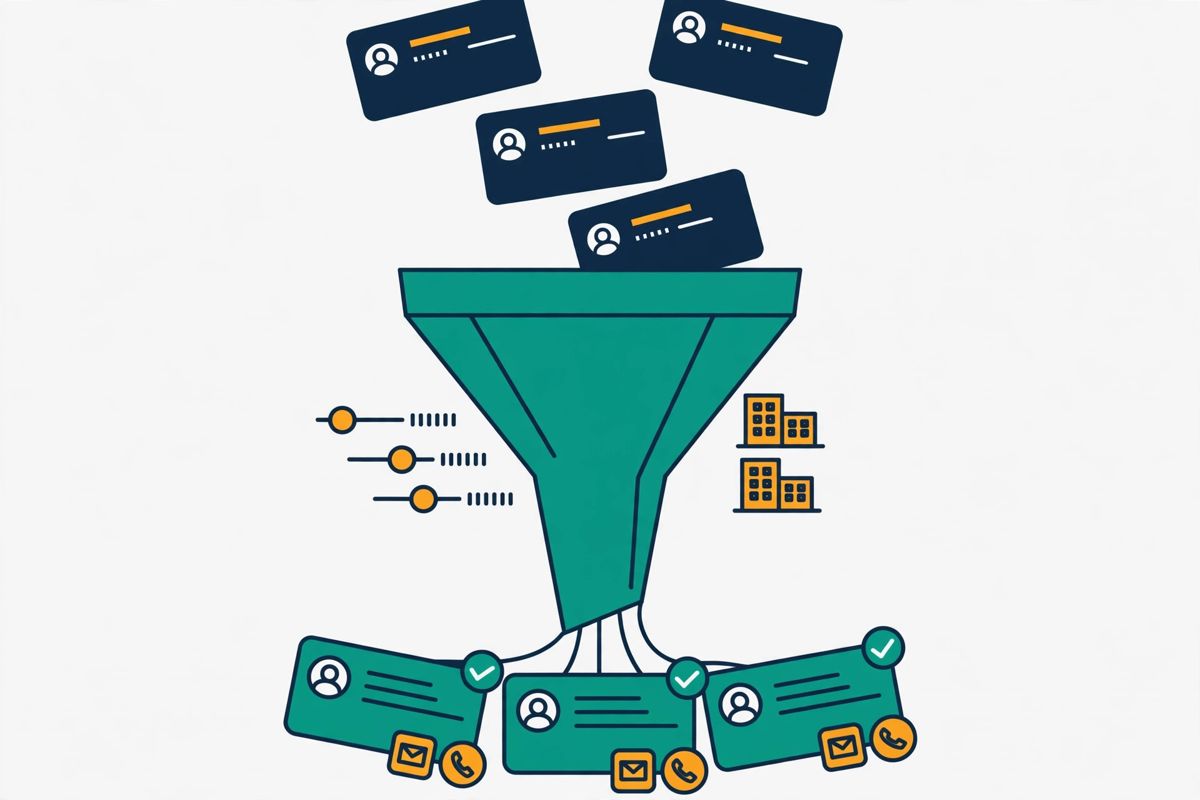
Hunter is an all-in-one email outreach platform that helps you find, verify and send cold emails without juggling several tools. That one sentence is the heart of this Hunter review. It started life as a simple email finder, and that is still its heart: give Hunter a person’s name and company, or a company’s website, and it returns a verified professional email address. Around that core, Hunter has grown into a full prospecting workflow. Today it includes Discover, a B2B company database for building target lists. Domain Search finds everyone at a company, and Email Finder finds one specific person. Email Verifier checks any address before you send. Lead enrichment adds company and contact detail to your lists, and Sequences sends automated cold email campaigns and tracks replies.
What makes Hunter different is how calm it feels. Many outreach platforms throw a wall of features at you on day one: diallers, LinkedIn automation, AI agents, multi-channel journeys and a dozen dashboards. Hunter takes the opposite approach. Its dashboard is clean, its tools do one job each, and you can go from signing up to finding your first verified email in a few minutes. That simplicity is deliberate, and it is why Hunter has kept more than 7 million users over more than a decade, with over 150 million email addresses verified. For a founder sending their first campaign, or a small team that needs reliable data without a dedicated RevOps person, that calm matters a lot.
Hunter review: transparent, sourced data
Hunter’s data comes from public sources. It shows its working. Every email address it finds comes with the public sources where it was seen, and a confidence score, so you can judge for yourself whether to trust it. The platform also presents itself as compliant by design: it sources its data transparently and helps you comply with data protection regulations. That matters, because cold email only works well when it is done properly. If you want the wider legal picture, our guide to whether cold email is legal walks through the simple checklist. Our guide to getting your first email addresses explains the safest ways to build a list, in order.
In short, Hunter is a finder-first platform that grew into a sender. It will not replace a heavyweight sales engagement suite, and it does not pretend to. What it does is take the most error-prone part of cold email — guessing email addresses and hoping they do not bounce — and make it reliable, transparent and fast. If your outreach starts with “who do I email?”, Hunter is built for you.

Who Hunter is best for — and who should skip it
Hunter is best for founders, freelancers, consultants and small sales teams who need verified work emails quickly and do not want to learn a complicated platform. If you are a solo founder emailing your first fifty prospects, Hunter’s free plan and simple tools are a genuinely good fit. If you run a small agency and you need to find contacts at a list of target companies, Domain Search and Bulk Domain Search will save you hours. And if you are a recruiter or a partnerships person who emails a handful of specific people each week, Email Finder gives you exactly the address you need, verified, with its sources attached.
Hunter for teams that already send cold email
Hunter is also a strong choice for teams that already have a sending tool and only need reliable data. Because Hunter sells a data-only path through its API and bulk tools, you can use it purely as your finder and verifier while your campaigns live elsewhere. Its Chrome extension is handy here too: you can find the email addresses behind the websites you are browsing, without leaving the page. And because every plan includes unlimited team members who share one pool of credits, a small team pays the same as one person, which keeps the maths simple.
Who should skip Hunter?
Now, who should skip Hunter? If you need phone numbers, Hunter is not your tool: it is an email-data platform, and no phone-number finding is listed on its official site. For a database of hundreds of millions of contacts with deep firmographic, technographic and intent filters, Apollo’s 240 million-plus contact database will serve you better. When your prospecting starts on LinkedIn and you live in Sales Navigator, Skrapp’s LinkedIn-first finder is built for that workflow. And for tens of thousands of cold emails a month from dozens of mailboxes, a dedicated high-volume sending platform will handle that scale more comfortably. Instantly or Smartlead are good examples. Both handle that scale better than Hunter’s Sequences, which is designed for smaller, careful campaigns.
Similarly, if you want advanced multichannel outreach with LinkedIn steps, AI-written first lines and visual personalisation, Lemlist is the stronger pick. Hunter keeps its sequences simple on purpose, and that is a feature for most people, but it is a limit if your campaigns need that depth. The honest summary is this: Hunter is best when finding verified emails is the hard part of your day. When sending at scale or prospecting on LinkedIn is the hard part, choose the tool built for that job instead.
Hunter review: pricing in 2026
Hunter’s pricing is refreshingly simple, and that is part of its appeal. This Hunter review checked every figure below on Hunter’s official pricing page on 15 November 2026. There are four self-serve plans plus a custom Enterprise plan, and every plan includes unlimited users who share one pool of credits. The free plan costs $0 and gives you 50 credits a month, forever, with no card required. Starter costs $49 a month when billed monthly, or $34 a month when billed yearly ($408 a year), and gives you 2,000 credits a month. Growth costs $149 a month monthly, or $104 a month yearly ($1,248 a year), for 10,000 credits a month. Scale costs $299 a month monthly, or $209 a month yearly ($2,508 a year), for 25,000 credits a month. Enterprise is custom, for teams that need more than 25,000 credits a month.
Paying yearly saves you 30% on every paid plan, and you can take a subscription for a single month and cancel when your work is done. That flexibility is worth knowing about in any Hunter review, because it means a one-off list-building project does not lock you into a year of payments.
Hunter review: how credits work
The credit system is the key to understanding Hunter’s pricing, so it is worth learning properly. One credit finds one email address, whether you use Domain Search, Email Finder or Bulk Email Finder. One credit also finds up to ten emails through Bulk Domain Search, which makes bulk list building much cheaper. Verifying an email costs half a credit. And Hunter only charges you when it succeeds: if no email is found, no credit is used, and if a verification fails, no verification credit is counted. The same search or verification is counted only once per billing period, so re-checking a list you already ran does not cost you twice. Monthly credits reset each month and do not roll over, while yearly plans give you all of the year’s credits upfront, so you can use them when you need them across the year.
Hunter review: what each plan includes
What you get also grows with each plan. The free plan includes basic Discover filters, 30 AI searches a month, 10 signals, one connected email account and 500 recipients per sequence. Starter adds auto-verification, lead enrichment, advanced Discover filters, 150 AI searches a month, 20 signals, three connected email accounts, the AI Writing Assistant and 2,500 recipients per sequence. Growth raises that to 10,000 credits, 450 AI searches, 200 signals, ten email accounts and 5,000 recipients. Scale adds an account manager, unlimited signals, twenty email accounts and 15,000 recipients per sequence. Paid add-ons include Inbox Protection from $7.50 a month per email account, and managed email accounts from $6 a month. Extra email account slots cost from $10 a month, and extra credit packs cover you when you run short. Hunter also offers a 30% discount on monthly plans for registered non-profit organisations.
For most readers, Starter at $49 a month is the sensible starting point: 2,000 credits covers up to 2,000 found emails or 4,000 verifications a month, which is plenty for a focused campaign. If you are only testing the waters, start free — 50 credits a month is enough to find and verify a real list of fifty prospects and send your first sequence. And if you are comparing costs, remember that Hunter’s credits cover finding and verifying in one pool, so you are not paying twice for the same contact. The table below sets out every plan, exactly as shown on Hunter’s official pricing page.
Hunter review: pricing at a glance
| Plan | Monthly billing | Yearly billing | Credits | Email accounts | Recipients per sequence |
|---|---|---|---|---|---|
| Free Best for trying Hunter | $0 | $0 | 50 / month | 1 | 500 |
| Starter Best for most senders | $49 / month | $34 / month ($408 / year) | 2,000 / month (24,000 / year) | 3 | 2,500 |
| Growth Best for growing teams | $149 / month | $104 / month ($1,248 / year) | 10,000 / month (120,000 / year) | 10 | 5,000 |
| Scale Best for high volume | $299 / month | $209 / month ($2,508 / year) | 25,000 / month (300,000 / year) | 20 | 15,000 |
| Enterprise Best for custom needs | Custom | Custom | Custom (25,000+ / month) | Custom | Custom |
Last checked: 15 November 2026, on Hunter’s official pricing page. One credit finds one email; verifying an email costs 0.5 credits; monthly credits reset and do not roll over. Features and pricing can change, so please check the provider’s site before you buy. We do not guess at features, prices or trials.
One more pricing point is worth knowing before you choose. Hunter’s free plan is a real free plan, not a short trial: 50 credits a month, every month, with access to Discover, the Email Finder, the Verifier and Sequences. That makes it genuinely useful for a small, steady flow of prospecting, and it means you can prove the data quality on your own target accounts before you spend anything. If you outgrow it, Starter is a small step up, and you can cancel or change your plan at any time from your dashboard. Check Hunter’s current pricing on the official site.
Hunter review: key features, verified on Hunter’s official site
Hunter’s feature set is easy to describe in a Hunter review, because each tool does one job and does it well. There are no sprawling menus to learn and no features you will never touch. The six tools below are the ones you will actually use, and every claim here was checked against Hunter’s official site on 15 November 2026. If a feature is not listed on Hunter’s site, we do not claim it here.
Hunter review: Domain Search finds everyone at a company
Domain Search is Hunter’s most popular tool, and for good reason. You type in a company’s website address or business name. Hunter returns the email addresses it has found for that domain. Each one comes with the person it belongs to, their role, and the public sources where the address was seen. You can filter by department or seniority, so if you only want decision makers in sales or marketing, you can narrow the list in one click. It is the fastest way to build a list from a target account, and it is the tool most people reach for first when they open Hunter.
Domain Search also works in bulk. Bulk Domain Search lets you upload a list of domains or company names as a CSV, Excel or text file, and download the email addresses Hunter finds for each one. Better still, one credit finds up to ten emails through Bulk Domain Search, so a list of a hundred target companies can cost you far less than finding each address one by one. On the free plan you can download up to ten emails per domain, within your 50 monthly credits. That is enough to test the quality of the data on your own accounts before you upgrade.
Video: “How to Find Email Addresses using Hunter.io’s Domain Search” by Hunter on YouTube. This video is the property of its creator, embedded via YouTube for education. OutreachCompare is not affiliated with Hunter and does not claim ownership of the video.
Hunter review: Email Finder finds one specific person
When you already know who you want to reach, Email Finder is the tool for the job. You enter a person’s full name and the company name or domain they work for, and Hunter returns their professional email address, already verified, with a note on how safe it is to contact. If you only know the first letter of someone’s last name, you can enter it as an initial. Hunter will expand it to the full surname, as long as only one person at that company matches. If Hunter cannot find a reliable match, it tells you plainly, and you are not charged a credit for the attempt.
Bulk Email Finder does the same thing at scale: upload a list of names and companies, and Hunter finds up to 50,000 email addresses per file, depending on your plan. That combination — one careful lookup when you need precision, and a bulk upload when you need volume — is exactly what a growing prospecting workflow looks like. And because Email Finder results are already verified, you can move straight from finding to sending, without a separate verification step slowing you down.
Hunter review: Email Verifier checks before you send
Sending to a bad address is the fastest way to damage your sender reputation, and Hunter’s Email Verifier exists to stop that happening. You can verify a single address or upload a whole list for bulk verification, and Hunter checks each one and returns a clear status: valid, invalid, catch-all, or unknown. Disposable email addresses are automatically skipped and not charged. If Hunter fails to verify an address, no verification credit is counted, and the status comes back as unknown rather than a guess.
On paid plans, auto-verification checks the addresses you find automatically, so every lead that lands in your account has already been checked. That matters more than it sounds. A list that bounces hurts your deliverability, and deliverability is the difference between an email that lands in the inbox and one that lands in spam. If you want to understand why that matters, our guide to setting up a sending domain explains SPF, DKIM, DMARC and warmup. Our roundup of the best email verification tools of 2026 puts Hunter’s verifier in context.

Hunter review: Discover builds target lists from a B2B database
Discover is Hunter’s B2B company database. It is where your prospecting starts when you do not yet have a list of target accounts. You can build target lists from millions of B2B companies using buying signals, then filter by the criteria that matter to you. The free plan includes basic filters, while paid plans unlock advanced filters and an AI Assistant that helps you search in plain language. Hunter also sends you new lead suggestions every week, and surfaces signals from your existing leads, so your list keeps growing even when you are not actively searching.
Discover is not the biggest database in the market — Apollo’s 240 million-plus contacts are larger — but it is well suited to its job. It is built for finding the right companies and the right people inside them, not for drowning you in records you will never use. For a small team, a focused list of a few hundred well-chosen accounts will always beat a database of millions you never filter properly. Discover’s buying signals, which flag companies showing signs they may be ready to buy, are a genuinely useful way to prioritise that list.
Hunter review: Sequences sends your cold email campaigns
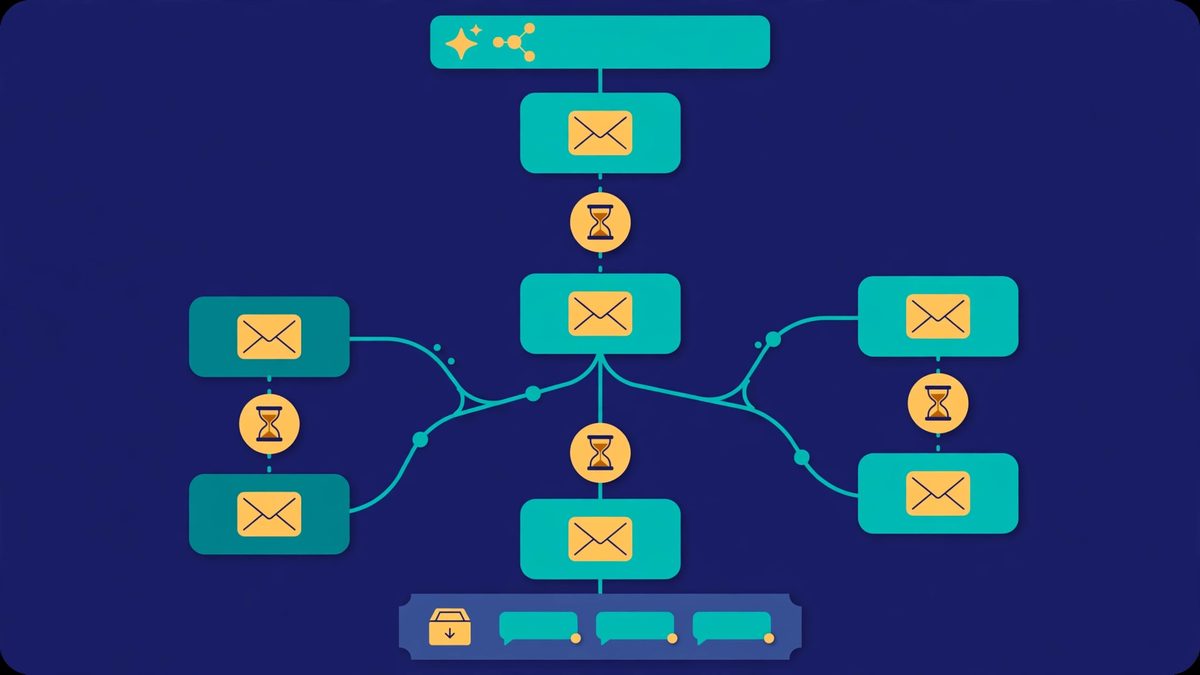
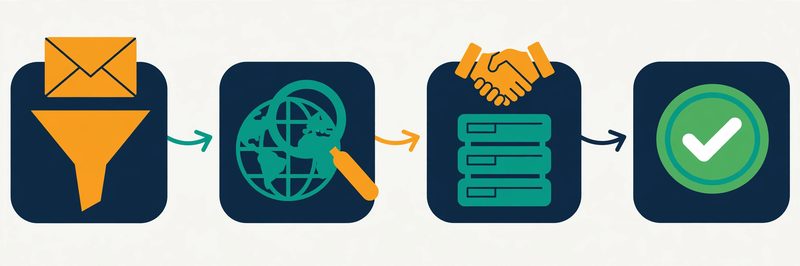
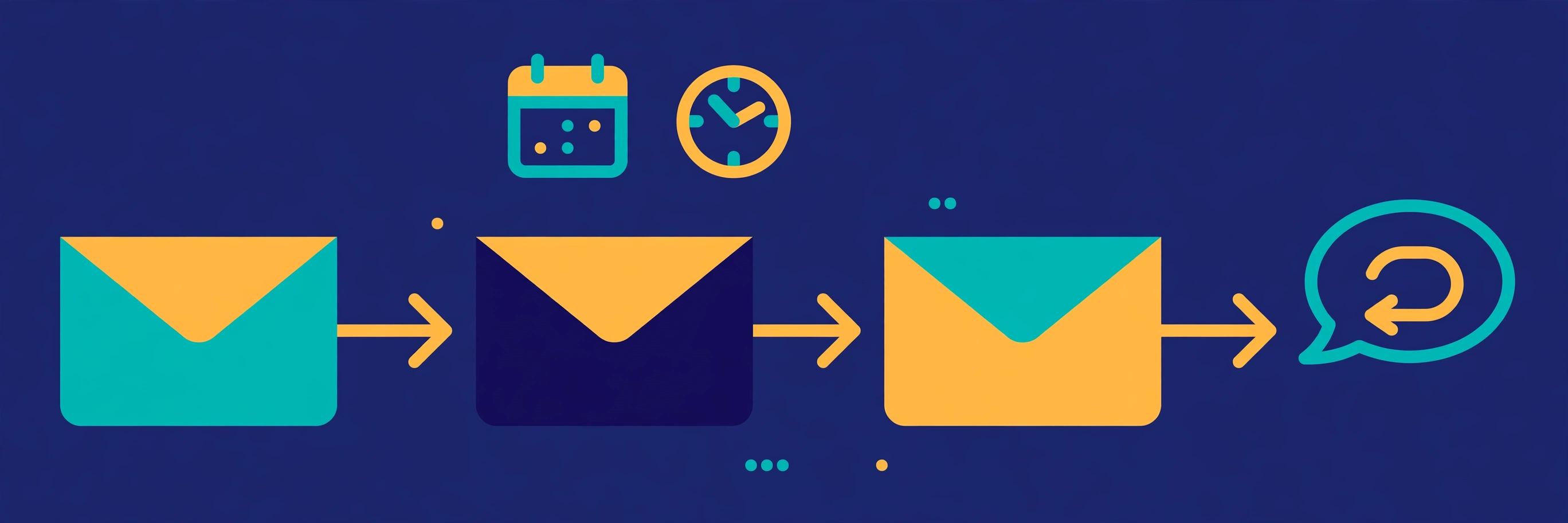
Sequences is Hunter’s email outreach tool. It completes the workflow: find the leads, verify them, then email them, all without leaving Hunter. You connect your email accounts, build an automated sequence with follow-ups, and Hunter sends each step on your schedule. It supports SMTP and IMAP accounts, email account rotation, attachments and images, and link tracking. It also offers a custom tracking domain, opens tracking and reporting. A/B testing lets you test two versions of a message and keep the one that wins. Evergreen sequences let a campaign keep running for new leads as they arrive.
Sequences is deliberately simpler than a dedicated sending platform. It does not include LinkedIn steps, a dialler, or the unlimited-mailbox infrastructure of a tool like Instantly. Its recipient limits suit careful, targeted campaigns rather than mass blasting. The free plan allows 500 recipients per sequence, rising to 15,000 on Scale. For most founders and small teams, that is exactly right: a short sequence to a verified list, sent from a warmed-up domain, will outperform a huge blast every time. If you are new to sequences, start with our complete cold email guide for beginners, which walks through the whole process step by step.
Hunter review: Inbox Protection, managed accounts and enrichment
Beyond the core tools, Hunter offers a few extras that make the platform feel complete. Inbox Protection, available as an add-on from $7.50 a month per email account, warms and protects your inbox and guards against bounce rates above 2%, which is the level where deliverability starts to suffer. Managed email accounts, from $6 a month, let you buy and create email accounts for cold outreach right inside Hunter, so you do not need to set up sending domains elsewhere. Lead enrichment, included on paid plans, adds verified company and contact detail to the leads you already have, so your lists get richer without extra manual research.
Hunter also connects to the tools you already use. That makes it easy to fit into your workflow. Its Chrome extension finds the email addresses behind the websites you browse. Its Google Sheets add-on runs lookups directly inside your spreadsheets. CRM integrations sync data to HubSpot, Zoho, Salesforce and Pipedrive, and Zapier adds more than 5,000 endpoints for everything else. Developers get a full API, and Hunter now offers an MCP server so AI assistants can prospect with Hunter’s verified data in plain language. That API-first approach is a quiet strength: if you ever outgrow the web app, your data and workflows can move with you.
Video: “How to Find a list of Emails using Hunter.io’s Bulk Domain Search” by Hunter on YouTube. This video is the property of its creator, embedded via YouTube for education. OutreachCompare is not affiliated with Hunter and does not claim ownership of the video.
Hunter review: Hunter vs Snov.io vs Apollo vs Skrapp
No tool is best for everyone, so this Hunter review compares it directly with its three closest rivals. Snov.io is the nearest like-for-like alternative: another finder-first platform that also verifies, warms up and sends. Apollo is the data giant: a much larger contact database with outreach built in, and a generous free plan. Skrapp is the LinkedIn specialist: a focused finder and verifier that lives in your browser and in Sales Navigator. The table below compares them on the things that actually decide a purchase: price, free plan, finding, verification, sending and who each one is best for.
One thing to note before you read the table: the prices below are the starting paid prices on monthly billing, checked on the providers’ official sites on 15 November 2026. Every tool here has a free plan or a free trial, and every one of them charges differently for volume. So the cheapest starting price is not always the cheapest tool for your list size. Read the Best-for label first, then check the price for your own volume. And if you want the wider picture, our roundup of the best cold email software of 2026 compares the whole market. Our guide to the best B2B data providers of 2026 goes deeper on databases.
Hunter review: the comparison table
| Tool | Best for | Free plan | Starts at (monthly) | Finding & verification | Sending | |
|---|---|---|---|---|---|---|
| 1 Hunter Best for simple email finding The simplest finder-first platform: Domain Search, Email Finder, Verifier, Discover and Sequences in one calm account, with sources shown for every address. | 50 credits / month, forever | $49 / month (2,000 credits) | Domain Search, Email Finder, bulk tools, 0.5-credit verification, auto-verification on paid plans | Sequences with A/B testing, rotation, tracking; 500–15,000 recipients per sequence | Visit Site →Free plan, no card required | |
| 2 Snov.io Best for finder-first outreach The closest rival: finding and verification plus warm-up, drip campaigns and a built-in CRM, with LinkedIn automation as an add-on. | 50 credits, 100 recipients | $39 / month (Starter) | Email Finder, Domain Search, 7-tier verification, bulk verification | Drip campaigns, warm-up, LinkedIn add-on, CRM | Visit Site →Read our Snov.io review | |
| 3 Apollo Best for data + outreach free start The biggest database of the four: 240 million-plus contacts, with sequences, a dialler and LinkedIn tasks built in. | Free plan, $0 | $49 / user / month (Basic) | 240M+ contact database, waterfall enrichment, Chrome extension, built-in verification | Sequences, dialler, LinkedIn tasks, warmup, inbox rotation | Visit Site →Read our Apollo review | |
| 4 Skrapp Best for LinkedIn-first finding A focused LinkedIn finder and verifier: find and verify emails from LinkedIn and Sales Navigator, with credits that roll over. | 50 credits, 1 user | $39 / month ($29 yearly) | LinkedIn and Sales Navigator finder, Email Finder, Email Verifier, AI enrichment | No sequences — pair with a sending tool | Visit Site →Credits roll over monthly |
Last checked: 15 November 2026, on the official sites: hunter.io/pricing, snov.io/pricing, apollo.io/pricing and skrapp.io/pricing. Features and pricing can change, so please check the provider’s site before you buy. We do not guess at features, prices or trials.
The short version of the comparison is simple. Pick Hunter when you want the simplest, calmest way to find verified emails and send a careful campaign. Snov.io is the better fit when you want the same finder-first idea with more built-in warm-up, a CRM and LinkedIn automation. Apollo wins when you need a huge database and a full sales engagement platform in one account. And Skrapp is the right choice when your prospecting starts on LinkedIn and you only need finding and verification, done well, with credits that roll over instead of expiring.
Hunter vs rivals: the feature matrix
| Feature | Hunter | Snov.io | Apollo | Skrapp |
|---|---|---|---|---|
| Domain Search (find everyone at a company) | ✓ | ✓ | ✓ | ✓ |
| Email Finder (find one specific person) | ✓ | ✓ | ✓ | ✓ |
| Email Verifier | ✓ | ✓ | ✓ | ✓ |
| B2B company database (Discover-style) | ✓ | — | ✓ | — |
| Bulk finding & verification | ✓ | ✓ | ✓ | ✓ |
| Sources shown for each email found | ✓ | — | — | — |
| Cold email sequences | ✓ | ✓ | ✓ | × |
| Mailbox warm-up | ✓ | ✓ | ✓ | × |
| LinkedIn prospecting / automation | — | ✓ | ✓ | ✓ |
| Phone numbers | — | — | ✓ | — |
| Free plan (not just a trial) | ✓ | ✓ | ✓ | ✓ |
| Unlimited team members on paid plans | ✓ | — | — | — |
Last checked: 15 November 2026. ✓ = stated on the provider’s official site. — = not confirmed on the provider’s official site. × = confirmed absent. Features and pricing can change, so please check the provider’s site before you buy. We do not guess at features, prices or trials.
Hunter review: pros and cons
Every honest Hunter review has to weigh both sides, so here is the balanced picture. This Hunter review found real strengths and real limits, and both matter to your decision. Hunter’s strengths are real and they are the reason it has lasted more than a decade. Its weaknesses are also real, and they matter most if you need scale, LinkedIn prospecting or phone data. Read both lists before you decide.
Hunter review: what we like
- Simple to learn and to use. You can find your first verified email within minutes of signing up, with no training and no complicated setup.
- Transparent data. Every email comes with its public sources and a confidence score, so you can judge the quality yourself instead of trusting a black box.
- Fair credit rules. You are only charged when Hunter succeeds: no charge when nothing is found, no charge when a verification fails, and the same search counted once per billing period.
- A real free plan. Fifty credits a month, every month, with access to the finder, the verifier, Discover and Sequences, so you can prove the value before you pay.
- Unlimited team members. Every plan lets your whole team share one pool of credits at no extra cost, which keeps pricing simple for small teams.
- Finding, verifying and sending in one place. You can go from a company name to a sent campaign without exporting lists between tools.
- Strong integrations. Chrome extension, Google Sheets add-on, HubSpot, Salesforce, Pipedrive, Zapier, a full API and an MCP server for AI assistants.
Hunter review: where it falls short
- No phone numbers. Hunter is an email-data platform, and no phone finding is listed on its official site. If you need mobile numbers, Apollo is the better choice.
- No LinkedIn prospecting. There is no LinkedIn automation or Sales Navigator workflow, so LinkedIn-first teams should look at Skrapp or Apollo instead.
- Sequences are simple. You get follow-ups, A/B testing and tracking, but not multichannel steps, a dialler or the unlimited-mailbox scale of a dedicated sender such as Instantly or Smartlead.
- Monthly credits do not roll over. Unused monthly credits expire at the end of the month, unlike Skrapp, where credits roll over. Only yearly plans give you the full year’s credits upfront.
- Discover is smaller than Apollo’s database. Hunter does not publish a contact count for Discover, while Apollo lists more than 240 million contacts, so very large list-building jobs may fit Apollo better.
- Warm-up and managed accounts cost extra. Inbox Protection and managed email accounts are paid add-ons, not included in the headline plan price.
None of these cons is a deal-breaker on its own, and for Hunter’s target reader — a founder or small team sending careful, targeted campaigns — most of them will never matter. They only become important when your workflow grows beyond what Hunter was designed for. That is a good problem to have, and when you reach it, you will know exactly which tool to add next.
How to get started with Hunter
Getting started with Hunter is quick, and you can do the whole thing on the free plan before you spend anything. In this Hunter review, we recommend starting free and proving the data on your own accounts first. First, create a free account on Hunter’s site — no card is required — and you will have 50 credits a month to use straight away. Second, pick your first ten target companies and run a Domain Search on each one, saving the decision makers you find as leads. Third, run those leads through the Email Verifier, or let auto-verification do it for you on a paid plan, so you only ever send to addresses Hunter has checked.
Set up sending properly before you send
Fourth, connect one email account and set up your sending domain properly before you send anything. This is the step most beginners skip, and it is the step that matters most for deliverability. Our guide to setting up a sending domain walks through SPF, DKIM and DMARC in plain language, and our roundup of the best warmup tools of 2026 explains how to warm a new mailbox safely. Fifth, write a short sequence in Hunter’s Sequences tool: one clear first email, one polite follow-up a few days later, and a final break-up email. Keep each message short, personal and about the reader, not about you.
Send small, then scale
Finally, send to a small list first — twenty or thirty people — and watch your open and reply rates before you scale up. If replies come in, you have proof your message works, and you can grow the list with confidence. If they do not, change one thing at a time: the subject line, the first sentence, or the offer itself. Cold email rewards patience and testing far more than volume, and Hunter’s simple reporting makes it easy to see what is working. For a fuller walkthrough of that first campaign, our cold email guide for beginners covers the whole process from list to reply.
And if you decide Hunter is the right tool for you, the step up from free to Starter is small: $49 a month for 2,000 credits, or $34 a month when billed yearly. You can cancel or change your plan at any time from your dashboard, and you keep access until the end of your billing cycle. Start free with Hunter’s 50 credits a month.
Our verdict: Hunter is the simplest way to find verified emails and start sending
Best for: founders, freelancers and small teams who want verified work emails without a complicated platform. Hunter does the hardest part of cold email: finding a real, verified address for the right person. It does it better and more simply than almost any rival. It shows its sources, so you can trust what you get. Its free plan is genuinely useful, its credit rules are fair, and its Sequences tool is enough for the careful, targeted campaigns most readers should be sending. It is not the tool for phone numbers, LinkedIn prospecting or high-volume blasting, and its monthly credits do not roll over. But if your outreach starts with “who do I email?”, Hunter is a genuinely good place to start, and this Hunter review recommends it warmly for that job.
We have not tested Hunter hands-on for this review, so we give no numeric score. Every feature and price above was verified on Hunter’s official site on 15 November 2026, and you should check the provider’s site before you buy.
Hunter review FAQ
Is Hunter free?
Yes. Hunter has a free plan that costs $0 and gives you 50 credits a month, every month, with no card required. The free plan includes Domain Search, Email Finder, Email Verifier, basic Discover filters and Sequences with one connected email account and 500 recipients per sequence. Paid plans start at $49 a month for Starter, or $34 a month when billed yearly.
How do Hunter credits work?
One credit finds one email address through Domain Search, Email Finder or Bulk Email Finder, and one credit finds up to ten emails through Bulk Domain Search. Verifying an email costs half a credit. Hunter only charges you when it succeeds: if no email is found, or a verification fails, no credit is used. Monthly credits reset each month and do not roll over, while yearly plans give you the full year’s credits upfront.
Is Hunter good for cold email?
Yes, for careful, targeted campaigns. Hunter finds and verifies your leads, then sends them through Sequences, with follow-ups, A/B testing, rotation and tracking built in. It is best for smaller campaigns from a few mailboxes. If you plan to send tens of thousands of emails a month from dozens of mailboxes, a dedicated high-volume sender such as Instantly or Smartlead will handle that scale better.
Hunter vs Snov.io: which is better?
It depends on your workflow. Hunter is simpler and more transparent, showing the public sources behind every email it finds, with a calmer interface and fair credit rules. Snov.io offers more built-in warm-up, a CRM and LinkedIn automation for a lower starting price of $39 a month. Choose Hunter for simplicity and verified data you can check; choose Snov.io if you want warm-up and LinkedIn steps in the same account. Our full Snov.io review compares the two in detail.
Does Hunter find phone numbers?
No. Hunter is an email-data platform, and no phone-number finding is listed on its official site. If you need phone numbers alongside emails, Apollo is the stronger choice: its database includes phone data for many contacts, and its plans start at $49 a user a month. Read our Apollo review to see how it compares.
Can I cancel Hunter at any time?
Yes. You can change or cancel your plan at any time from your dashboard, and you keep access to your paid plan until the end of your subscription cycle. You can also take a subscription for a single month and cancel when your work is done, which makes Hunter a low-risk choice for a one-off list-building project.
Keep reading
If this Hunter review helped you, these guides and reviews are the natural next step:
- Cold Email for Beginners: The Complete 2026 Guide — the full process, from list to reply
- How to Get Your First Email Addresses — the safest ways to build a list, in order
- Snov.io Review 2026 — Hunter’s closest rival, compared in full
- Apollo Review 2026 — the biggest database in this comparison
- Instantly Review 2026 — the high-volume sender to pair with Hunter’s data
- Best Cold Email Software 2026 — the whole market, ranked
- Start Here: the best cold email tools, by use case